When you click on links to various merchants on this site and make a purchase, this can result in this site earning a commission. Affiliate programs and affiliations include, but are not limited to, the eBay Partner Network.
Hello All
I've been eyeing the aftermarket Android Headunits some of you have been installing, but I could not justify the price. I wanted Android power, a large screen, and a way to control similar to the OE navigation controls.
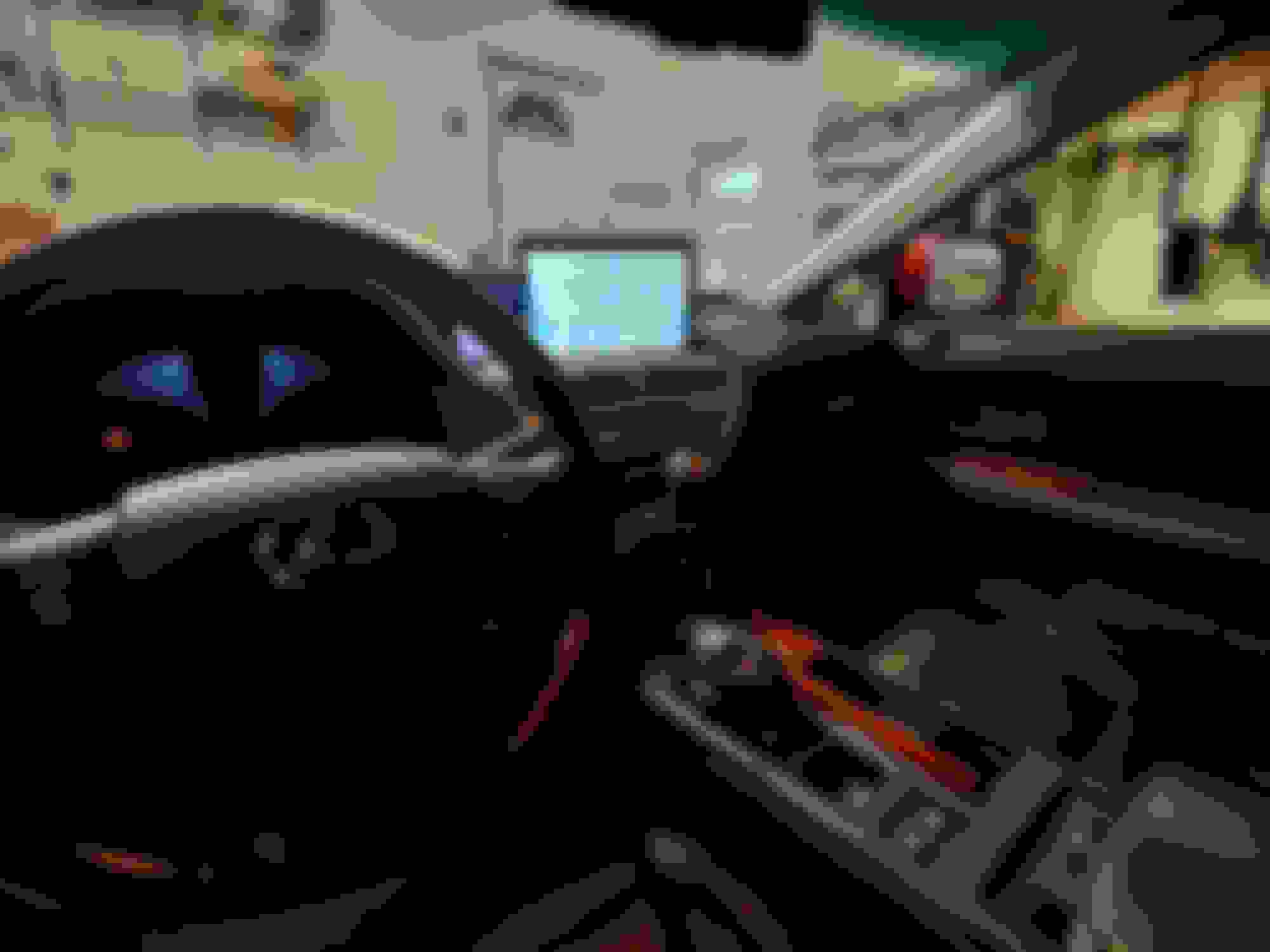
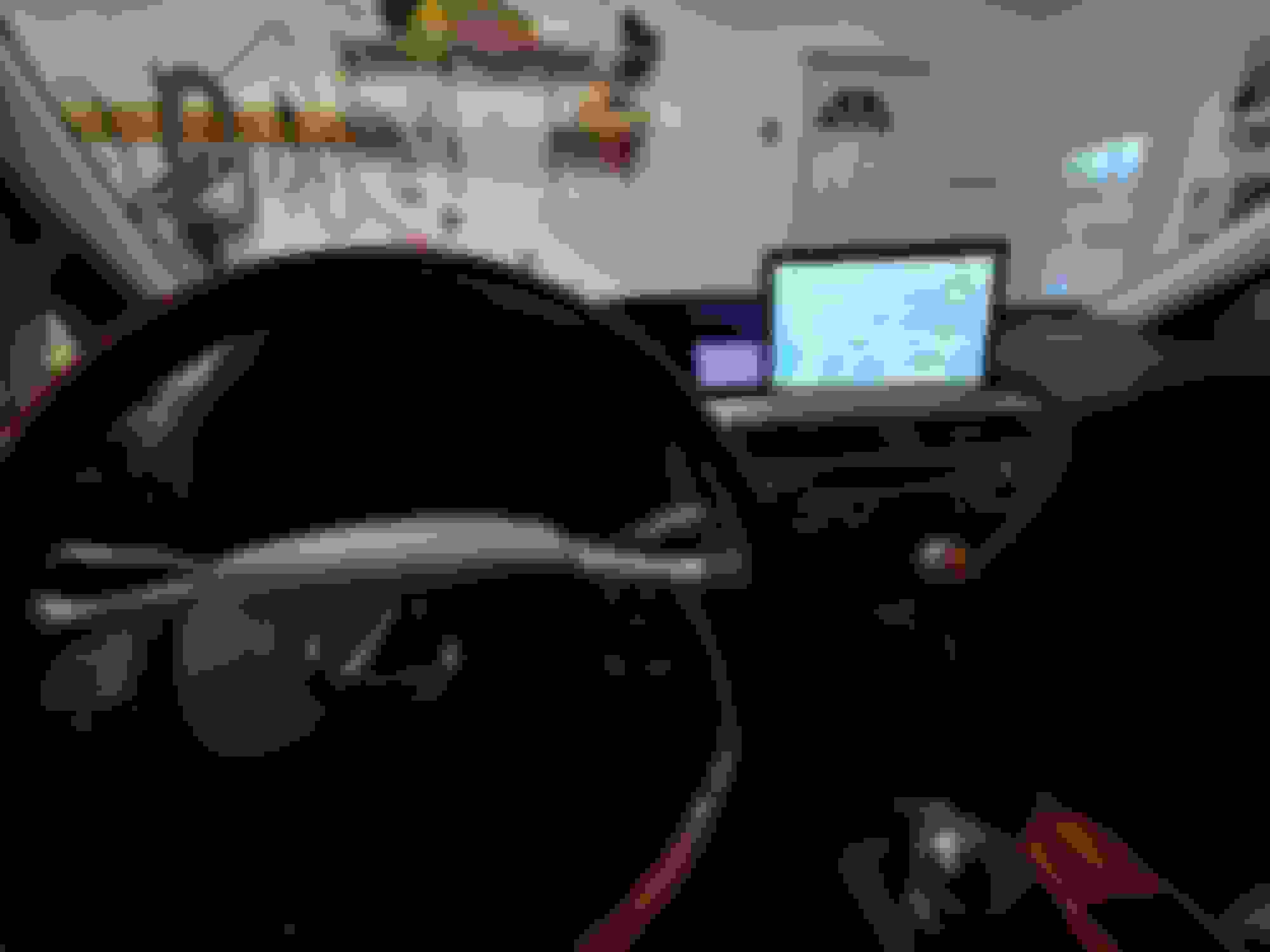
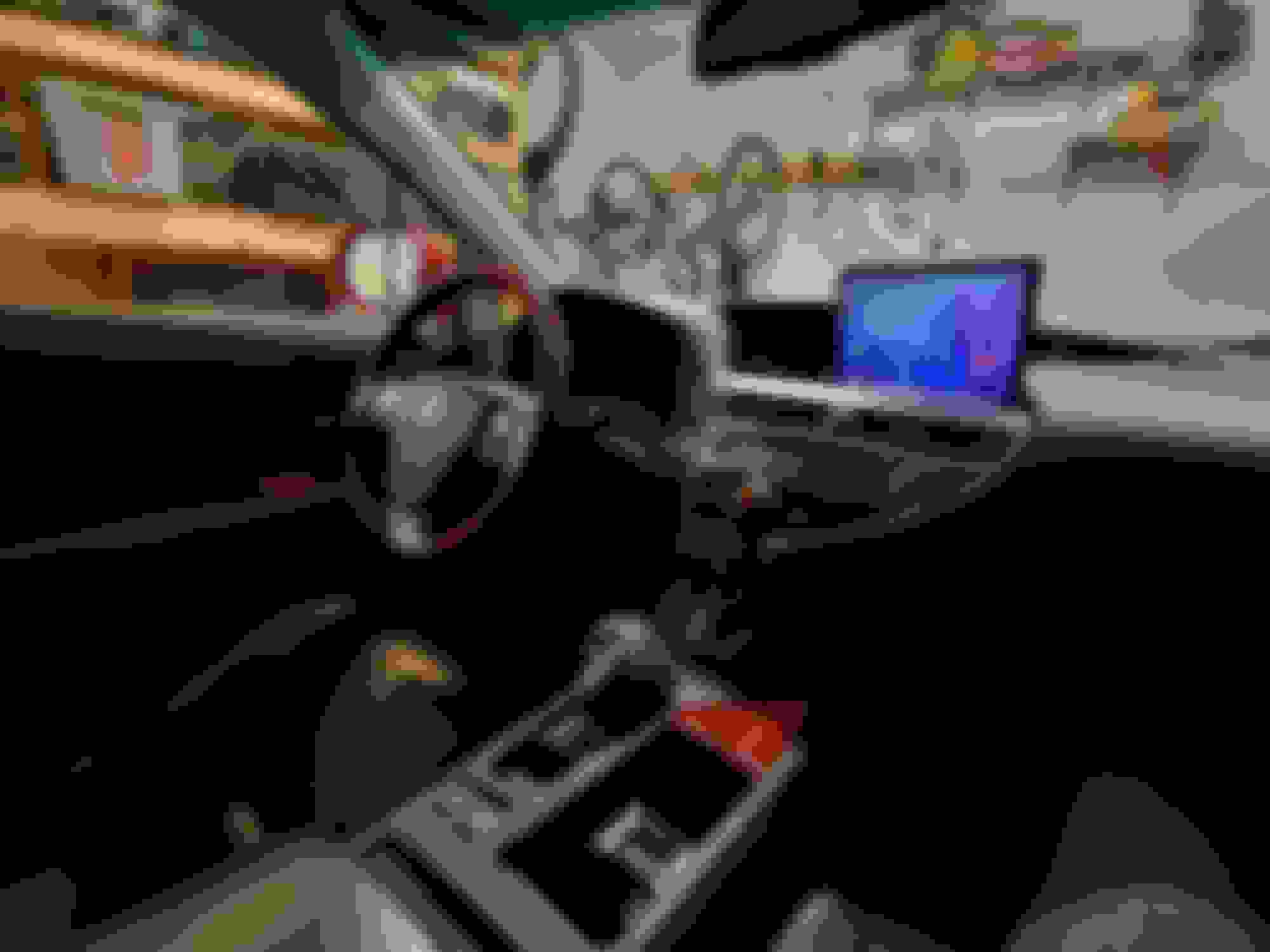
The below idea was prototyped with an old LG tablet and finalized with a new Samsung Tab A7 10.4, and it fits very well.
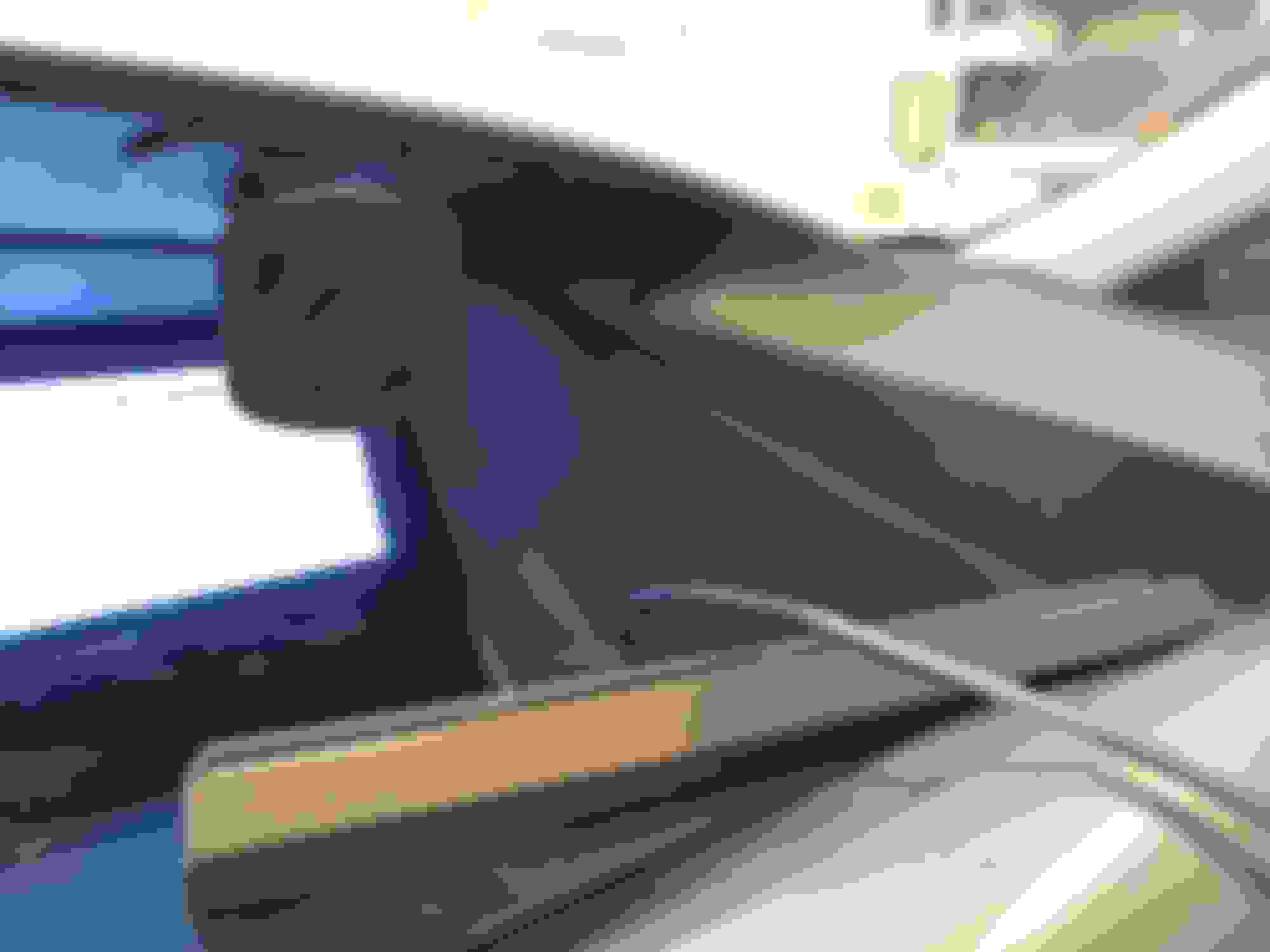
I set the tablet off to the right side so I can still see the OEM HVAC display from the driver's position. I used a Logitech MX Ergo Trackball, which has Bluetooth connectivity. The trackball is mounted on the left side of the center console, at a position comfortable for me to reach.
The tablet is held in place with an aluminum C channel lined with the soft half of some velcro strips, and a cheap magnetic phone mount. The tablet sits in the slot, and is held upright by the magnet. I attached a steel washer to the back of the tablet to give the magnet something to pull on.
I added a composite construction shim between the aluminum channel and the bezel to keep the tablet horizontal when mounted. VHB adhesive was used for all of this.
A usb-C cable was router up through the dash and comes out between the OE screen and the tablet. I notched the bezel with a hand file.
The cable runs down to the storage compartment below the center console to the 12v car charger hookups. I did have to drill a hole on the inside of the console, which is accessible after removing the shifter trim / cup holders.
One feature of the RX that makes this all possible is that you can have seperate Bluetooth Audio and Bluetooth Phone connected at the same time. Phonecalls still work perfectly with my phone, while all audio media comes from the Tablet.
I will not get deep into how I programmed the tablet, but I have used the app Tasker to bring the tablet to life when connected to power (when the RX gives the charger 12v) and to put the tablet to sleep 15 minutes after power is removed. This allows passengers in the vehicle to use the tablet undocked for 15 minutes, but also turns off all radios on the tablet when I turn off the car. The screen turns off instantly with the loss of power, and can be turned on with the normal Android unlock button.
My phone also uses Tasker to turn on a WiFi hotspot when connected to the RX Bluetooth Phone, and turns off the hotspot when disconnected.
If anyone needs help setting up their tablet similarly I can answer questions. It does require some coding from a PC using a program called ADB (this is necessary for Tasker function).
All in I have about $300 spent on this (Tablet, Cords, Charger, Mounts).
In the future, I may try to add wired or wireless cameras as Dashcams and a backup camera. One reason I chose the Samsung A7 10.4 was because it is compatible with samsung 15W car chargers, so the tablet will charge faster than I am using it while the car is on.
I would download Android Auto and have it start automatically when your RX BT it's detected. I currently have the LG V60 and use it that way. It reads all my messages and gives me the ability to reply hands free.
wondering why the track ball when the tablet is touch screen.
Also check an app that lets you mirror your phone on the tablet. But your setup looks nice.
Unfortunately there has been an update to Android Auto that makes it no longer compatible with either of my tablets. Before this tablet I used it on my Pixel 2 (now have LG G8) but I wanted a bigger screen.
I wanted the trackball so I can control the tablet from my normal driving position. To reach the touchscreen, I have to lean forward about ten inches. And I am already proficient with a trackball.
Initially I had a 10" portable screen set up as an extended display for my phone, but I want the screen/tablet to function independently of the phone in case the phone needs to be used while the car is moving, or if someone is driving the car without my phone.
Unfortunately there has been an update to Android Auto that makes it no longer compatible with either of my tablets. Before this tablet I used it on my Pixel 2 (now have LG G8) but I wanted a bigger screen.
I wanted the trackball so I can control the tablet from my normal driving position. To reach the touchscreen, I have to lean forward about ten inches. And I am already proficient with a trackball.
Initially I had a 10" portable screen set up as an extended display for my phone, but I want the screen/tablet to function independently of the phone in case the phone needs to be used while the car is moving, or if someone is driving the car without my phone.





 Non-Nav Android Tablet Dashboard Screen