When you click on links to various merchants on this site and make a purchase, this can result in this site earning a commission. Affiliate programs and affiliations include, but are not limited to, the eBay Partner Network.
Ok so for starters I replaced my faulty touch screen this past summer. I havent used my NAV since until yesterday. Everything is functioning properly except once the route guidance starts im no where near where im suppose to be. I can see im in the same state by the surrounding towns. I found some article on ehow on how to reset your GPS by unplugging the batter and unit in the back trunk. Anyone ever experience this?
Look to see whether it says "GPS" under the map scale indicator in the upper left quadrant of the screen. That's how you know whether the unit is locking onto the satellites.
My guess is that you didn't plug the antenna back in correctly after replacing the touchscreen.
Make sure you are in the right region setting... I had this issue where no addresses were being recognized. Once I started messing with the settings I found out it had me on the east coast. Don't know why it ever changed but once I fixed the region it's all good.
Make sure you are in the right region setting... I had this issue where no addresses were being recognized. Once I started messing with the settings I found out it had me on the east coast. Don't know why it ever changed but once I fixed the region it's all good.
Its is. Like I said im in the state I live in. Today when I checked it, it shows the town I was in yesterday. But yesterday when I programmed it while it that town the route guidance had me traveling on roads that where no where near where I was, strange.
Check the connector on the back. If everything is good then you need to out your DVD and reinsert it. Sometime the DVD DRIVE cannot read DVD MAP correctly.
A while ago I made the same thread and asked the same question as you. GPS showing me driving on nowhere. Like @Bichon said, check if you have the word GPS under the compass on the NAV screen. Chances are it's not there. Thus it is suggested to check the GPS antenna connector on the back of the unit. I think it's gray color(? can someone confirm?)
I cant imagine that I missed that connector but I guess anything is possible at this point. Id just hate to take that unit out again. Can anyone show me a pic of what this connector looks like so I pay close attention to it when reinstalling everything again?
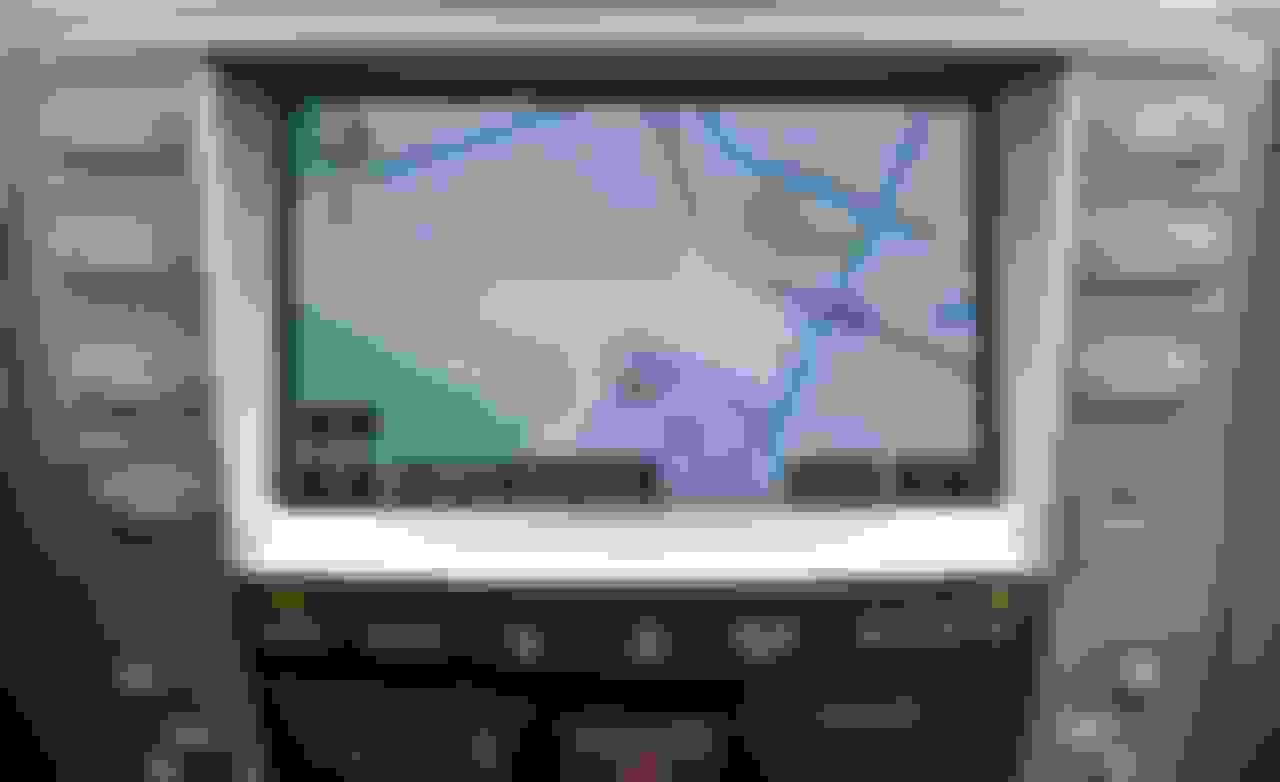
This is what my display looked like after I input my home address while sitting in my driveway
Then when I hit the ROUTE button this comes up
I dont see any GPS in the top left corner. The thing is, it looks like its calculation some kind of route. Just not where im at the current time
Last edited by flektone; Dec 15, 2015 at 05:03 PM.
Your navigation system is not seeing the satellites. This is what the display should look like soon after starting the car -- notice that under where it says 0.25mi, it has the word GPS. If you don't see that, the car is calculating your position on the map using the speed sensor and steering angle. That's fine for when you are in a parking structure, but once you get outside and has a clear view of the sky, it should lock. If it doesn't, it's only a question of time before it starts showing you in the wrong place.




 NAV not recognizing location?