My car’s rear bumper got a little push from a car behind and its rear left fog light in the bumper has been displaced. It goes back in place by hand but looks like it needs its attachment sorted to fix it properly. any ideas if doable at home without taking the bumper off ? See the photos
This is difficult to tell without better photos from behind and underneath or actual inspection. You at least need a new light assembly. Plus your parking sensor may be damaged and you need paint.
Do you have car insurance, not sure how it works in Dublin, but in the US hit and run damage like this would be covered under what we call uninsured motorist coverage which would take care of this after a deductible (or maybe there is no deductible).
If you do not want to use insurance, I understand, especially if the repair is inexpensive or you lack that type of coverage.
In the US Auto body shops will give free estimates and the prices are a lot cheaper if you tell them this is not an insurance job. I bet it may be similar over there. I would visit a few auto body shops and get their opinions. If the light bracket is broken you may need to replace it or the bumper support. Get a professional opinion.
Hey All,
Recently purchased my first RX350 after a long history of owning 4runners.
Purchased a used 2012 rx350, and didn't catch that the rear marker lamp was out until a few days after I bought.
(By rear marker lamp, I mean the one at the very bottom of the bumper that just lights up as red.....shown in picture below)
Anyways, seemed like an easy fix......... just swapping out the bulb.
However, after I pulled out the old bulb....the bulb appears to be intact.....not officially confirmed.
AND, I used a multimeter and light tester in the socket and appears there is no power getting to the socket.
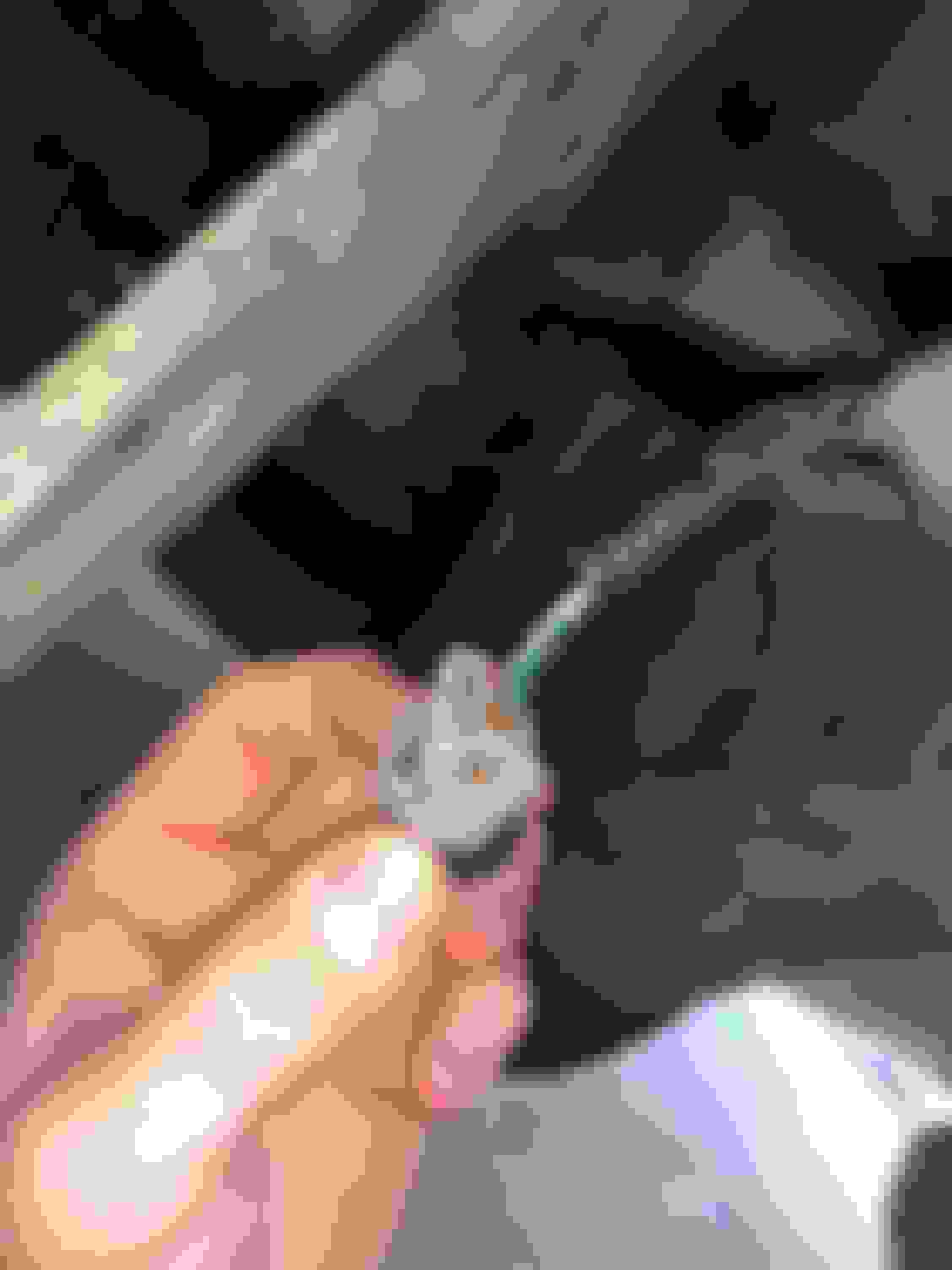
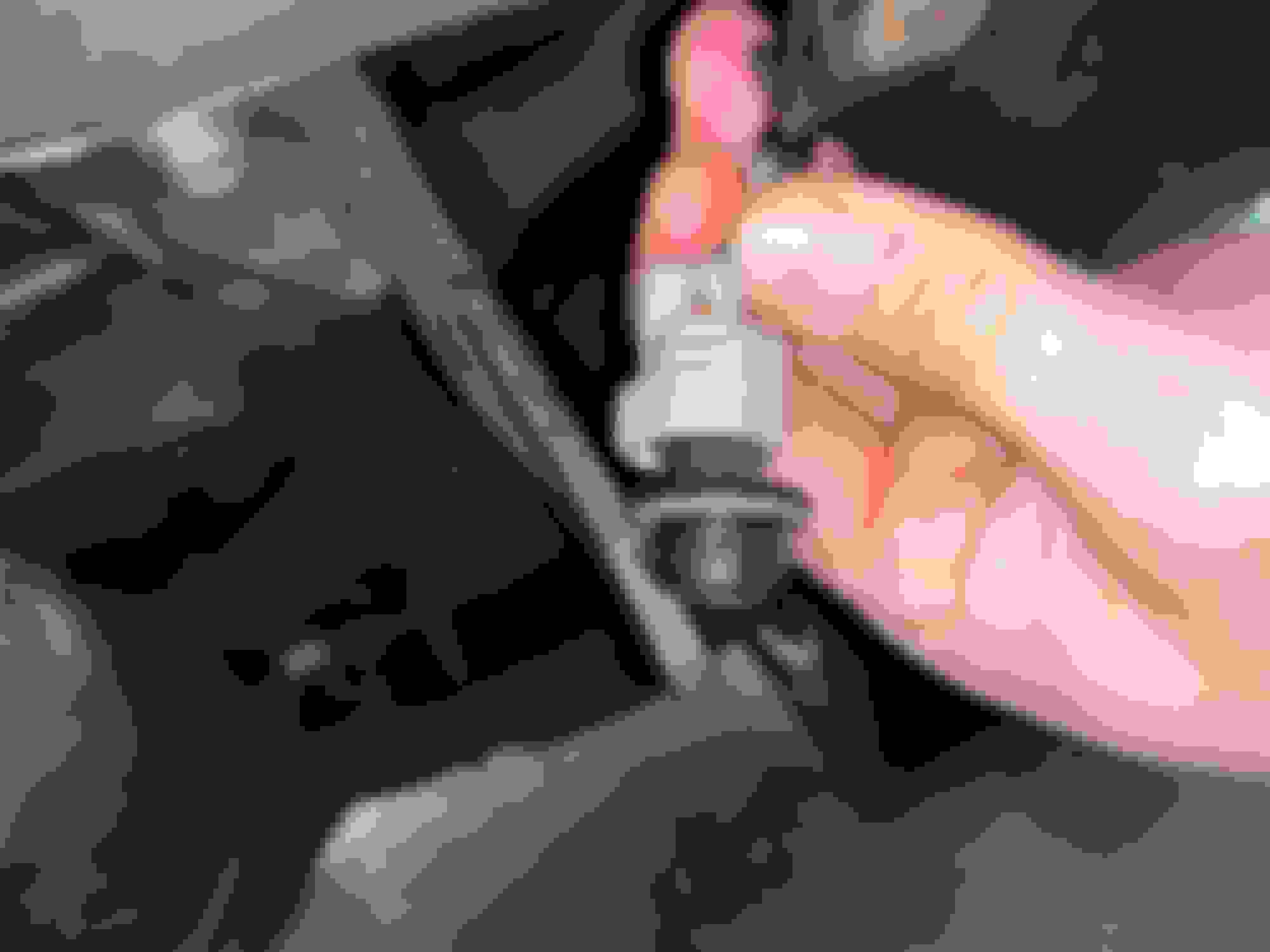
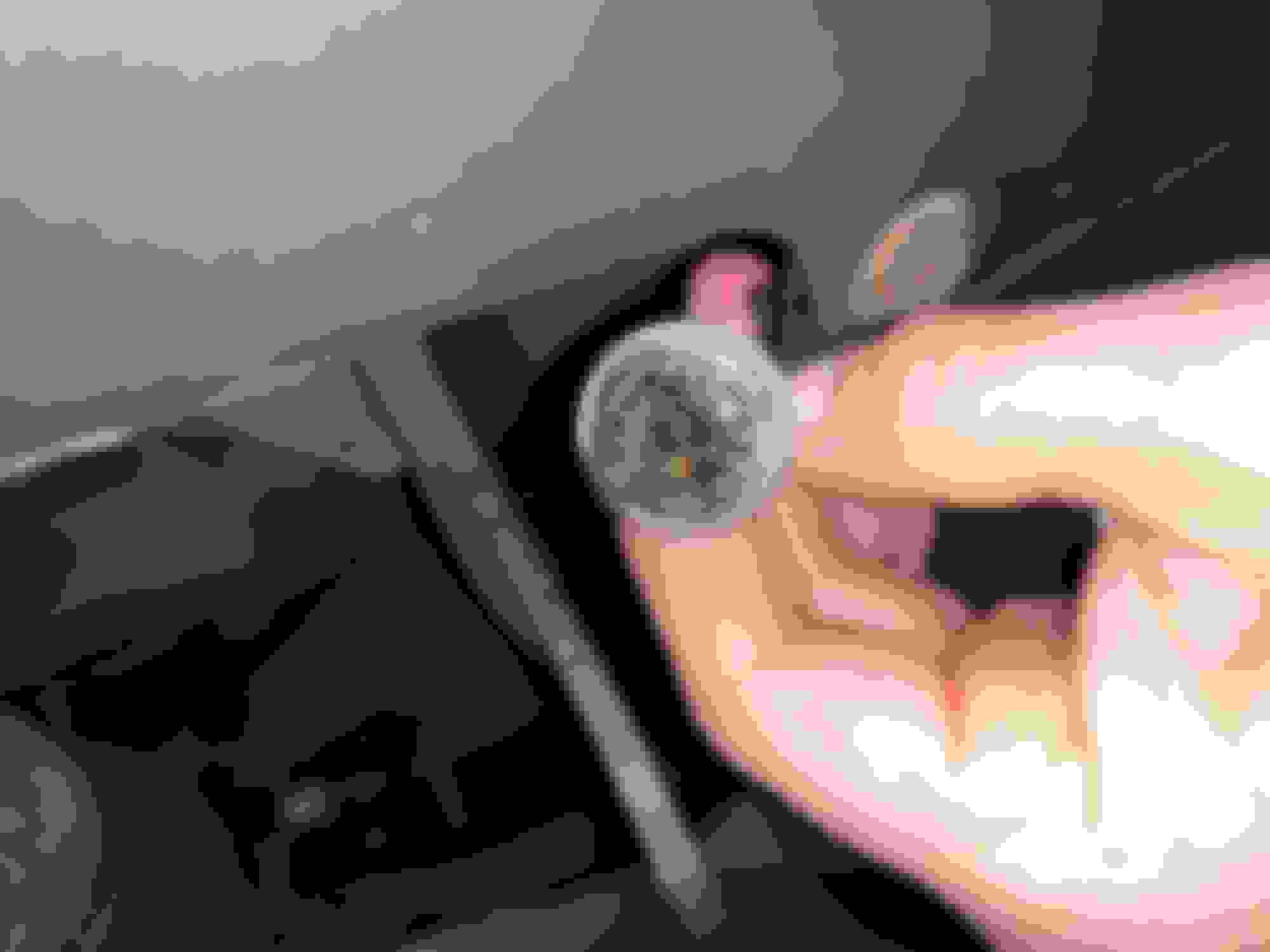
Not sure if i am getting good contacts with the socket b/c it looks gummed up with some di-electric grease the previous owner put in there.
So, may have a bigger issue with no power getting to the socket or bad socket.
Next move was going to be testing the GREEN and WHITE wires by cutting them to see if there was officially power there or not.
But, asking the forum if there is anyway to take apart the socket to test further without cutting the wires?
I'd try to remove all the gunk/dirt from the socket and lightly sand the contacts, then re-check if there is voltage.
Also, the lights have to be on so I'd put them on manual mode.
The socket is probably in parallel to the opposite side so if there is no voltage to that socket but the other side is fine, you can probably find broken wire somewhere around there.