When you click on links to various merchants on this site and make a purchase, this can result in this site earning a commission. Affiliate programs and affiliations include, but are not limited to, the eBay Partner Network.
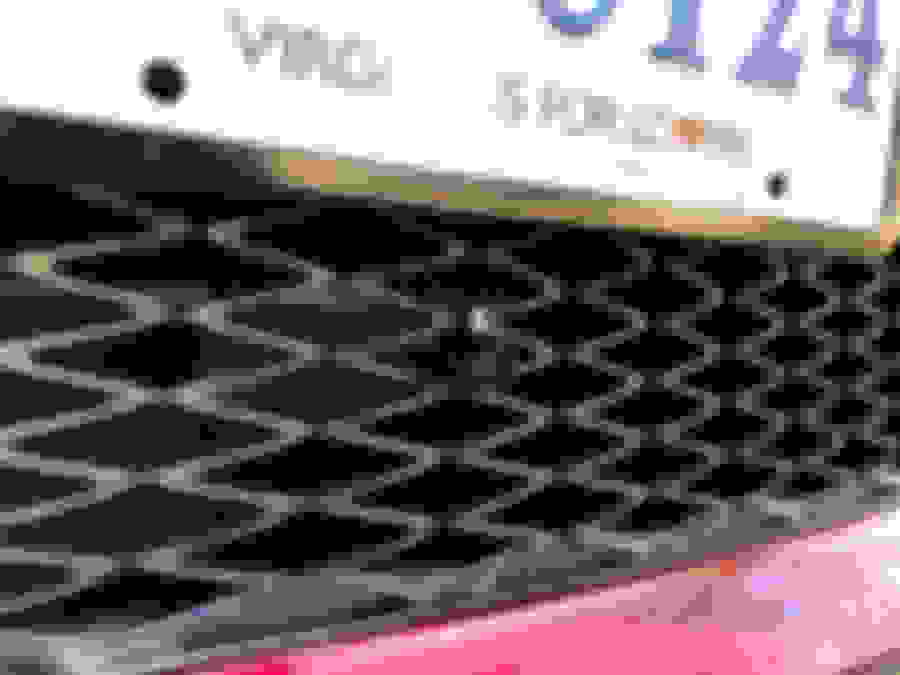
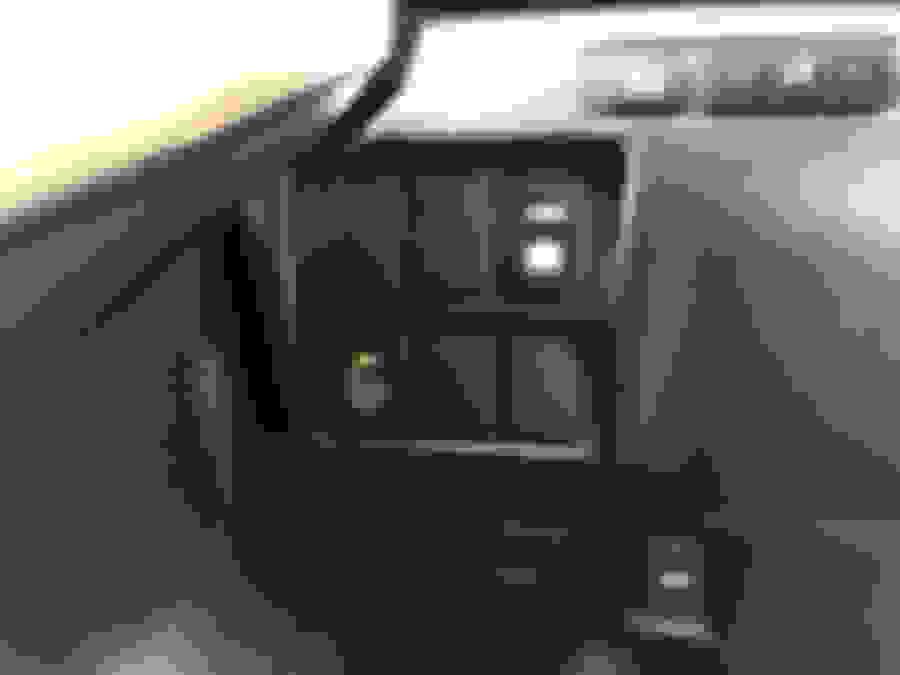
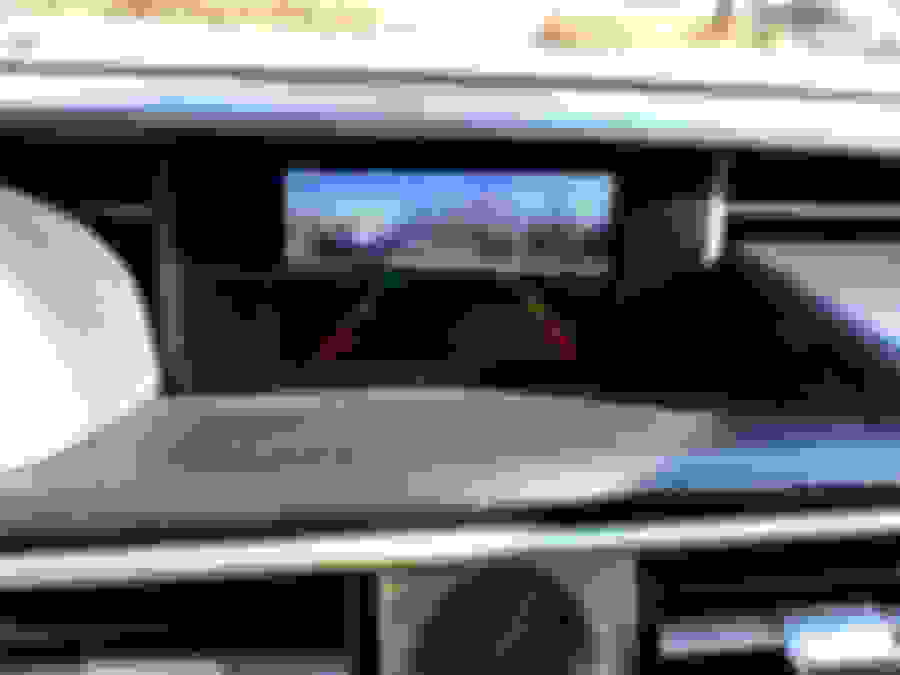
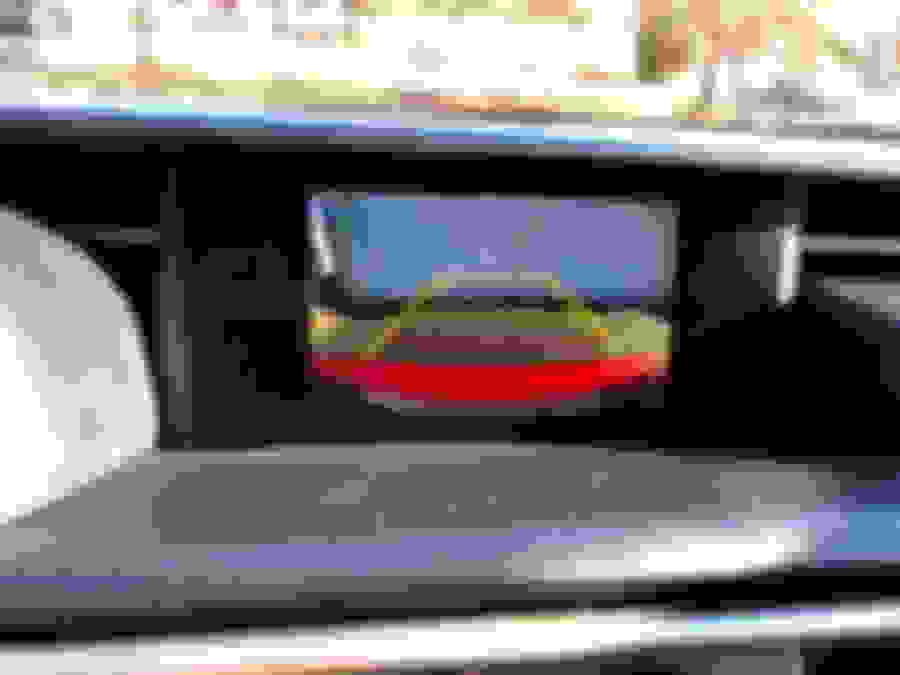
I had an extra backup camera meant for another vehicle and decided it would be better used as a front camera to prevent me from running into parking bumps. Used a ghetto method of zip-tying the camera to the front grill which turned out to be surprisingly stable. Purchased the Beat-Sonic front camera interface using the CL discount, and presto! Bent the mount and ziptied in place. Camera switch to toggle between front and rear camera. Front view Rear view. Can switch to rear view when not in reverse.
Ran the power and video from the front along the driver side of the engine bay and inserted into the firewall grommet above the driver footwell. Tapped power and ground from the Beatsonic camera interface. Tucked everything behind the instrument cluster. Pretty much just followed their install video they have posted on Youtube. Having that kit made it so much easier of an install.
Yup, that's it. I would send a PM to Beat-sonic to get a pretty nice ClubLexus member discount. They will then send you an invoice payable through paypal for the items you order.
Here's the camera I used which I had laying around and it works just fine:
Does this kit come with a camera or do you have to purchase your own camera?
The kit does NOT come with a camera. You can buy a camera from Beat-Sonic for $149- $175. I just used a camera I purchased off of amazon for $11 and was pretty happy with the results.
Where did you tap to get power for your camera? My camera works when it wants to and I’m still trying to figure out what’s wrong with it.
If I recall correctly, I ran the video, power and ground cables through the firewall and tapped into the power and ground used by the front camera interface itself. I also had intermittent problems initially, turned out the problem was the power connection right at the camera. The camera had two cables coming from it, one was the video feed and the other was the power. I ended up cutting off the power connectors and soldering the wires (power and ground) together. Provided a more consistent connection, haven't had problems since. The video cable seemed to be fine, so I left that alone.
I attached a picture of the cable that came with my camera. I cut off the black connector on the cable and the red connector from the camera and soldered the cables together. Power cable above
Last edited by tabjohitol; Jan 30, 2019 at 10:54 AM.
If I recall correctly, I ran the video, power and ground cables through the firewall and tapped into the power and ground used by the front camera interface itself. I also had intermittent problems initially, turned out the problem was the power connection right at the camera. The camera had two cables coming from it, one was the video feed and the other was the power. I ended up cutting off the power connectors and soldering the wires (power and ground) together. Provided a more consistent connection, haven't had problems since. The video cable seemed to be fine, so I left that alone.
I attached a picture of the cable that came with my camera. I cut off the black connector on the cable and the red connector from the camera and soldered the cables together. Power cable above
Do you have any problems with the image being reversed or the camera not working at times? Do you have any idea as to what may be causing this problem?



 Front camera install