When you click on links to various merchants on this site and make a purchase, this can result in this site earning a commission. Affiliate programs and affiliations include, but are not limited to, the eBay Partner Network.
Do you have any problems with the image being reversed or the camera not working at times? Do you have any idea as to what may be causing this problem?
I have Front camera on my car for a few yrs working great. Sounds like you may have problem with camera itself not power since image reverse sounds like some internal wires shorting. What brand of camera do you have?
Is the mounting ring/bracket on the aftermarket camera removable? which means you can drill a hole and slip the camera through and lock it down?
reason I'm asking is that I can probably design something that will clip into the triangle of the grill to give you a spot to drill and slip the camera through for a clean installation without using zip ties. I'll post what I come up with.
Do you have any problems with the image being reversed or the camera not working at times? Do you have any idea as to what may be causing this problem?
Originally Posted by dojoman
I have Front camera on my car for a few yrs working great. Sounds like you may have problem with camera itself not power since image reverse sounds like some internal wires shorting. What brand of camera do you have?
I agree with dojoman, sounds like your camera wires are shorting internally. My camera had wires for the guidelines and reverse image which you're supposed to cut if want/don't want guidelines/image to be reversed. If you had this and cut them perhaps the wires are touching? Not really sure, but the problem does sound like a defective camera.
Is the mounting ring/bracket on the aftermarket camera removable? which means you can drill a hole and slip the camera through and lock it down?
reason I'm asking is that I can probably design something that will clip into the triangle of the grill to give you a spot to drill and slip the camera through for a clean installation without using zip ties. I'll post what I come up with.
I believe the mounting bracket is removable. I appreciate the offer, but the camera sits so low and below the license plate bracket, most of the time you have to really look to even notice its there.
I have Front camera on my car for a few yrs working great. Sounds like you may have problem with camera itself not power since image reverse sounds like some internal wires shorting. What brand of camera do you have?
I bought my camera from a local shop here. I tapped the power to my acc using a fuse block. I bought another camera and will try to do what you did by tapping into the beat sonic power supply. Could you specify which wires you tapped in to to get your power and ground please. Thanks
I bought my camera from a local shop here. I tapped the power to my acc using a fuse block. I bought another camera and will try to do what you did by tapping into the beat sonic power supply. Could you specify which wires you tapped in to to get your power and ground please. Thanks
I tapped the camera into the fuse box next to engine bay I will take a pic when I get home. There's was an empty fuse slot for ACC power but your car may not have this slot free depending on yr of car and model.
I tapped the camera into the fuse box next to engine bay I will take a pic when I get home. There's was an empty fuse slot for ACC power but your car may not have this slot free depending on yr of car and model.
I bought my camera from a local shop here. I tapped the power to my acc using a fuse block. I bought another camera and will try to do what you did by tapping into the beat sonic power supply. Could you specify which wires you tapped in to to get your power and ground please. Thanks
Here is the fuse tap I used and the open slot between 5 & 25 fuse. This is located in Relay & Fuse box next to engine on driver's side. Not sure if yours has this slot open some cars have a fuse in there already. This is power on by ACC only so camera doesn't drain battery when car's not running.
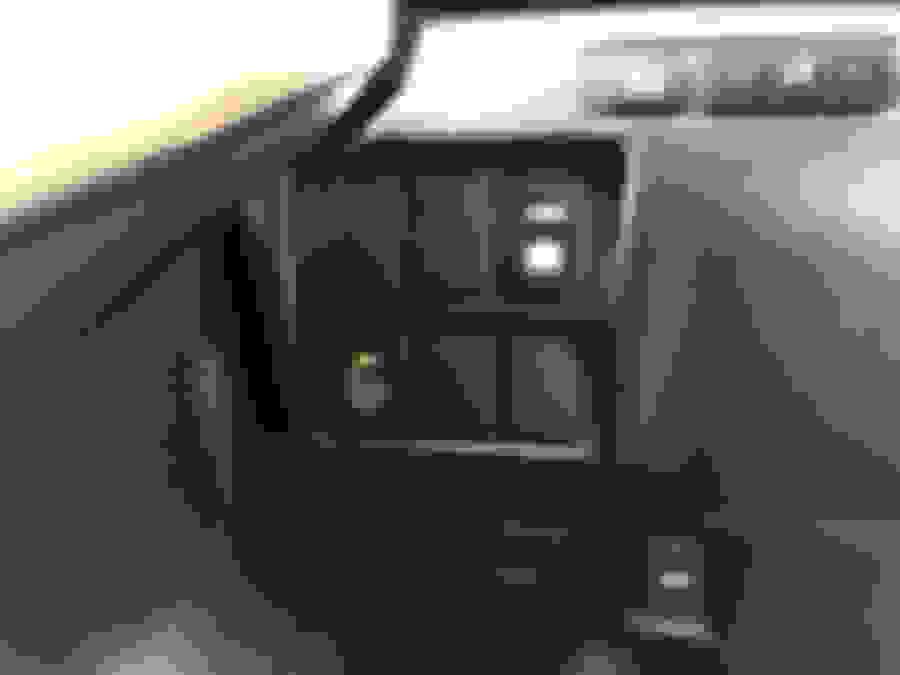
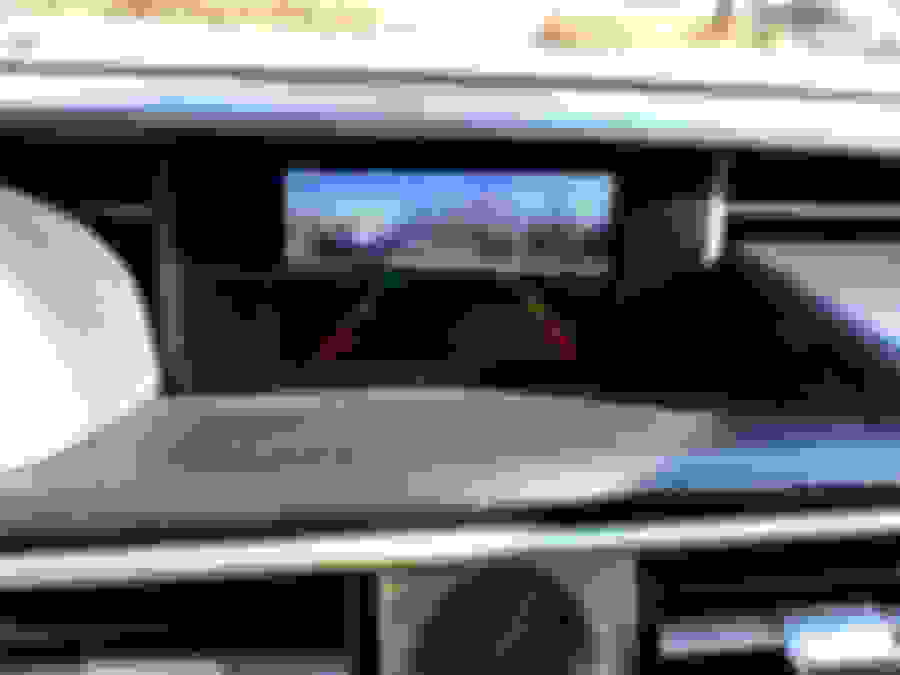
I had an extra backup camera meant for another vehicle and decided it would be better used as a front camera to prevent me from running into parking bumps. Used a ghetto method of zip-tying the camera to the front grill which turned out to be surprisingly stable. Purchased the Beat-Sonic front camera interface using the CL discount, and presto! Bent the mount and ziptied in place. Camera switch to toggle between front and rear camera. Front view Rear view. Can switch to rear view when not in reverse.
When you installed the front camera, did you have to disassemble anything from under the hood or is it possible to route it easily through the firewall? Is it easy access to the firewall?
Inside the cabin, did you have to take off the instrument cluster and everything?
I routed the cables on the driver's side of the engine bay under the plastic panel and weather stripping into a grommet in the firewall in the driver's side foot well. I did not have to remove the instrument cluster to access the grommet, just the panel under the driver side to make things easier to access. You will most likely have to remove the instrument cluster to get it out of the way later for the rest of the install, but following the Beatsonic install guide on Youtube should be pretty straightforward.
Make yourself a tool to fish the wires through the grommet. Something flexible like a coathanger will work.
Camera power and video cable wrapped in plastic loom going into grommet on driver side of engine bay. Grommet behind and slightly above fuse box. Wires fished through grommet.
I routed the cables on the driver's side of the engine bay under the plastic panel and weather stripping into a grommet in the firewall in the driver's side foot well. I did not have to remove the instrument cluster to access the grommet, just the panel under the driver side to make things easier to access. You will most likely have to remove the instrument cluster to get it out of the way later for the rest of the install, but following the Beatsonic install guide on Youtube should be pretty straightforward.
Make yourself a tool to fish the wires through the grommet. Something flexible like a coathanger will work.
Camera power and video cable wrapped in plastic loom going into grommet on driver side of engine bay. Grommet behind and slightly above fuse box. Wires fished through grommet.
Awesome- thank you! I probably will do a similar install sometime this month. Will probably order the same camera you did too.
I routed the cables on the driver's side of the engine bay under the plastic panel and weather stripping into a grommet in the firewall in the driver's side foot well. I did not have to remove the instrument cluster to access the grommet, just the panel under the driver side to make things easier to access. You will most likely have to remove the instrument cluster to get it out of the way later for the rest of the install, but following the Beatsonic install guide on Youtube should be pretty straightforward.
Make yourself a tool to fish the wires through the grommet. Something flexible like a coathanger will work.
Camera power and video cable wrapped in plastic loom going into grommet on driver side of engine bay.
Grommet behind and slightly above fuse box.
Wires fished through grommet.
Ok, I have to ask again because it's really hard to fish the wire through (it's so tight in this area I circled). Did you have to take out that grommet?
It seems to be very tight at both ends, in the cabin too (above the foot well). Wire does not want to penetrate at all.
Thanks.
Last edited by proview3r; Aug 14, 2020 at 06:56 PM.
I did not remove the grommet, I think at one point I actually tried to but had a hard time, I do remember it was really tight. What I ended up doing was getting a thick coat hanger, bending one end of the wire into a hook, and wedging it through the edge of the rubber grommet from the inside of the cabin to the engine bay. I then hooked the two wires (even taped it with electrical tape) and pulled it through as hard as I could. Yeah, it was a bit of a pain, but doable.