When you click on links to various merchants on this site and make a purchase, this can result in this site earning a commission. Affiliate programs and affiliations include, but are not limited to, the eBay Partner Network.
I have the adapter and I'm currently doing a video on it.
If you have a hotspot connected to the head unit, you can download the app directly to the unit.
-Android auto, very laggy when using any maps app AND streaming music at the same time. Does not fit full screen.
-Apple carplay with ios12. Works fine when not in full screen. Lags and crashes a lot when in full screen mode.
-Apple carplay with ios13 beta. Works fine when not in full screen. Ok in full screen with lags here and there. Most stream services are not compatible with ios13 yet.
Does that mean you didn't like your NATIKA backup camera?
I was reading that link, and there's a part that says:
Reverse and Illumination Wires
Bonus (not related to camera):
Connect pin 12 (green) of K 46 plug to the illumination wire of the Headunit to dim the screen when you turn on the headlight.
Wonder if this would help dim your unit correctly since you mention before it didn't really dim that noticeable at night time.
Which is the K46 plug? Anyone have a picture of it?
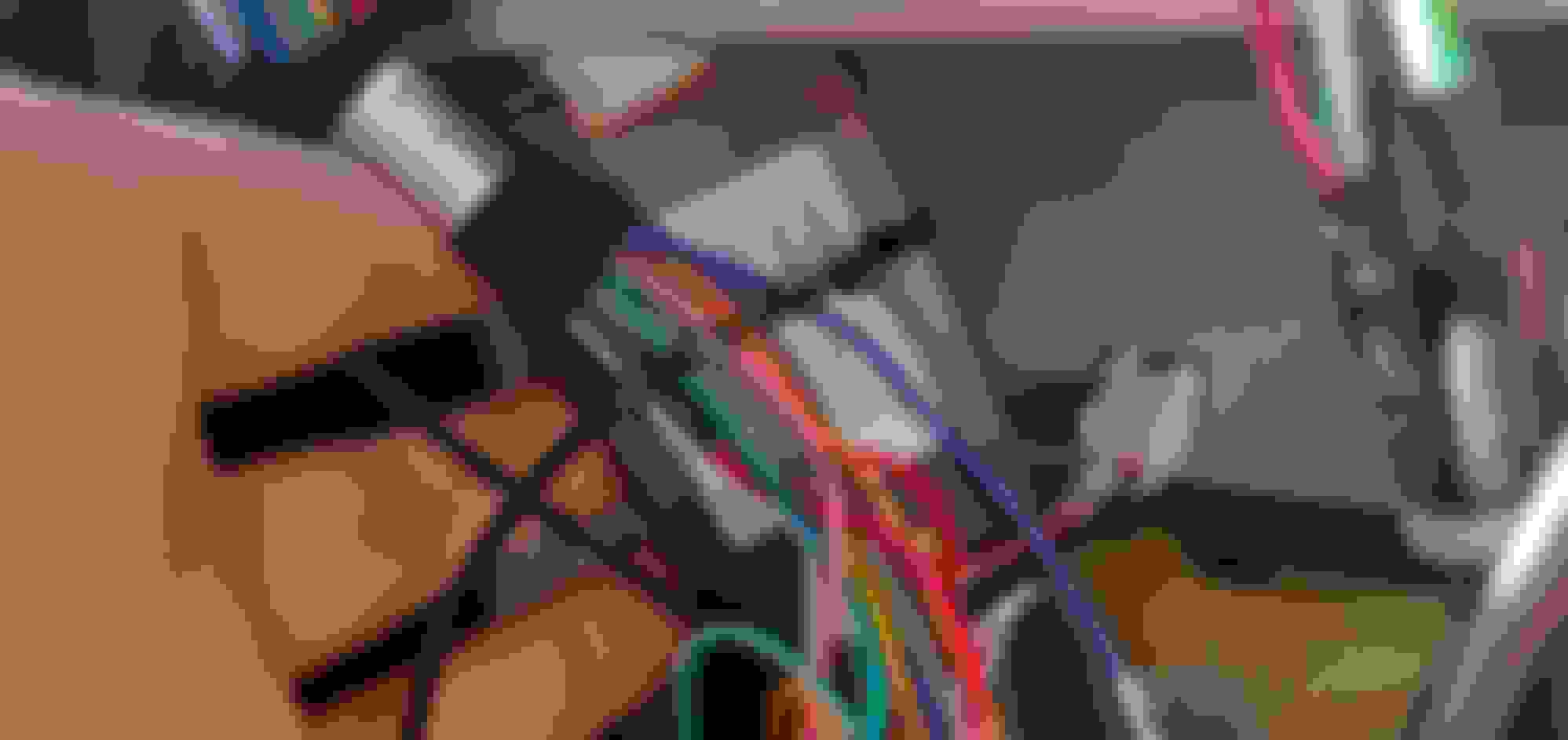
Bracket Driver side bolt does not line up. Was like this with factory HU. Driver side bolt does not line up. Was like this with factory HU. Passenger side lines up. TPMS module Bottom rear of the unit. This is from the unit's main harness. Not the car. You will use all connectors You will use all connectors CAN bus module. Came with new HU. One end is a 20-22pin connector, the other end is a 16pin connector. Both connectors are on the telsa HU main harness. AUX cable. Backup Camera trigger wire. The red wire is from the aftermarket cam. Connect the red wire to the brown wire labeled BACK. You will find the brown wire on the video harness. Backup cam video feed. Plug into input label Camera. Video Input harness RCA Output for external amp Top view Rear, I had to take out the GPS cable to get a good shot. The middle gold connector is the GPS input I left all the inputs hanging out below the unit so I don't have to take it out again.
You will use all the connectors on the provided harness. Meaning that there are no connectors left out. Everything will plug in.
I mention that the black connectors go to the bottom connector on the aftermarket unit. It does not. The Black connector goes back into the TPMS module. It does not plug into the back of the unit.
I didn't show a picture of the Can-Bus module. That plugs into a 20-22pin connector on the aftermarket harness into a 16 pin, 1 wire connector also on the aftermarket harness. This will control the bottom rows of physical buttons.
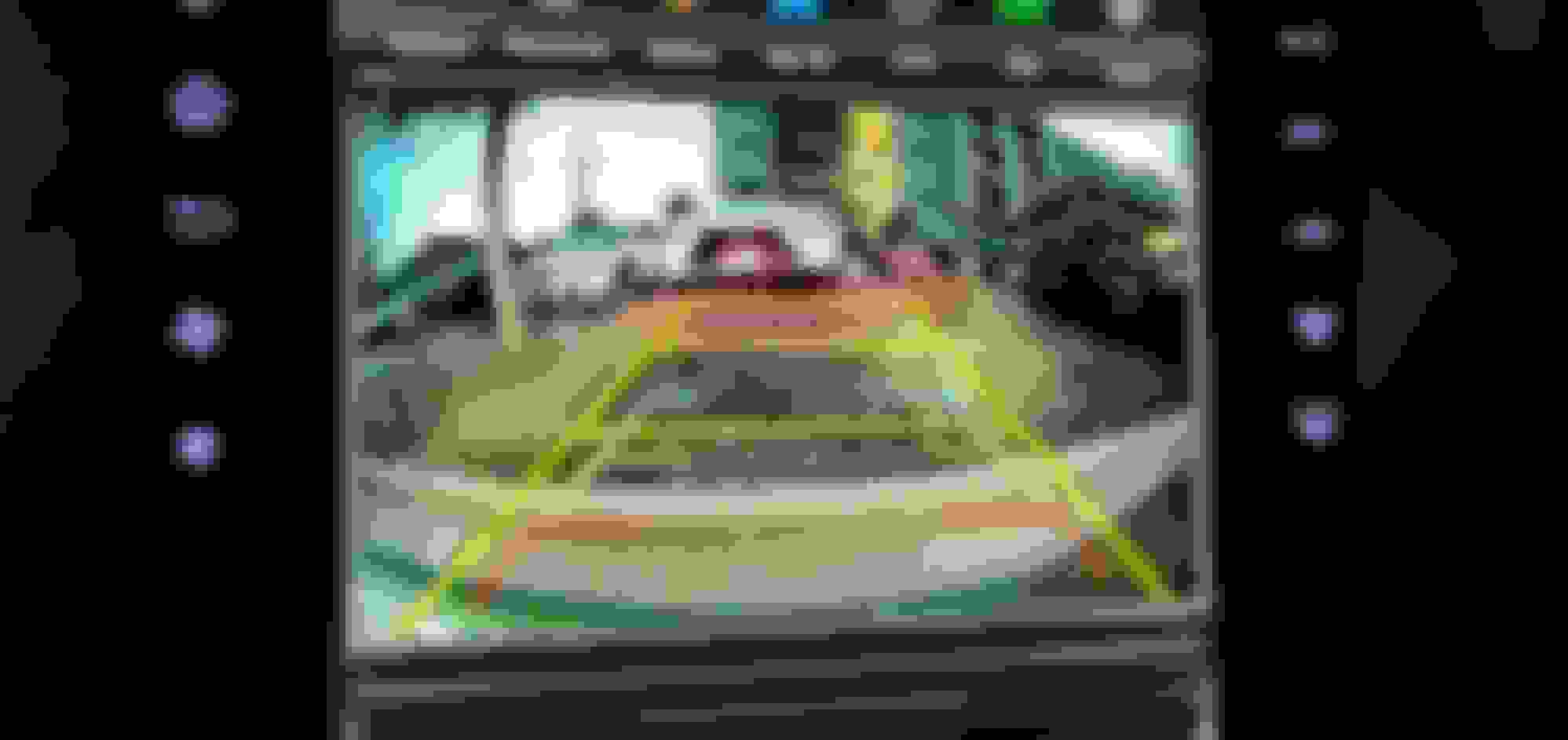
I took a gamble on the backup cam and lost. Correct wiring: Connect the trigger wire to the brown wire label "BACK" and connect the video into a wire label "CAMERA".
i installed mine the other day. I connected my GPS correctly as well, but it's not picking up any satellites. There is just 1 bar that has very low signal. Google map also does not pick up my current location, even after i have to tethered to my phone internet hotspot. anybody have this problem?
I've already tried driving around with the GPS antenna on my front windshield as well. At most it pick ups 3 satellites but the bars are below 50%. Could it be a bad GPS antenna?
i installed mine the other day. I connected my GPS correctly as well, but it's not picking up any satellites. There is just 1 bar that has very low signal. Google map also does not pick up my current location, even after i have to tethered to my phone internet hotspot. anybody have this problem?
I've already tried driving around with the GPS antenna on my front windshield as well. At most it pick ups 3 satellites but the bars are below 50%. Could it be a bad GPS antenna?
It could be a bad gps antenna. I have mine on the windshield and picked up a lot of satellites. I did order a new antenna but returned it when I realized that I didn't screw the connector completely.
OP: does your comment about may not work for 2010-2011 mean though are only years with fiber optic?
I have an order in with Phoenix Automotive for the screen. I ordered the fiber optic so I could get the amp, but it hasnt shipped yet and I dont wanna get the wrong one.
I have an 07 GS350, pic if amplifier stock number is below.
Lexus was no help, Phoenix Auto was no help. Any insights?
OP: does your comment about may not work for 2010-2011 mean though are only years with fiber optic?
I have an order in with Phoenix Automotive for the screen. I ordered the fiber optic so I could get the amp, but it hasnt shipped yet and I dont wanna get the wrong one.
I have an 07 GS350, pic if amplifier stock number is below.
Lexus was no help, Phoenix Auto was no help. Any insights?
Let's get straight to the answer without hijacking other people's thread. The 2005-2009 3rd Gen GS does not have fiber optics. The unit shown on this page should work on your 2007. Do you have nav in your car?
If I were you, I would get the vline2, https://gromaudio.com/store/vline/le...n-upgrade.html. You'll retain the factory HU and you can switch over to apple carplay and Android Auto.
If they had this for the 2006 GS, I would have done the vline instead of the tesla unit.
Originally Posted by bronx99
the GPS wire, did you use a plyer to tighten it? I just used my hands until it woudln't turn anymore.. maybe i need to use plyers to tighten it more?
Hi verly6565.
I just got this screen too and was very confused when trying to install it in my car.
I recognise the connectors you have and it look's to me as if we have identical car setup.
I hope you have worked this out and that you can add some good follow up description to your post.
That would be very much appreciated.
Regards,
Freddie
Hello I have exaclty same unit, however i have problem with connecting to my car. I tried to connect but my AC is not working as well as climate control. After connecting tesla unit my screen wash and wipers stopped working. I've attached my old unit back but everything stopped working.
I hope you could give me any advise as i've watched your video and you managed to fix it.