


Navigation DVD 7.1 in hand - First impressions


 Navigation DVD 7.1 in hand - First impressions
So I pre-ordered the Navigation DVD 7.1 from Sewell Lexus, it was supposed to ship on October 1, it shipped earlier and I received it today, great.

Here it is...
So I popped the DVD into the Navi unit, it did the upgrade thingy, and here it is:

The 7.1 Navigation DVD database
For sure, the first thing I tried is to see if the 5.1 Volume Override trick still works, and, it does not :-( (But that is not really a surprise...)
One thing that I notice, as I remember reading here that the previous versions didn't had support for Hawaii, is now it seems to have the maps for all the islands, I'm not in Hawaii so I can't actually confirm this.

Hawaii maps ?
I take pictures of all the 12 areas if you want to check if you local area is covered, check in the Gallery section
The only change I noticed is that there is no language selection and "I Agree" screen that needs to be pressed, just a static screen that disappear after few seconds. Navigating trough the interface I do not notice any major changes, but to be perfectly honest I didn't even drove the car, so I may have missed some stuff...
So I burn a Hybrid 5.1+7.1 Nav DVD following Sonartech post (I found the 5.1 LOADING.KWI here (Navigate trough the Ads, the file is there on the 3rd page)). After puling the fuse for the Nav System (Fuse TV 7.5Amp in the driver side box), I just dropped the newly burn Hybrid DVD, it did the update thingy (in this case a downgrade, I presume), and here it is, I do have now a full 7.1 database with a working Volume override trick :-)
Please report your findings regarding the Navigation DVD 7.1 here...
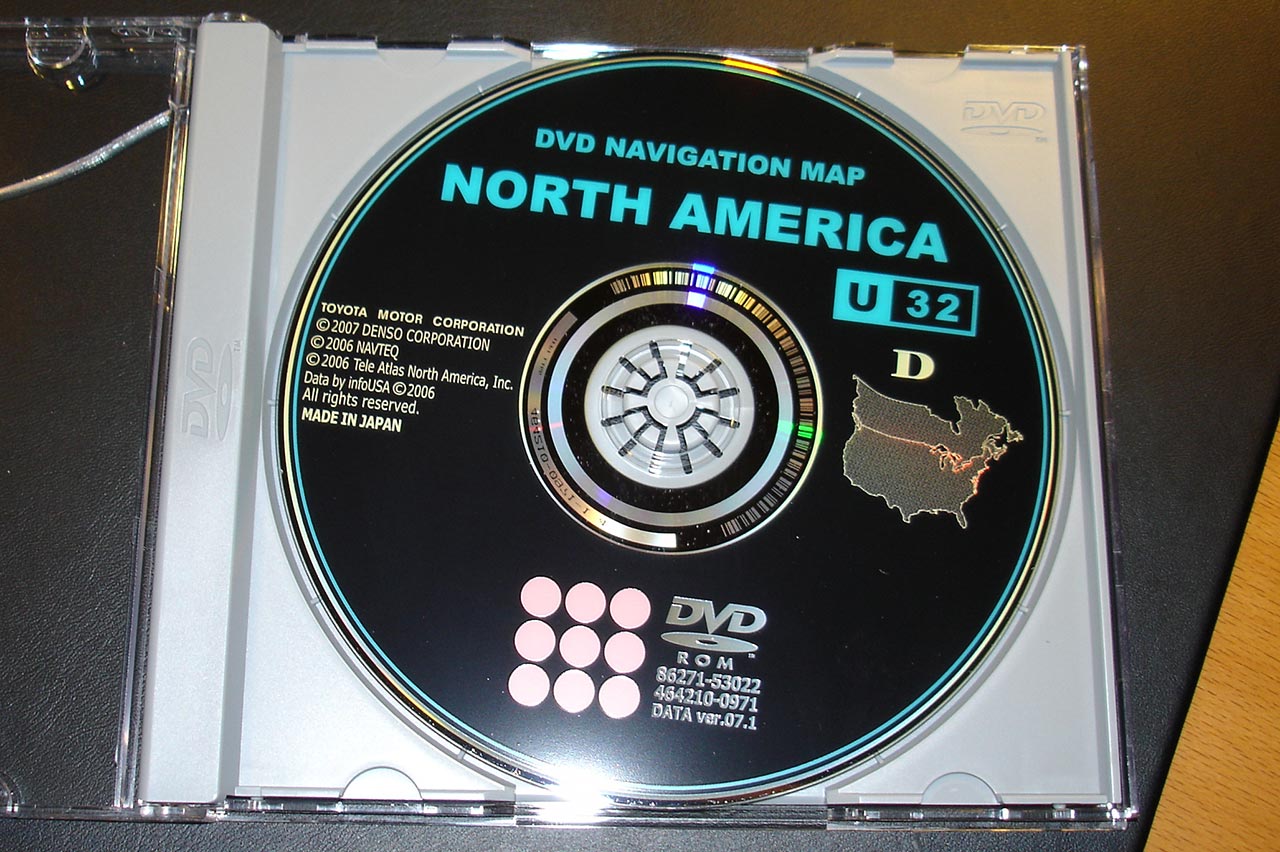
Here it is...
So I popped the DVD into the Navi unit, it did the upgrade thingy, and here it is:
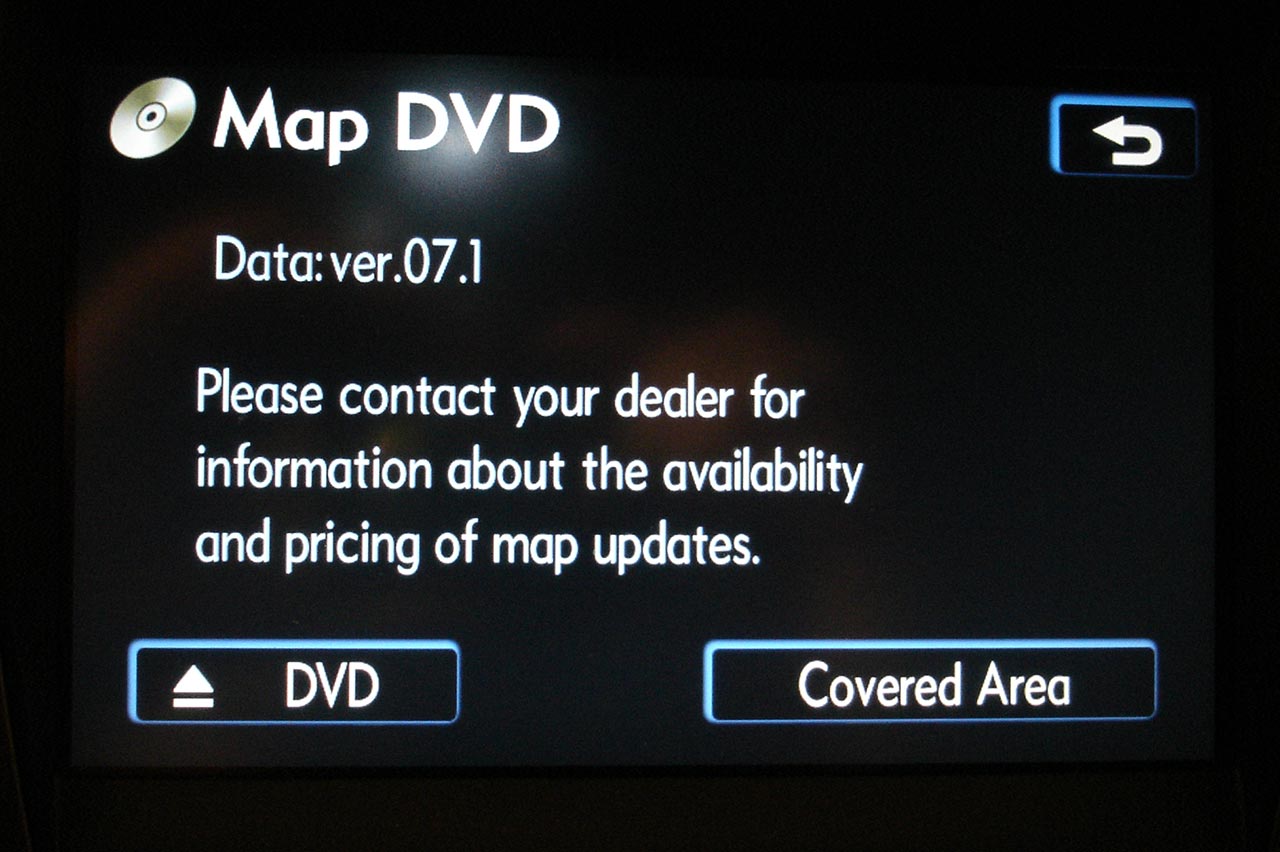
The 7.1 Navigation DVD database
For sure, the first thing I tried is to see if the 5.1 Volume Override trick still works, and, it does not :-( (But that is not really a surprise...)
One thing that I notice, as I remember reading here that the previous versions didn't had support for Hawaii, is now it seems to have the maps for all the islands, I'm not in Hawaii so I can't actually confirm this.
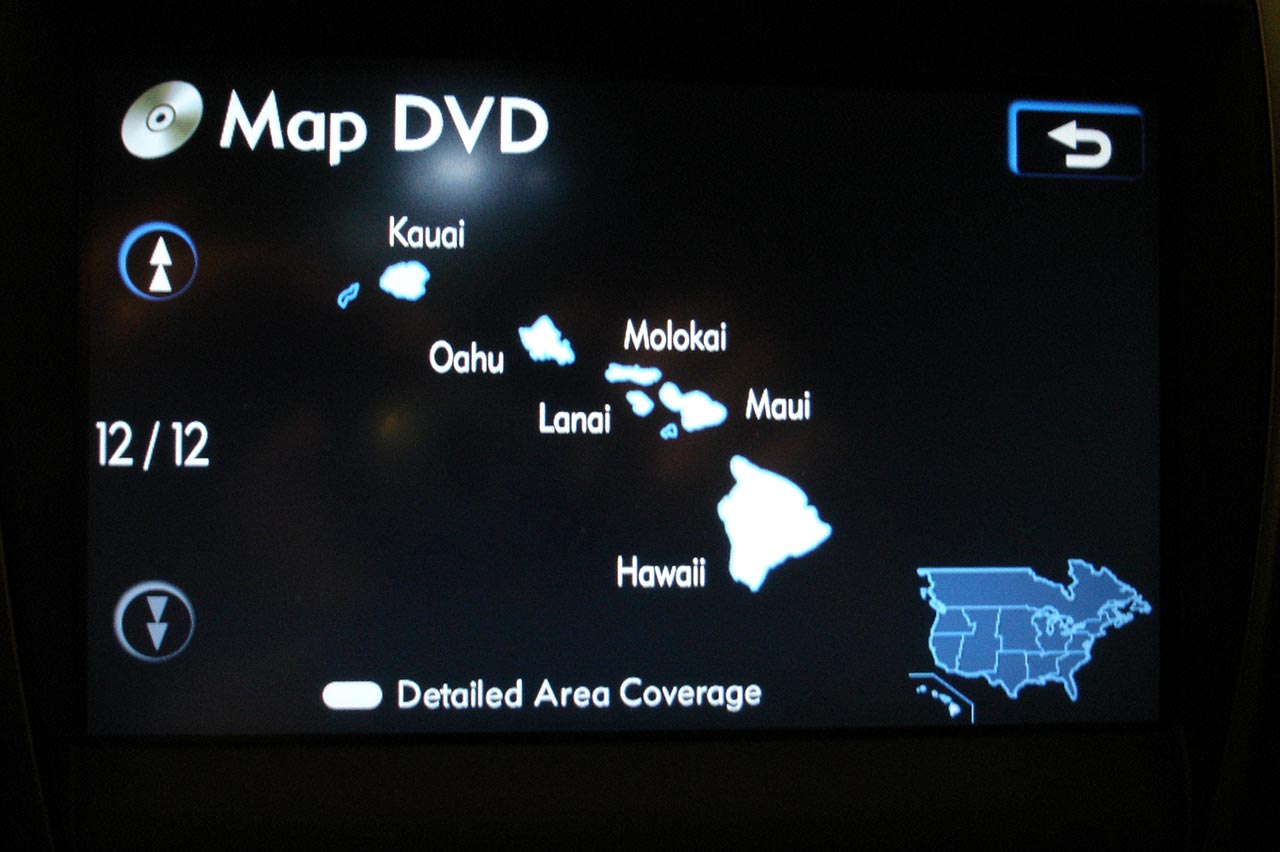
Hawaii maps ?
I take pictures of all the 12 areas if you want to check if you local area is covered, check in the Gallery section
The only change I noticed is that there is no language selection and "I Agree" screen that needs to be pressed, just a static screen that disappear after few seconds. Navigating trough the interface I do not notice any major changes, but to be perfectly honest I didn't even drove the car, so I may have missed some stuff...
So I burn a Hybrid 5.1+7.1 Nav DVD following Sonartech post (I found the 5.1 LOADING.KWI here (Navigate trough the Ads, the file is there on the 3rd page)). After puling the fuse for the Nav System (Fuse TV 7.5Amp in the driver side box), I just dropped the newly burn Hybrid DVD, it did the update thingy (in this case a downgrade, I presume), and here it is, I do have now a full 7.1 database with a working Volume override trick :-)
Please report your findings regarding the Navigation DVD 7.1 here...
Last edited by timeToy; Sep 29, 2007 at 12:47 AM.


Beside Hawaii coverage, the only change I noticed is that there is no language selection and "I Agree" screen that needs to be pressed, just a static screen that disappear after few seconds, nothing else I can found in the interface.
Yes, updated maps and points of interest.
Yes, updated maps and points of interest.
Last edited by timeToy; Sep 29, 2007 at 12:01 AM.


 Cost
Cost
Trending Topics


Driver School Candidate
Joined: May 2007
Posts: 1
Likes: 0
From: nv
Some 7.1 update information
The new 7.1 disc does include quite a bit of information about Hawaii. The selection for Spanish and French are still there, just press the info button and then press the language button to select one.
I have already created a hybrid disc using the 5.1 load file, but found that this brings back the "I Agree" screen at startup. Also found out that it drops the Hawaii information.
Trying to find a program that will decrypt the .kwi file extension to bring this information back, and to also possibly override the telephone in motion block.
I have already created a hybrid disc using the 5.1 load file, but found that this brings back the "I Agree" screen at startup. Also found out that it drops the Hawaii information.
Trying to find a program that will decrypt the .kwi file extension to bring this information back, and to also possibly override the telephone in motion block.
I did the 5.1-7.1 Hybrid disk, I do have the I agree startup screen (I do not care the Vais SLI SoundLinkQ take care of pressing the button for me !), but I found that it does show me the Hawaii information.

Lead Lap
Joined: Apr 2007
Posts: 639
Likes: 0
From: SF Krew
How did you get the navi to read the hybrid dvd? I've tried the disconnecting method with the 5.1x6.1 hybrid no luck with that either.


Pit Crew


Joined: Dec 2002
Posts: 161
Likes: 9
From: Virginia
When will this be available (or WILL it be available) for Generation 2/3? I have a 2003 GS 430....