When you click on links to various merchants on this site and make a purchase, this can result in this site earning a commission. Affiliate programs and affiliations include, but are not limited to, the eBay Partner Network.
I'd like to share my experience with techstream cable and software problem, in case of new member of this forum has the same problem, you would know what to do.
Last year, I bought the Techstream cable version 10.10.18, firmware ver 1.4.5. Installed in my XP laptop, with no problem. But when I tried to connect to my SC, it failed with error message "Unable connect to VIM". Searched the net and Youtube and finally found the solution and fixed the problem.
Basically, I did not know that I had a Xhorse cable, and to fix the problem, you must run MVCI file, independently with Techstream file and reconfigure Techstream to Europe.
So here what to do:
1. When you get the cable, it came with a mini disk, you will have 3 files: Techstream, MiniVCi, and TSI key.
2. Install techstream software to a XP computer.
3. Unrav TSI key and run file.
4. Unrav Mini VCI file run file. Do not run Techstream before you run MVCI.
5. Now run Techstream.
6. You will get the message say "you need Java file". Do not ignore this message, download the Java file to your laptop.
7. Close Techsteam and run it again. 8. Reconfigure Techstream and choose Europe (if you have Xhorse Cable).
9. Connect cable to your OBD2 port of your SC
10. Insert key and turn it to ON
11. Click connect to vehicle, choose "auto select"
Techstream should connect to your vehicle, pay attention to the LED on the cable, it should flashing when techstream is reading infos from your car computer.
If "unable connect to VIM" message appear, you might have to reinstall the software. Good luck.
thanks for the info but what cables should we be buying? is it your brand of cable that was the problem or is xhorse a type? I have a US spec car so just want to make sure I am buying the right thing.
Most of this is correct . However, there are a couple problems here. First, the firmware version is for the cable not Techstream and the 1.4.5 is not the most current version. Version 2.0.4 is current. Many of us were unable to connect with version 1.4 and were then able to connect with version 2. I would recommend getting the version 2 not 1 of the cable. Although I have read that you can run this on a 64 bit computer I have not been able to configure the drivers for the cable following the directions I have read. I do IT work and am very familiar with the Widows OS. If someone else has been successful they are better than me. I have had no problem installing both the drivers for the cable and the software on a Windows 7 32 bit system. If you are unable to connect it is unlikely that it is the Techstream software. The most likely problem is with the drivers for the cable. You should be able to go into Device Manager in Windows and check to see if the drivers loaded properly. There should be no "unknown devices" under USB. Also, if you choose Europe as your location you will have to change the units of measure from metric to English. Not a big deal.
Here is an Amazon post for the version 2 cable. Many ads do specify the firmware version. I have no idea why they all aren't version 2 at this point.
I’m speaking from my past experience, this’s happened in 2017. At that time, I believe it was the latest firmware version .
When I bought the cable, I did not know what Xhorse was . I had no idea until I tan into the problem, then found out from the internet. Guess we all have to learn.
I’m speaking from my past experience, this’s happened in 2017. At that time, I believe it was the latest firmware version .
When I bought the cable, I did not know what Xhorse was . I had no idea until I tan into the problem, then found out from the internet. Guess we all have to learn.
Actually no, I bought 2.0.4 in 2015 and I know it had been around for a while even then.
I have both cables firmware versions but my v1.4.1 will only work on my 2002 and 2007 SC430s. V2.0.4 will not communicate with the SC430s but will communicate with my relatives 2010 Camry. Must be something wrong with the newer cable.
My TechStream is running on USA, not Europe.
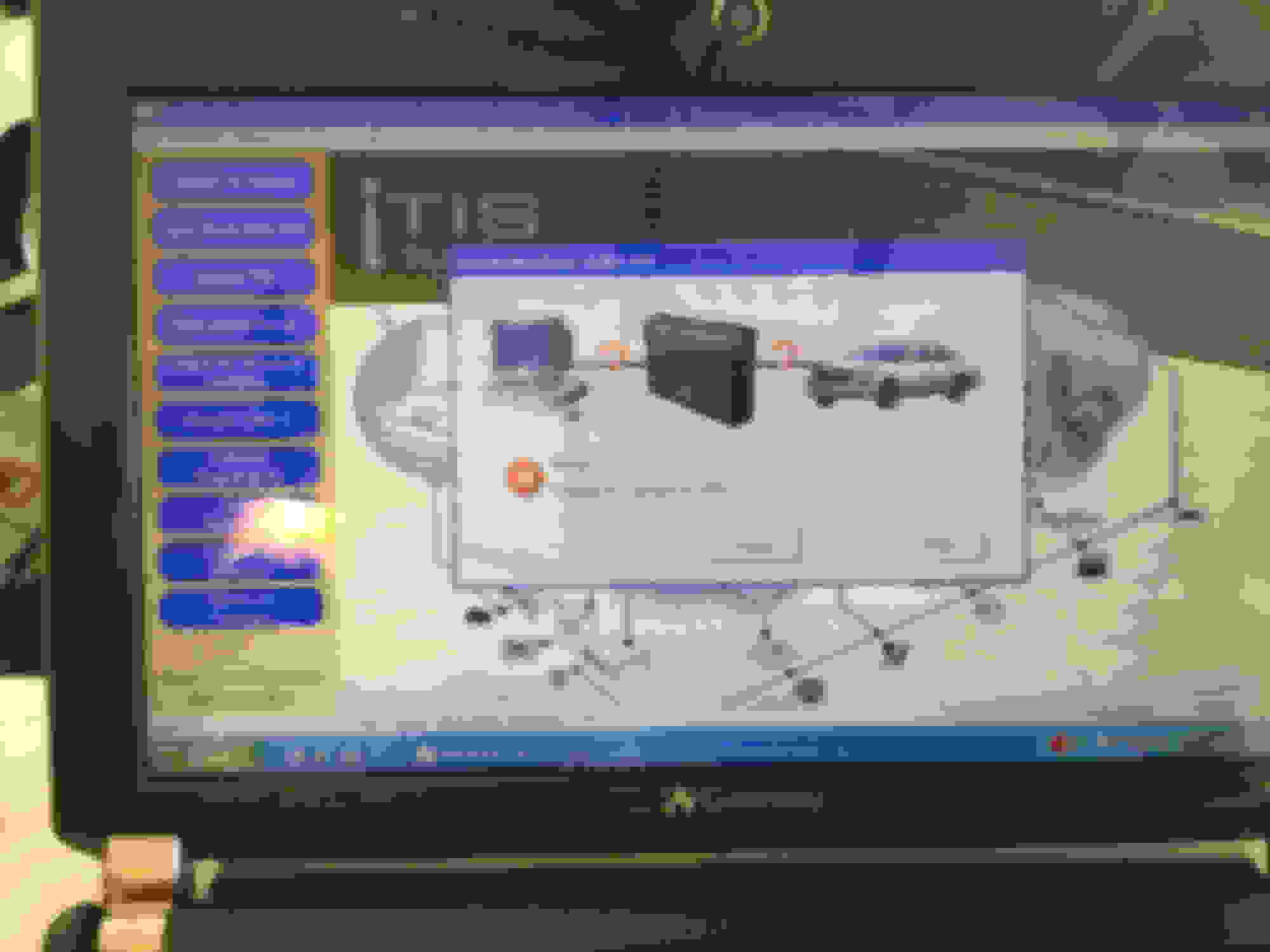
anyway, I took some pictures of the firmware versions and some TechStream screen shots for anyone interested in making the purchase. Techstream and the cable can be purchased for $25 on eBay.
I finally got around to connecting my Techstream up to my car and had problems. I plugged the cable into the car's OBD2 connector, started the sw on my pc. Plugged in the cable to the laptop and clicked on the connect to vehicle. It then asked me to log on. So I clicked on Evaluate and it gave me a connection error like in post # 7 3rd picture. I tried a couple of times and then decided to try turning the key on to my car. Then clicked on connect and the evaluate button was gone. I went the ok route and had to enter a username and password but it didn't like those stating that it didn't match their records.
I finally got around to connecting my Techstream up to my car and had problems. I plugged the cable into the car's OBD2 connector, started the sw on my pc. Plugged in the cable to the laptop and clicked on the connect to vehicle. It then asked me to log on. So I clicked on Evaluate and it gave me a connection error like in post # 7 3rd picture. I tried a couple of times and then decided to try turning the key on to my car. Then clicked on connect and the evaluate button was gone. I went the ok route and had to enter a username and password but it didn't like those stating that it didn't match their records.
Has anyone else run into this?
Harold, welcome to Techstream.
First of all, you don't register, no username or password, unless you're a dealer and running solfware from TSI. Don't use the evaluation copy either. It's not for you.
When you purchase the software and cable from Ebay or Amazon, it's a bootleg. You need to pass the first step before you can do anything with Techstream.
The file on the mini CD should content the TSI keygen file. Run this file then run Techstream ( step 1-4 below). This will put the password into the registry. You know it works when you don't see the log in message.
After that, do following steps, you can skip to step 5:
So here what to do:
1. When you get the cable, it came with a mini disk, you will have 3 files: Techstream, MiniVCi, and TSI key.
2. Install techstream software to a XP computer.
3. Unrav TSI key and run file.
4. Unrav Mini VCI file run file. Do not run Techstream before you run MVCI.
5. Now run Techstream.
6. You will get the message say "you need Java file". Do not ignore this message, download the Java file to your laptop.
7. Close Techsteam and run it again. 8. Reconfigure Techstream and choose Europe (if you have Xhorse Cable).
9. Connect cable to your OBD2 port of your SC
10. Insert key and turn it to ON
11. Click connect to vehicle, choose "auto select"
Techstream should connect to your vehicle, pay attention to the LED on the cable, it should flashing when Techstream is reading infos from your car computer.
If "unable connect to VIM" message appear, you might have to reinstall the software.
Good luck.
After trying multiple versions, I went back to vsn 8, as it was the only one that had the ts1key file. I ran the ts1key file and then the mvci file. It indicated that it dealt with the registry. I ran the Techstream exec file and nothing happened. So I went to the control area and started Techstream and it didn't ask me for Java but did state that it needed to find the MVCI driver. (Windows is still searching, I don't expect it to be successful.)
After trying multiple versions, I went back to vsn 8, as it was the only one that had the ts1key file. I ran the ts1key file and then the mvci file. It indicated that it dealt with the registry. I ran the Techstream exec file and nothing happened. So I went to the control area and started Techstream and it didn't ask me for Java but did state that it needed to find the MVCI driver. (Windows is still searching, I don't expect it to be successful.)
the MVCI Driver should be on the disk. Unrav it. If it is not on the disk, download it from the internet. Run the MVCI then you’re done.
Windows couldn't find the MVCI driver. So I stopped the process (after a couple of hours) and totally uninstalled the Techstream that I had managed to load in the spring (the one that wasn't working). That is version 8. So this brings up 2 questions:
1. Where would I find the MVCI driver (the one that Windows couldn't find)?
2. I see that version 12 is out there and several sites are advertising that it is free to download. So can I just download version 12 of the software? If so, what is a safe site to do that from?
I don’t know what to tell you Harold. There are many softwares out there which have viruses. I don’t know what’s safe. I bought the cable and software from this seller after reading all the comments. It costed me 56 dollars but it worked. I believe the price came down now. I could send you the files that I have via emaiI but you do need the cable with firmware 0f 2.0 or higher. If you install these files on Win XP, it will work, but Win10 it will not. You will need help from the seller, I double it you can, unless you bought the software from them.
I cannot get my XP computer to download Java. I was trying to download Java per GmanSC's post in preparation for my cable and software arrival next week but no luck. It will not even connect to the official JAVA web page.. Connects great to other web pages but not to the Java web page? Any thoughts?
I cannot get my XP computer to download Java. I was trying to download Java per GmanSC's post in preparation for my cable and software arrival next week but no luck. It will not even connect to the official JAVA web page.. Connects great to other web pages but not to the Java web page? Any thoughts?
Dennis
since your running XP, I would leave it alone for now...you cannot update java because the XP os is too old.
the TechStream software will load what it needs.
Toyota and Lexus Join Mille Miglia For The First Time
Slideshow: A five-car lineup spanning more than five decades of Toyota performance and engineering will tackle one of Italy's most celebrated automotive routes.



 Techstream & Cable Problem and solutions