When you click on links to various merchants on this site and make a purchase, this can result in this site earning a commission. Affiliate programs and affiliations include, but are not limited to, the eBay Partner Network.
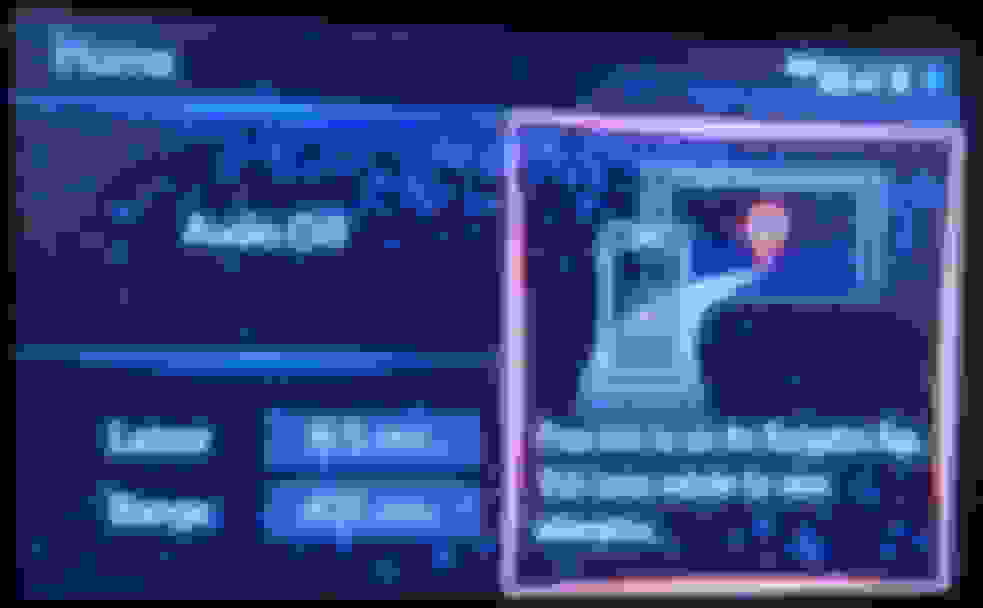
I just got a no Nav RX 350. When I start it up, it shows the following message on the screen: 'Press here to use the Navigation app. Visit Lexus website for more information. If I select it, then an error message comes up 'Supported navigation app is not installed. Please check the Lexus website for compatible applications'. I couldn't find anything at Lexus.com. I know I can get rid of these messages by changing what is shown on the display. I contacted Lexus.com support and they said that I'm getting these messages because my car doesn't have a navigation system, but would Lexus put something which obviously isn't available on the home screen? Anybody else with no Nav experienced the same issues?
I don't know about whether this applies to your RX, but, depending on the model year of your car, various Lexus models had compatibility with the Scout GPS smart phone app.
You might find more information by doing a Google search for Scout GPS app and Lexus.
Adding to what I said in my earlier post, if you go to the Android (or Apple) Play Store, you can download the Scout GPS Link app. When you open the app, it will give you instructions for how to pair it to your vehicle if the vehicle is compatible with Scout GPS. Again, I'm not sure whether your vehicle is compatible with the Scout GPS, but, during certain model years, many Lexus and Toyota vehicles were compatible.
I get the same message as the OP every time I start my RX. I don't have NAV and don't want it. I would rather use my phone app which is always updating. My question is, how do I eliminate it from coming up after each start up. Presently it disappears after I touch the screen, but it would be nice if I didn't have to. Has anyone figured this out??? Thanks!!
Go into Menu and find Home Screen Customization. Find Layout and select the 2-segment side by side icon.
There are three choices besides the inoperative Nav App one. Audio and MPG and A/C. Choose two and
drop them into your choice of left and right. Now when you press the center console "Home" button you will
see those two on screen.
Go into Menu and find Home Screen Customization. Find Layout and select the 2-segment side by side icon. There are three choices besides the inoperative Nav App one. Audio and MPG and A/C. Choose two and drop them into your choice of left and right. Now when you press the center console "Home" button you will see those two on screen.
I believe you missed my point. I am wanting to eliminate the navigation message from popping up every time I start the car. I would like it to just go to the audio screen instead of having to touch the screen to make it disappear. I don't have the navigation capability, so there isn't a need for that message to pop up. A small thing, but I would like it to disappear if I can. Thanks!!



 Navigation App