When you click on links to various merchants on this site and make a purchase, this can result in this site earning a commission. Affiliate programs and affiliations include, but are not limited to, the eBay Partner Network.
So I have a 2013 without Nav, but with the Audio display package (color screen). I purchased a Grom VL2 a few weeks ago because they said they supported my car, but when the package arrived the plugs didn't match at all. Grom changed basically said they made a mistake and the car wasn't supported. So I ended up picking up a Navtool interface. Not as powerful as the Grom, but it supported Android Auto and cost $429 vs $550. Thought I'd document the relatively simple install as it would be basically the same for anyone doing the Navtool or Grom or whatever.
First step is to unscrew the gear **** and then pull up on the center console which is only held in by clips.
Unclip the connectors from below and then you can move the entire center console out of the way.
The panel on the right side of the steering wheel is also held in by clips and can be pulled out.
Which gives you access to pull out the panel at the drivers side of the control stack.
Similarly there is a panel that just pulls out on the passenger side.
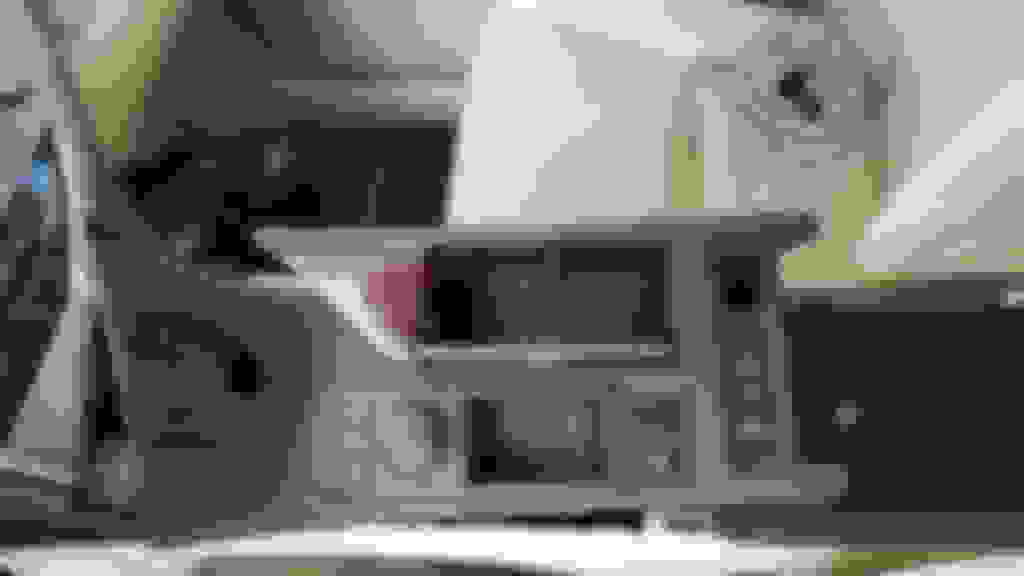
You now have access to the bolts holding the radio in place. On the drivers side there is a 10mm on the lower part of the radio.
And then a 10mm on the upper portion that you have to look up from below to see.
Similarly on the passenger side there is a 10mm straight in.
And then another up top.
Be careful not to drop these bolts as you take them out, a magnetized socket helps here. Now you can just pull the radio forward and out. I didn't bother disconnecting it, just put a towel and rested it on the gear shift lever.
There is a plastic bezel around the screen that you can just grab from the bottom and pull forward.
This exposes 3 phillip screws holding the screen, one at the bottom and two at the top. Take them out and tilt the screen out.
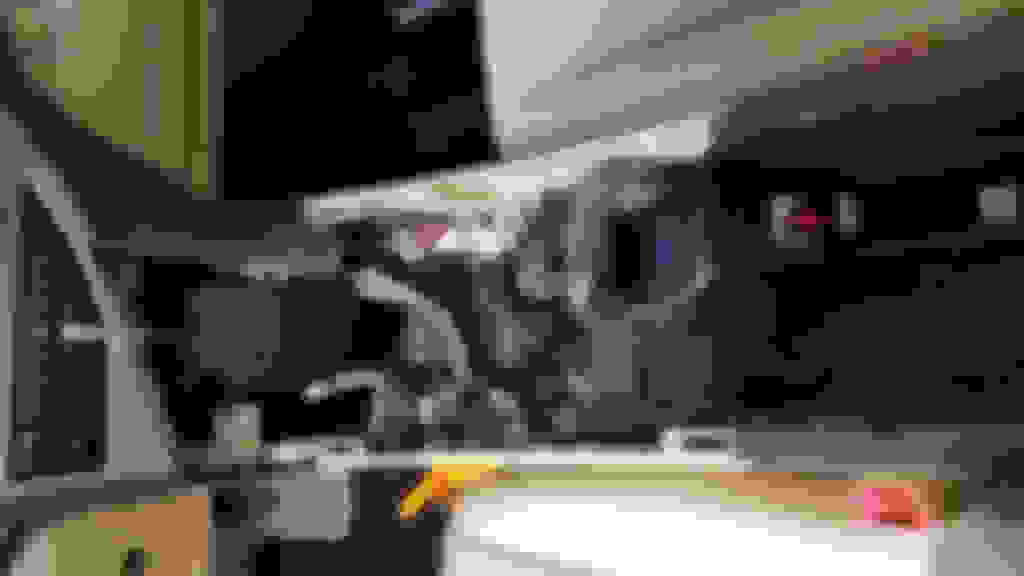
You now have all the access you need.
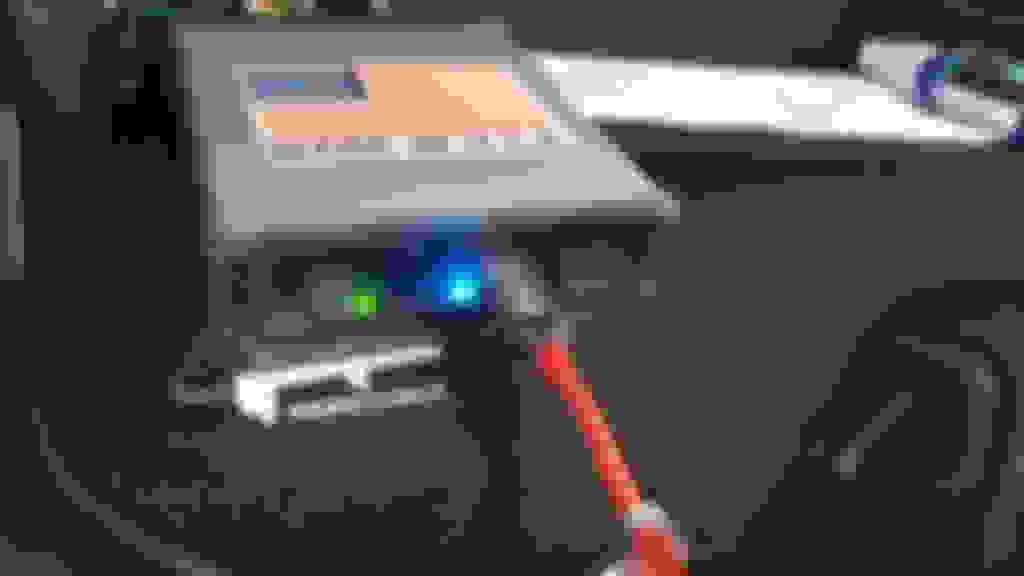
This is the Navtool unit, pretty similarly sized to the Grom unit. There is a ton of space under the factory radio and I installed mine there with velcro mounts. Unfortunately I forgot to take a picture of it mounted in place.
I know some people like to mount these things in the glove box, I prefer it completely hidden away. You need access to the USB port and optionally HDMI. I found a combined USB/HDMI cable/port on Amazon and installed that below by the stock cigarette lighter port. That panel pries up easily at the front and I did have to cut a hole in it, but everything is hidden away.
The unit does come with a microphone for Carplay/Android auto commands. I popped off the side panel on the dash which gave me access to the bottom of the A pillar trim.
Then ran the microphone inside that trim up to the headliner.
Navtool control screen, as you can see there is an HDMI input, Carplay/AA, and 4 video inputs.
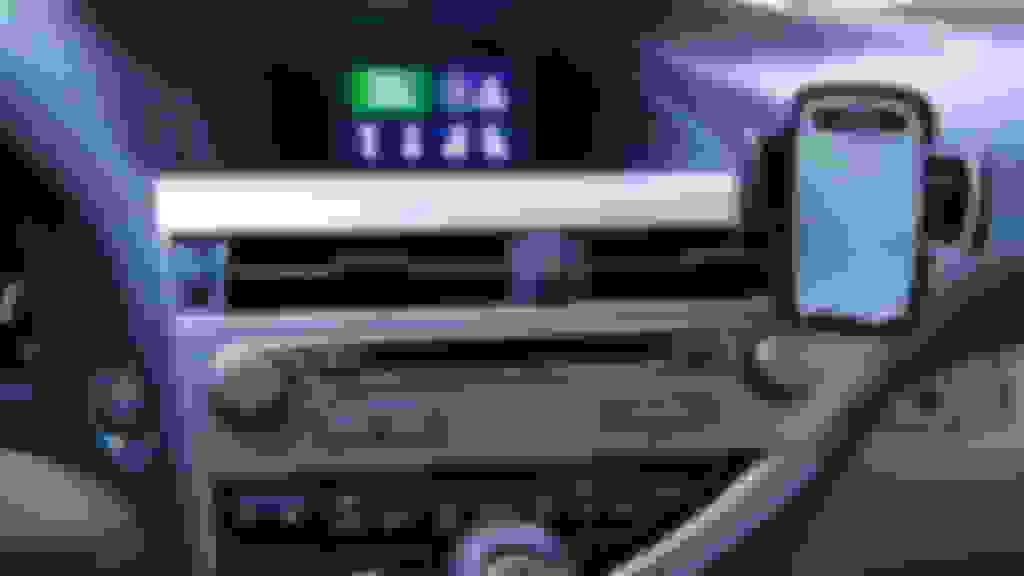
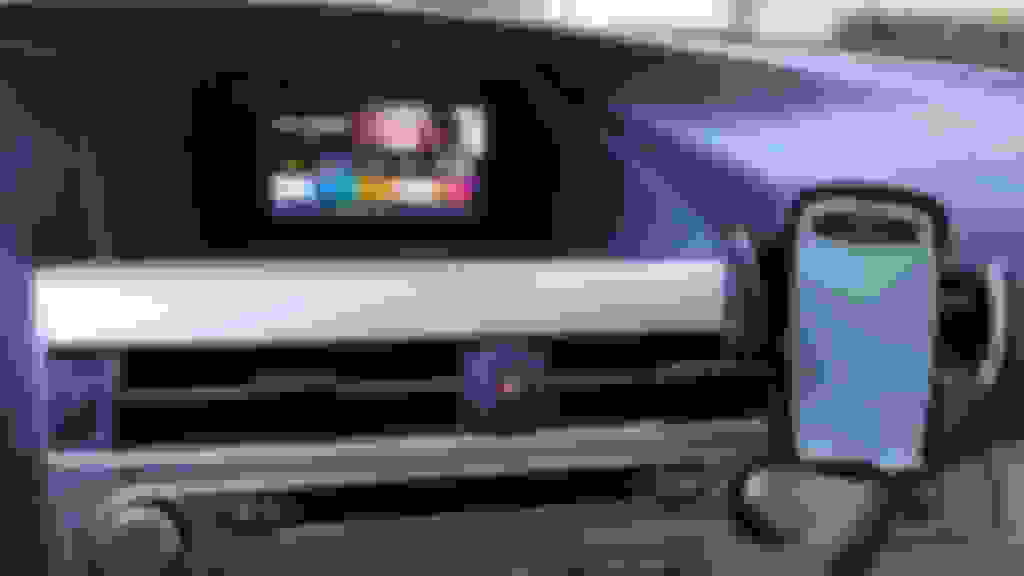
Apps via AA, BTW my car does not have a mouse just the control wheel which works fine.
How do you like it? Does it mess up climate controls? I installed beatsonic 5 months ago and have had issues ever since with the screen not turning on. Still working with them to fix.
Its ok so far, the climate control display does not come on when using Android Auto, so you have to toggle back to the factory screen if you actually want to so see what the current temp is set to. The only issue that I've had so far is that the display is a bit on the dim side, but I don't think that has anything to do with the Navtool, the screen itself is just not very bright.
Its ok so far, the climate control display does not come on when using Android Auto, so you have to toggle back to the factory screen if you actually want to so see what the current temp is set to. The only issue that I've had so far is that the display is a bit on the dim side, but I don't think that has anything to do with the Navtool, the screen itself is just not very bright.
Oh okay! I will let you know how beatsonic works once we get it running properly The times that it works it is seamless.
very nice and this seems like a feasible option, as i have read a couple of other posts with non-nav options, but looking for the least problematic etc ...thanks again
How do you like this interface now that you have had it for a couple months?
When looking on their website, it appears they have a mirroring interface, and also a mirroring interface + Apple CarPlay.
When you say that it supports Android Auto, is that basically the Android Auto on your phone that is mirrored on the screen?
I guess I should reply on how beatsonic works as I stated I would a few months back.
Thus far, it is still not functioning properly. There is an interference between the video interface you install and the factory monitor, that causes the monitor to occasionally not turn on.
Just got one of these and am wondering if it really is as easy as rerouting a few connections from the head unit to the Navtools hardware? Was wondering why you pulled the display out, as it seems like I shouldn’t have to.
Just got one of these and am wondering if it really is as easy as rerouting a few connections from the head unit to the Navtools hardware? Was wondering why you pulled the display out, as it seems like I shouldn’t have to.
Any bluetooth issues when on the phone
What are you using for your default
Car play? Or Android auto



 Navtool Video Interface with Carplay/Android Auto
















 The times that it works it is seamless.


