When you click on links to various merchants on this site and make a purchase, this can result in this site earning a commission. Affiliate programs and affiliations include, but are not limited to, the eBay Partner Network.
How can I change settings on Information Display to add 'Current MPG' to my RC350 F Sport?
Mine changed the display setting from remaining miles on my current tank of gas to avg MPG since last reset. I cannot get it to change back. I even set it back to factory defaults.....:-(
I am not a fan of how Lexus did this, but I'll try to explain the best I can how to set the "Drive Info" screens.
Under the "Info" tab you have two Drive Info displays. Drive Info 1 is the first and when you scroll down you get Drive Info 2. Similar to mine below.
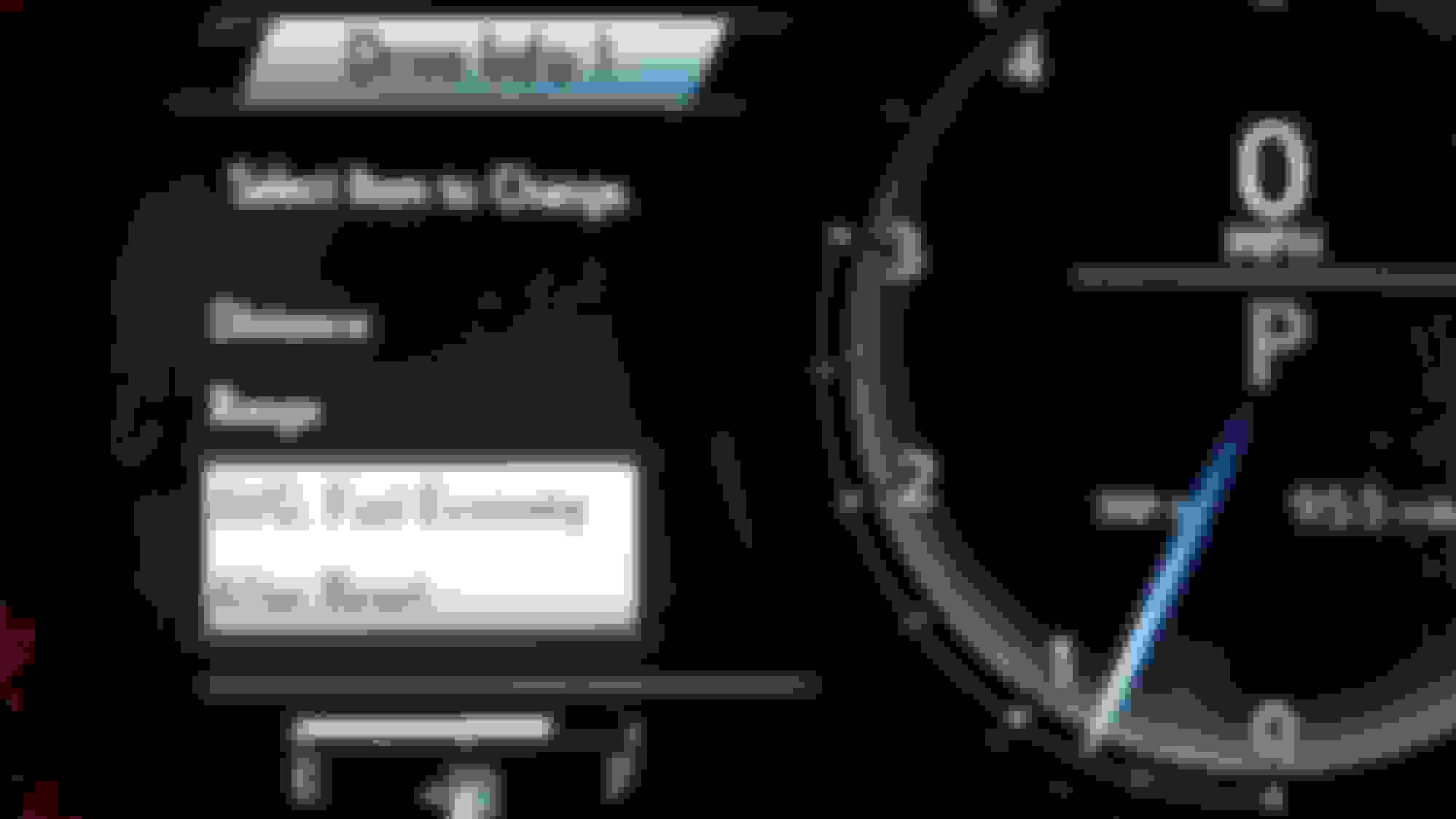
Now under the "Settings" tab you will see where you can select which display to change.
When you chose one you will be able to see the two options of information that can be show in that particular Drive Display. Just make your selection from there.
Thanks for the how to and description (with pics!!!). Very helpful!...but, did not work. I played with the settings for awhile and it will not change. I guess I'll deal with it until I need to take the car in for anything important
The DTE figure given by the car's computer is far from accurate. Like the gas gauge itself, it seems to be set with a very large margin of error on the low side (fewer miles to Empty than you actually have).
Try these computations to get a feel for how your car is set. Lexus says the tank holds 17.4 gal. Wait until the gas gauge is at one-fourth left, and fill it up. If the gauge is perfectly accurate, there should be about 4.25 gal in the tank when you start, and it should take about 13 gals to fill it up. (Gas station pumps are regulated and calibrated and can be presumed accurate.) I found that filling up at the one-quarter mark never takes 13 gal, but always less, sometimes gallons less, meaning that there are more than 4.25 gals in the tank at the one-quarter mark. Do this at the half way mark a few times to get a feel for how much gas remains at that reading. My guess is that at "E," there are about 2 gals in the tank, or about 50 miles or so, depending on how you drive, etc.
The DTE (driving range) number that the car gives is also low, as you will see when you compare that reading to the number of actual gals remaining in the tank at various fuel gauge readings.
If you simply want to rely on that DTE readout, you will never run out of gas, but the same can be said for simply making estimates from the fuel gauge. In addition, remember that the car will give you three (I think) levels of Low Fuel warnings (messages on the screen and eventually a yellow light next to the gas gauge). These start to kick in at about the 3 to 4 gals left stage, which is a lot of miles.
In other words, in response to your original question: " How can I change settings on Information Display to add 'Current MPG' to my RC350 F Sport?," I would say don't bother - it's not worth the trouble.
I want to see the DTE (distance till empty) rather than the avg mpg. I REALLY do appreciate your assistance with this.
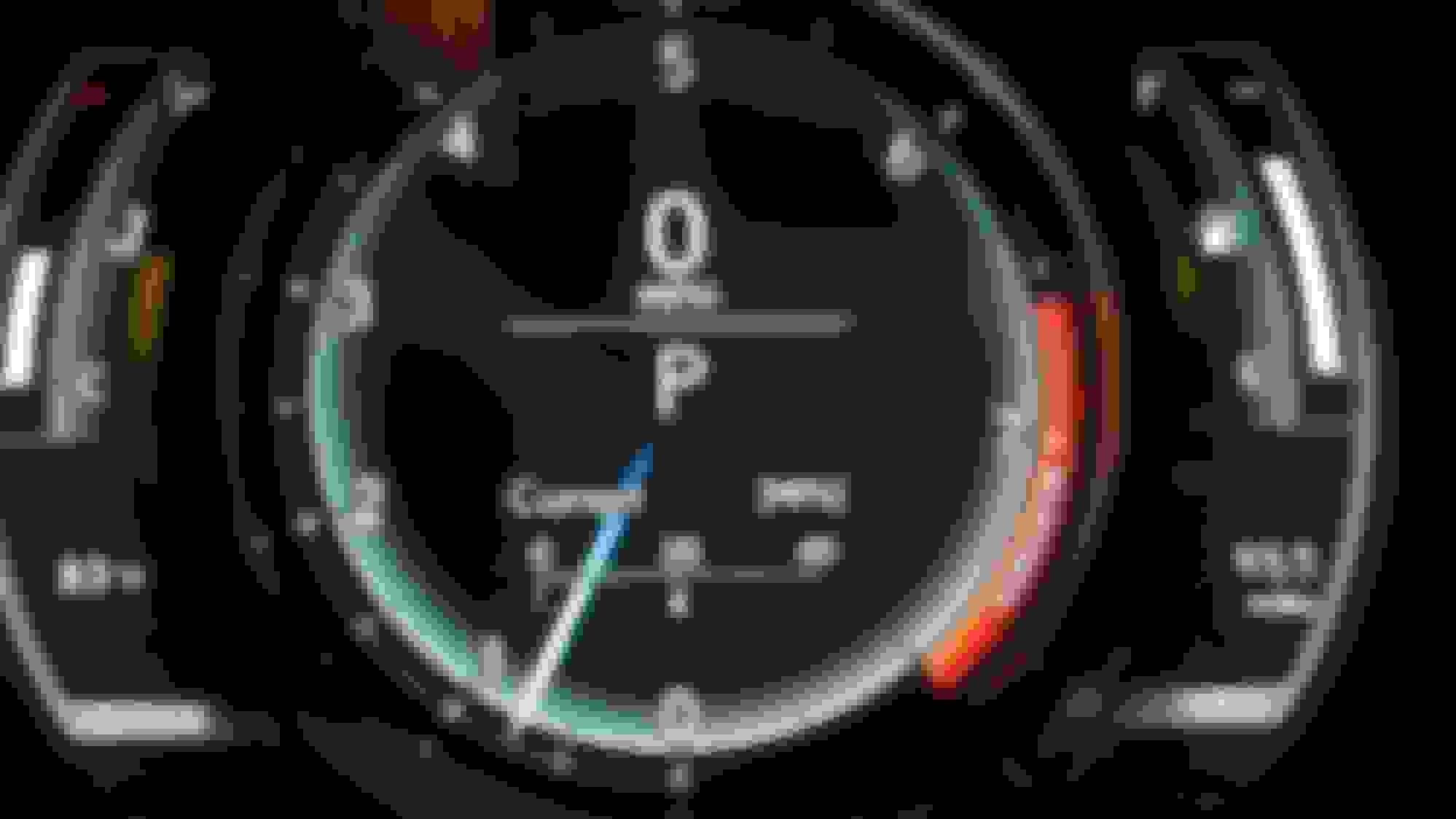
If this is what your looking for
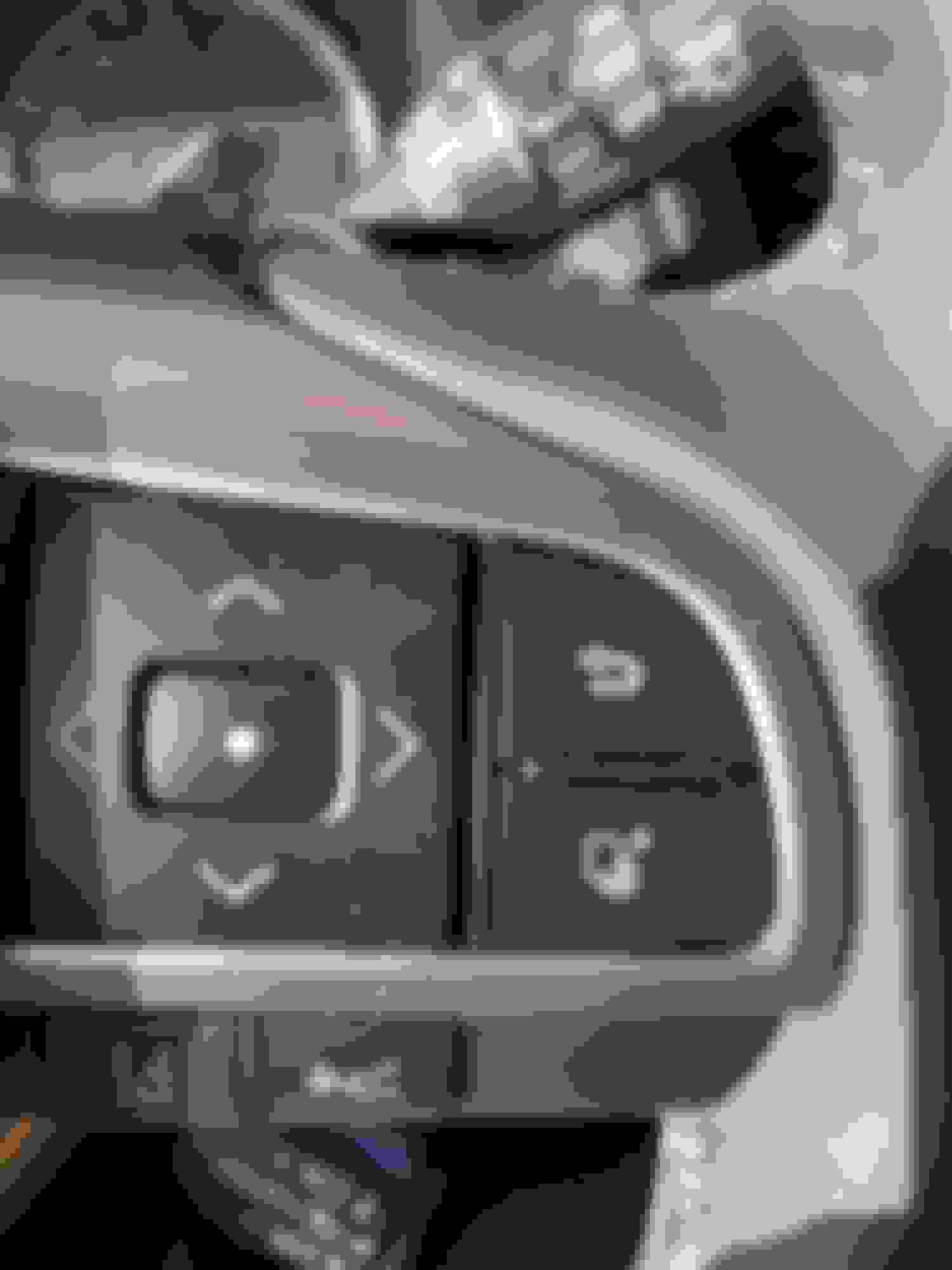
Then use the up/down arrows on this button (must be in default display like above, not extended).
It's also an option to have it in either of your two Drive Displays. Just follow the instructions in my previous post.
Hope this helps!
Then use the up/down arrows on this button (must be in default display like above, not extended).
It's also an option to have it in either of your two Drive Displays. Just follow the instructions in my previous post.
Hope this helps!
This is the display I am attempting to display & I cannot.
OK, got it!
In Drive info 1 settings, change to show average MPG
Then make sure Bar Type is selected
You should then get this!
Sorry it took so long for me to clear the fog. It's been a while since I worked at the dealership. Plus it's my wife's car so I don't get to drive it as much as I would like.
Last edited by gkcmilner; Oct 18, 2017 at 10:48 AM.
I figured this out... To find out how many miles you have until empty push the lower right icon (looks like pages.) Then click the down arrow on the left. Oila you have miles left til empty. Or Range...



 Change Settings on Information Display















 RX 350 2021 Distance until Empty