When you click on links to various merchants on this site and make a purchase, this can result in this site earning a commission. Affiliate programs and affiliations include, but are not limited to, the eBay Partner Network.
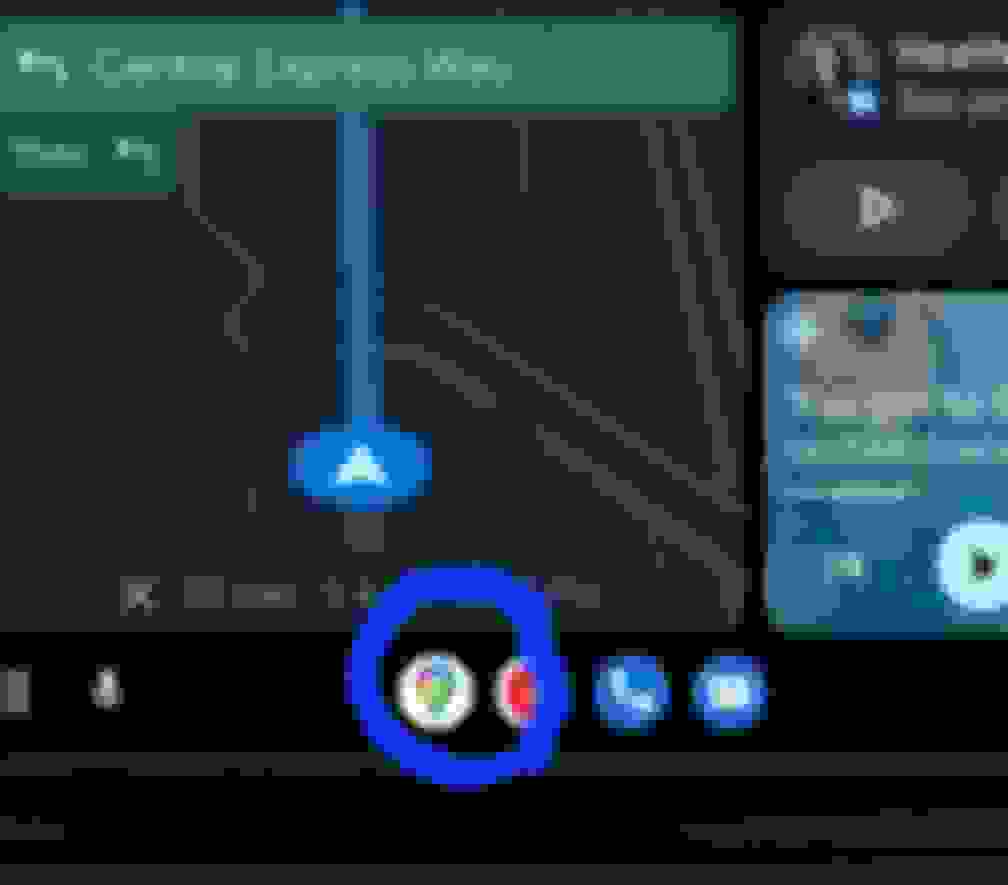
I was using AA Google maps & got a phone call. After the call, my nav screen was 2/3rds (of normal width) Google maps and 1/3rd YouTube music (don’t have a subscription). I’ve tried everything to close that right side app screen but can’t do it. Help!
Try holding down the volume button push it in for three seconds. This reboots the system and has helps many times in situations like yours. If that does not work restart your phone.
Last edited by Freds430; Feb 12, 2023 at 04:45 AM.
As mentioned this is an AA update called Coolwalk. I would reccomend going to YouTube and watching some clips on all the features and how to use. If you tap the small icon map on the left the whole screen will go to Google maps. The icons on the left are the last used. If you tap another icon there it will appear 2/3 of screen and Google maps will appear to the right on 1/3 of screen. If you tap on whatever is on the right 1/3 it will now shift over to the left on 2/3 of screen. Tap the lower left icon nine little white dots twice and it will send you to your homescreen with all your apps.
I've watched a few videos, and somehow they got maps to populate the full screen. I can get it to go to the right or left, but not full. I turned on widgets, updated AA, nothing works. All the video's show AA v8.9, after updating, today, I'm at v8.7.
If I touch the Google map icon on the left looks like a tear drop while it is on the left making up 2/3 of the screen it will then show on the whole screen.
Last edited by Freds430; Feb 13, 2023 at 10:29 AM.
If screen is stuck meaning tapping icons on the left do nothing press in the volume button and hold in for three seconds that reboots the system. You do have the updated Coolwalk.
I updated AA today & no help. I've tried the volume button reset; again, no change. If my screen is like my photo (maps on left, YT on right) and I push the maps button, nothing happens, even if I hold it down. If I push the YT button, YT music comes up on the left, maps moves to the right. If I push maps at this point, maps moves back left, YT to the right (no full screen). Same thing with the phone button. I'm wondering if my older phone (Pixal 3) is to blame. I keep getting notifications on my phone that I'll need to update AA soon. Maybe that will fix it. Disappointing; I finally have a nav screen I can see (I need reading glasses), and an app change takes away a 1/3rd of my viewing!
I updated AA today & no help. I've tried the volume button reset; again, no change. If my screen is like my photo (maps on left, YT on right) and I push the maps button, nothing happens, even if I hold it down. If I push the YT button, YT music comes up on the left, maps moves to the right. If I push maps at this point, maps moves back left, YT to the right (no full screen). Same thing with the phone button. I'm wondering if my older phone (Pixal 3) is to blame. I keep getting notifications on my phone that I'll need to update AA soon. Maybe that will fix it. Disappointing; I finally have a nav screen I can see (I need reading glasses), and an app change takes away a 1/3rd of my viewing!
There's something wrong with your AA for sure since I can get maps to be full screen now (and also have windows for music player and then notification box on top as well so like 3 windows)
I am guessing you restarted your phone already as well
Last edited by nitrolada; Feb 13, 2023 at 03:42 PM.
At this point I would go to my apps under settings and delete Android Auto and re-install it.Before deleting it I would go to settings apps Android Auto storage and clear cache.
Last edited by Freds430; Feb 13, 2023 at 04:30 PM.
Toyota and Lexus Join Mille Miglia For The First Time
Slideshow: A five-car lineup spanning more than five decades of Toyota performance and engineering will tackle one of Italy's most celebrated automotive routes.



 Android Auto Stuck on Split Screen