My free Siruis radio trial expired, and I want to delete the stations I had as presets, but I haven't been able to figure out how to do this (unless I'm missing an obvious button on the scree, which is possibles).
And a really annoy side effect of having Sirius stations as presets now is that when I scroll through them using the steering wheel controls, it defaults all those stations back to the demo station - and then when I try to scroll off of them, it just stays writhin Sirius and won't go to my other FM stations!
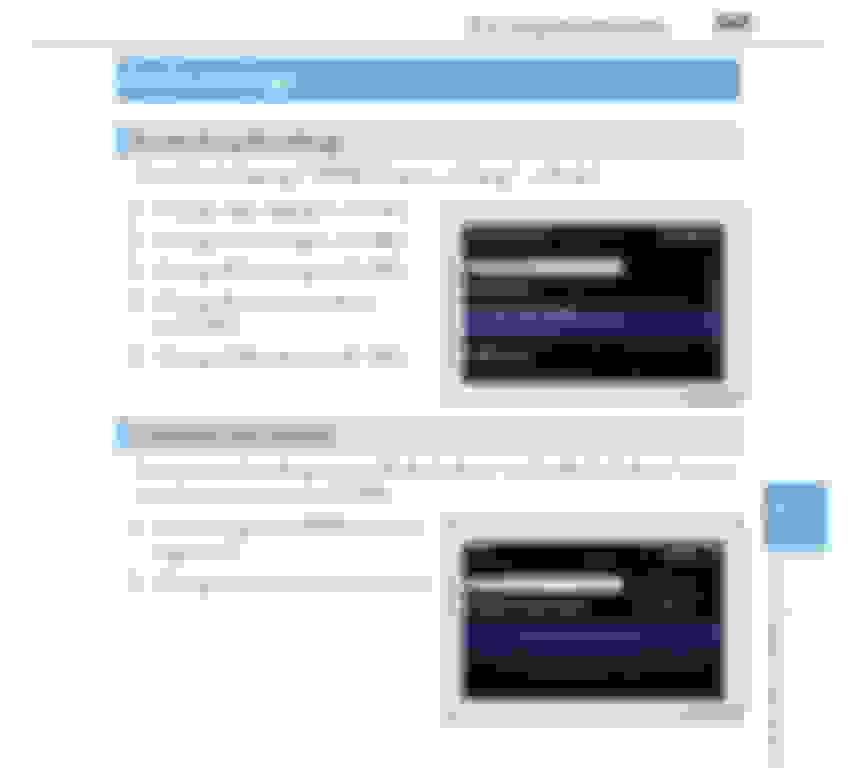
You can choose your FM stations and record those over the existing Sirius station presets. As far as I know, there are no delete options. If there are too many presets, you can adjust that as well (page 345 in the manual).
So once I have stations programmed I can never get rid of them (except maybe by reducing the number of presets)? Seems like an oversight to me.
Unless someone on here has figured out a way around it, I believe that is the case on both accounts. Yes, you can never delete a station once its programmed other than saving over it and yes, I believe this to be an oversight as well.
Here's an scenario I never tried but wondered about. Let's say you have 7 favorite stations that you want to save to presets (all 6 on the first page, and 1 on the second page). The radio already had 10 presets saved before you took delivery of the car and you don't want to save random stations over the extra three, you just want them to go away. I wonder if you set the number of presets to 6 from the options menu, (thus, deleting all four extra ones) then go back and set the number of presets back to 12...if that would then erase them to where you only had to save the one station back, leaving the others unused/not assigned. I wonder if that would work??
I tried - doesn't work. If you read what it says, is asks how many preset stations you want to display. Changed it to 6, when I went back to 12 they were all still there.
There is a **** on the right side of audio section. When you turn the ****, you will be able to get to the radio station that you like. After that, please use a touch pad to point the preset on the left side of the corner (i.e.from 1-6). Let's say you place the pointer at the preset 1, then all you have do is hold and press the touch pad to reset the radio station.
It works. I got rid of the old stations that had been somehow set when I bought the car and reprogrammed them with local radio stations.
That will replace the old stations with new ones, but does delete ones I don't want any more. I have more stations programmed than I want now because I set up a bunch when I had the Siruis trial. Now I want to delete them, but don't have more stations to replace them.
This is an age-old issue. For those old enough to remember the old school metal push button radios (there were five, maybe six buttons). When you tuned to a station, you had to pull out the button a bit and push it back in, which locked it to that station. Even back then, there was no way to "delete" the remembered station—you simply reset another station in replacement.
change it to show fewer stations - it's not a perfect solution
That's what I did. Works fine as long as you have multiples of 6 radio stations. Not sure what I'll do when I find a 13th station.
@NXOwner I do remember those days. But thankfully, technology has changed and I would expect a fully electronic radio to be able to delete stations no longer needed.
This is an age-old issue. For those old enough to remember the old school metal push button radios (there were five, maybe six buttons). When you tuned to a station, you had to pull out the button a bit and push it back in, which locked it to that station. Even back then, there was no way to "delete" the remembered station—you simply reset another station in replacement.
Wow NXOwner! Your really going back in time for that type radio setup! I do remember those also. WOW has technology changed since then! If you can't delete stations, then someone didn't do a very good job of programming or chip design!
Try going to setup than general than delete personal data. You will have to pair up your phones again which does not take long and addresses in your nav will be deleted but should delete all previous preset stations.