When you click on links to various merchants on this site and make a purchase, this can result in this site earning a commission. Affiliate programs and affiliations include, but are not limited to, the eBay Partner Network.
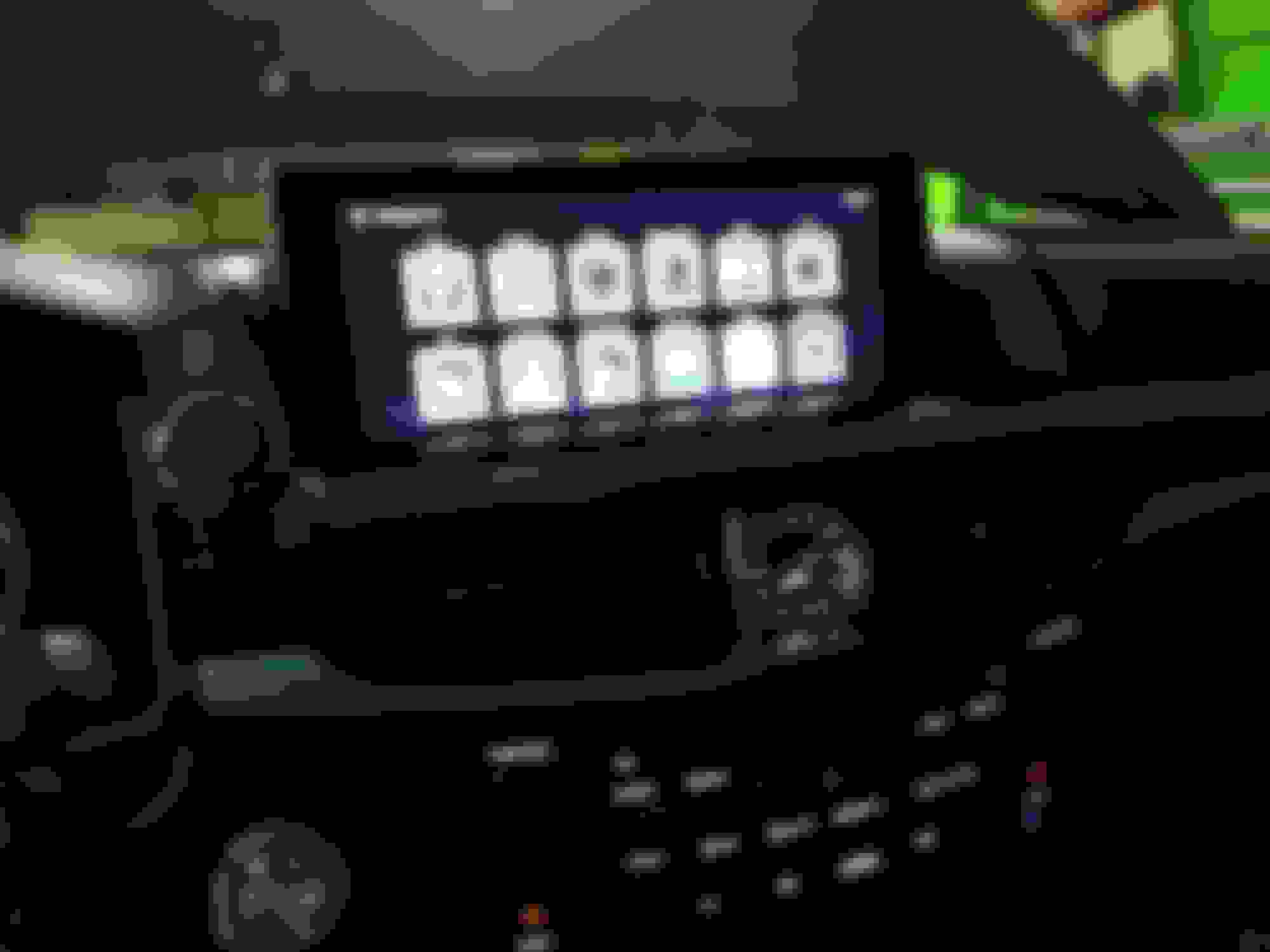
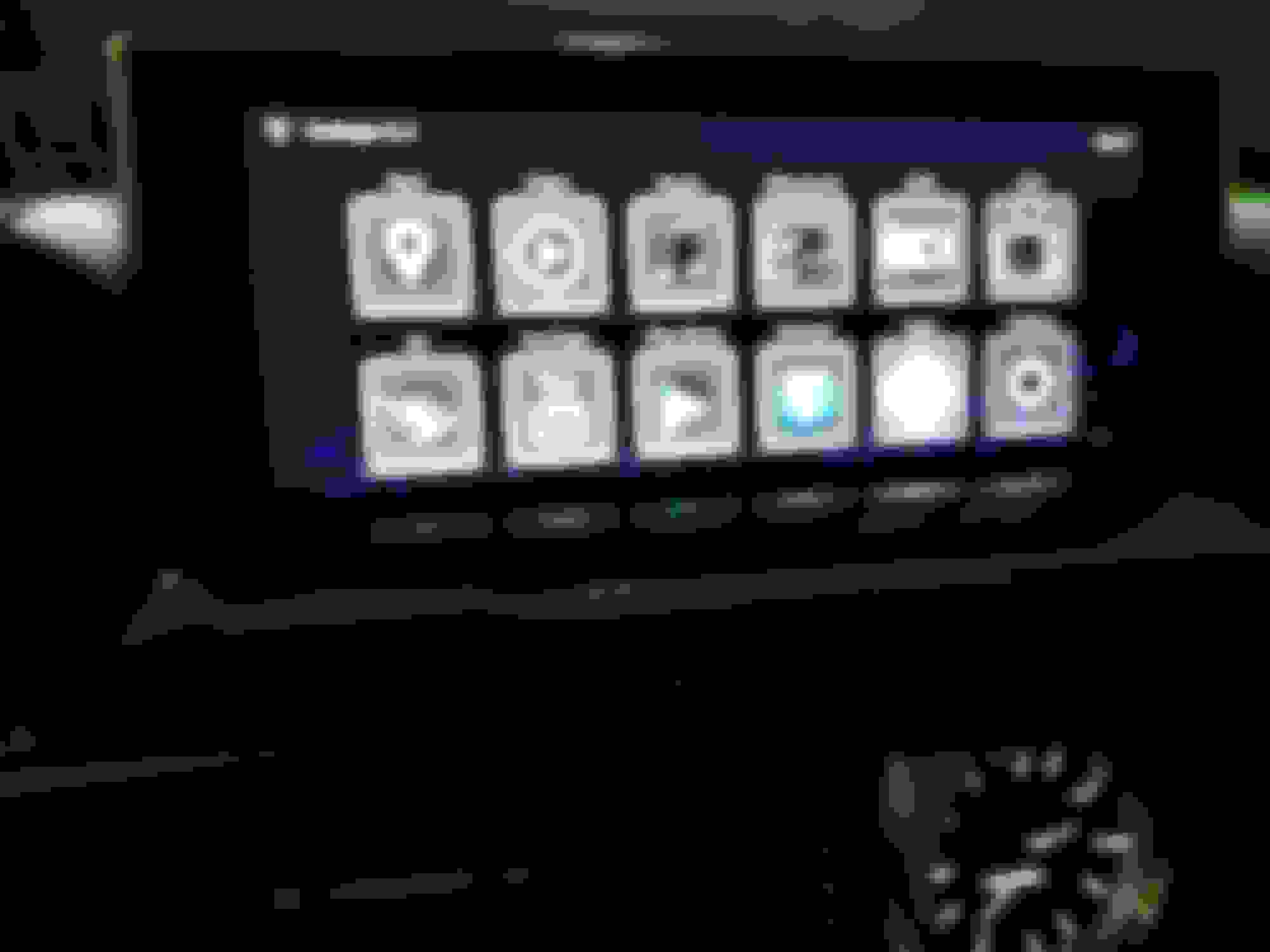
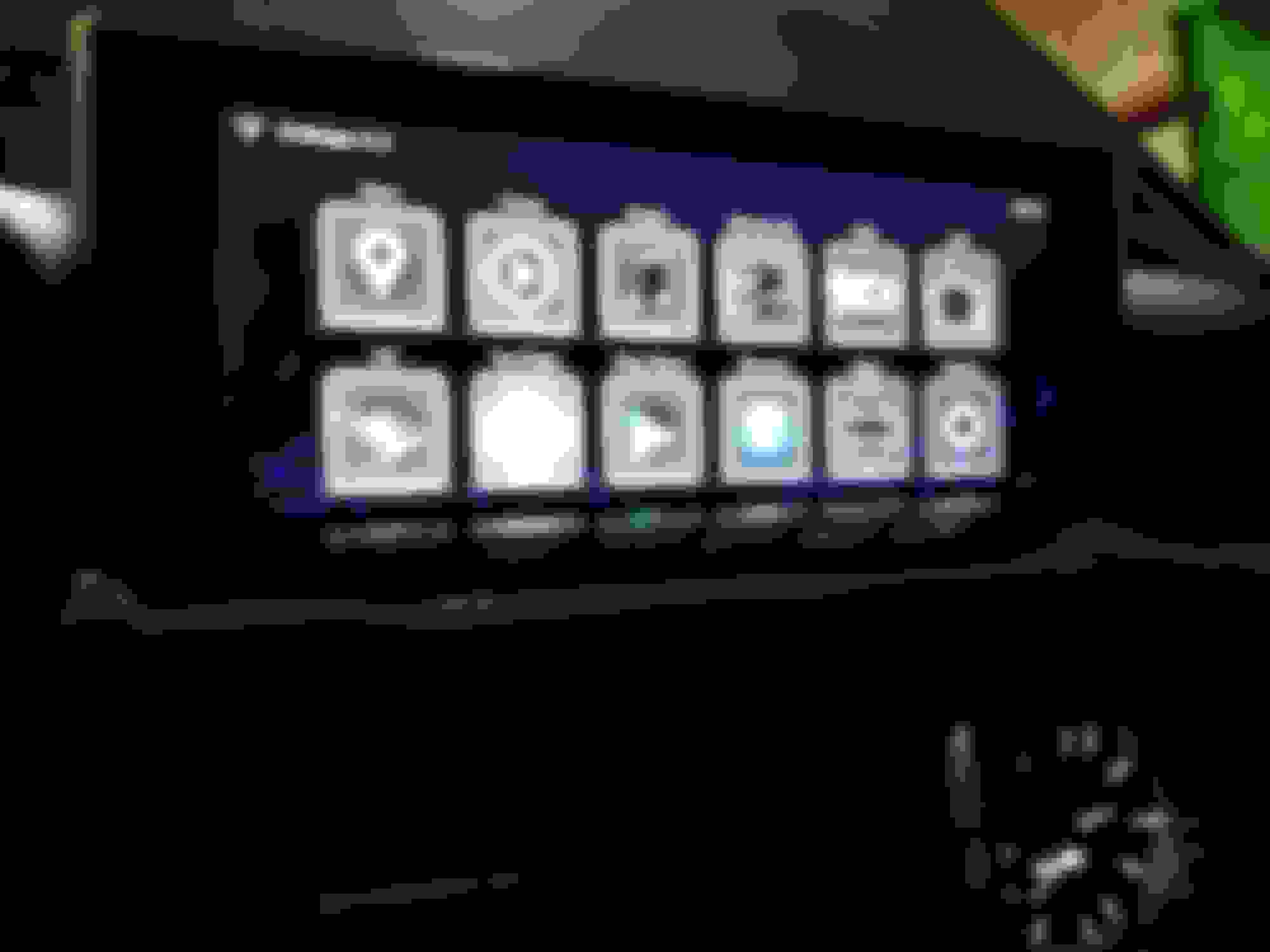
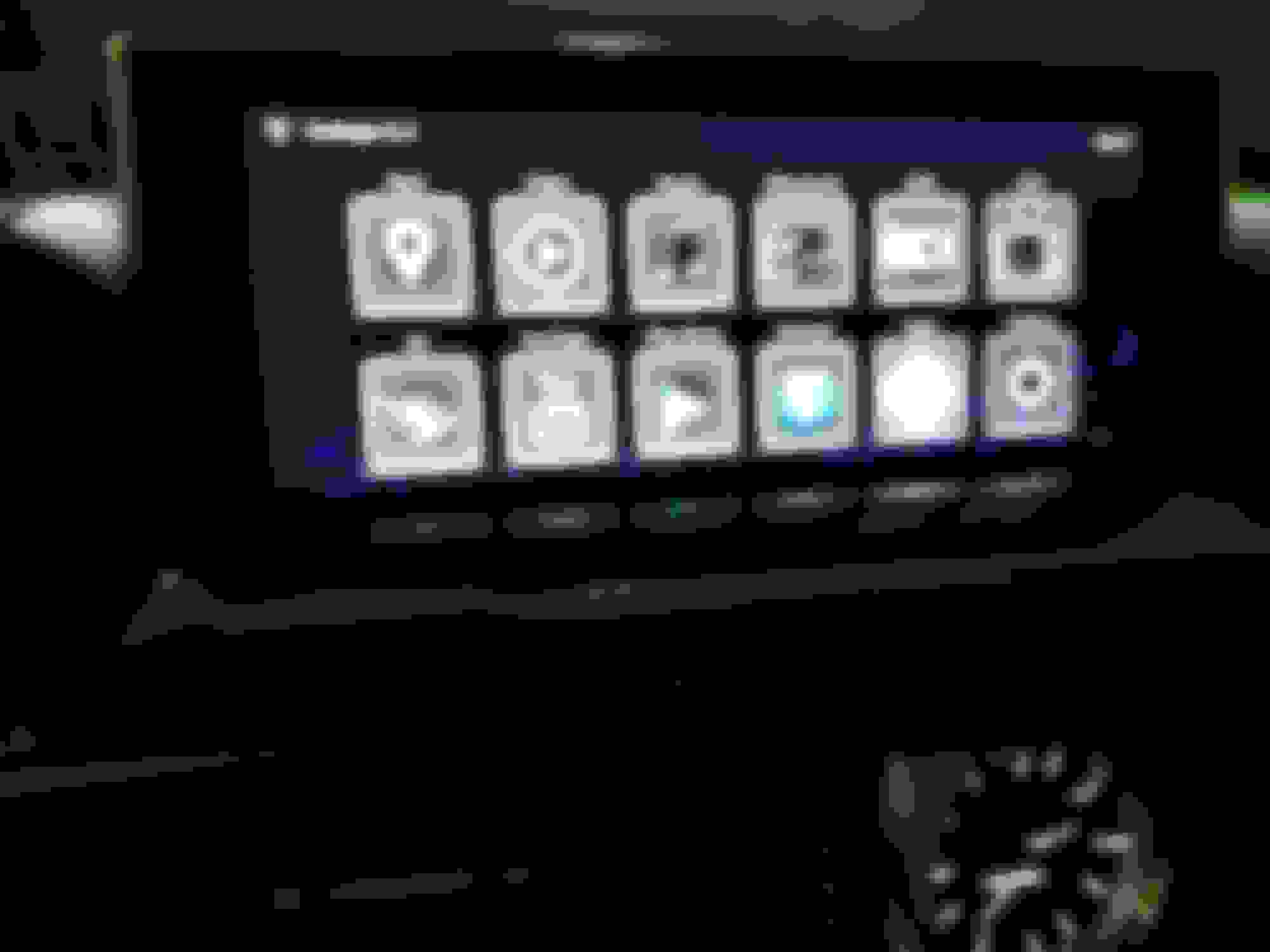
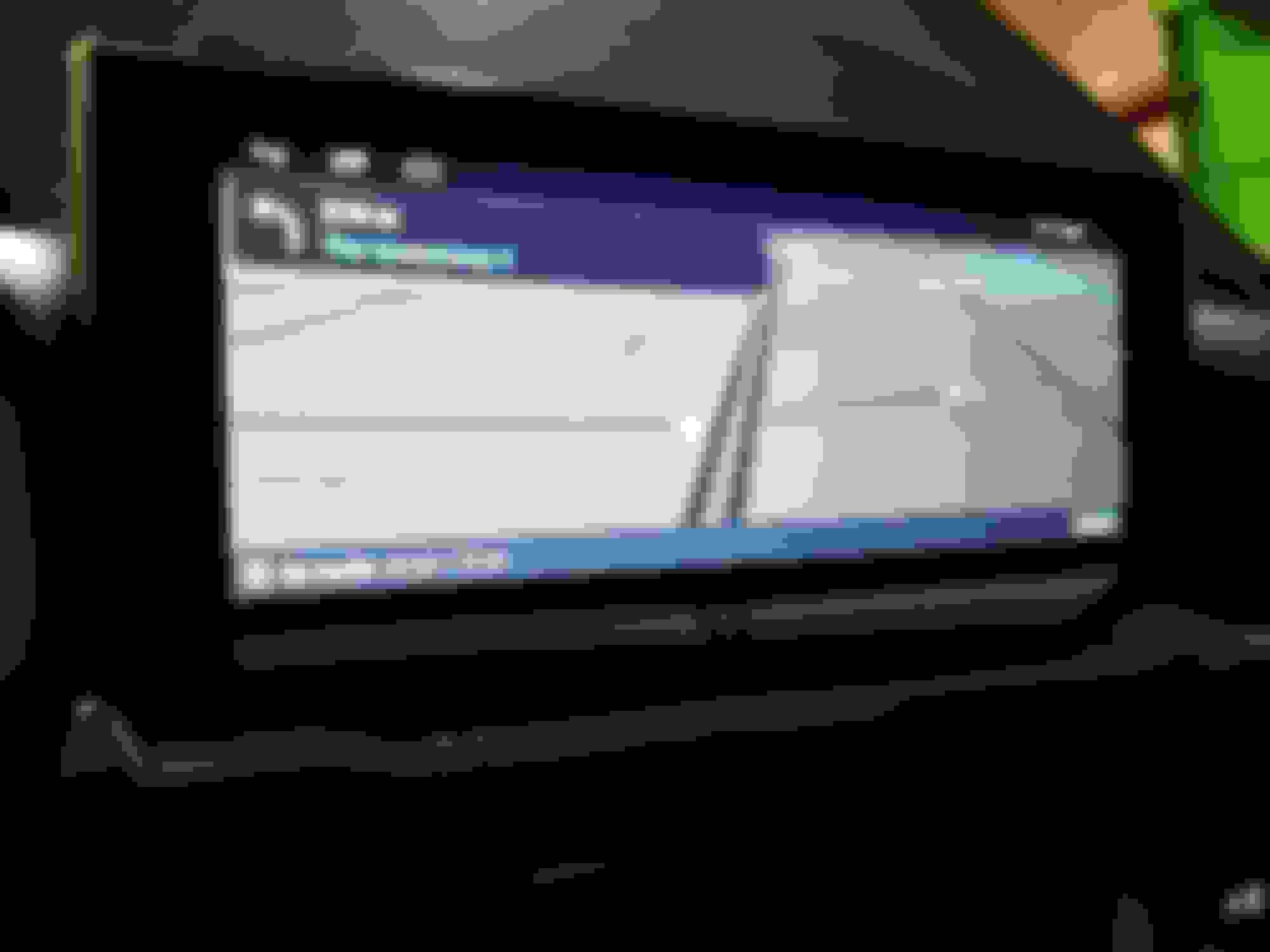
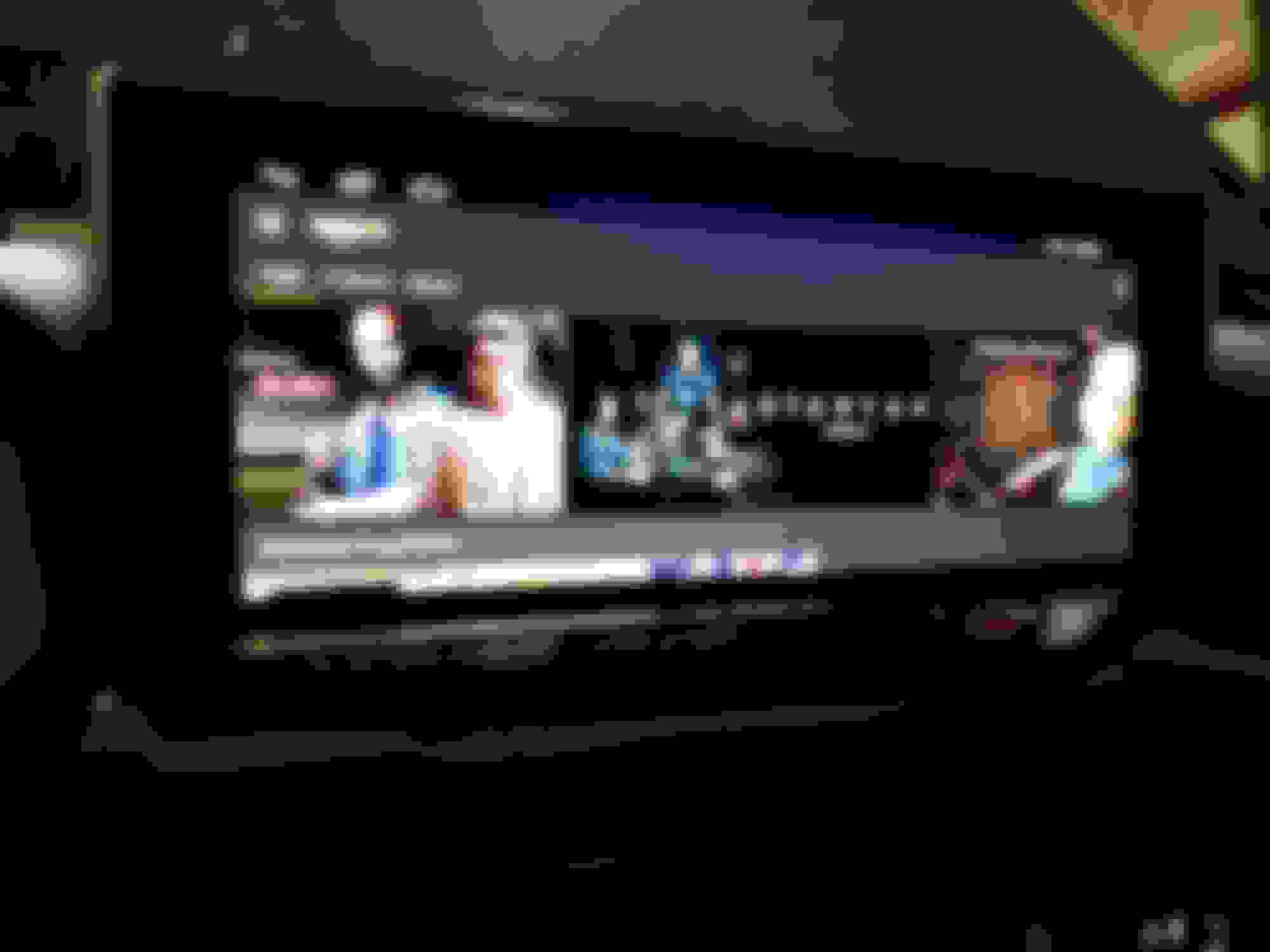
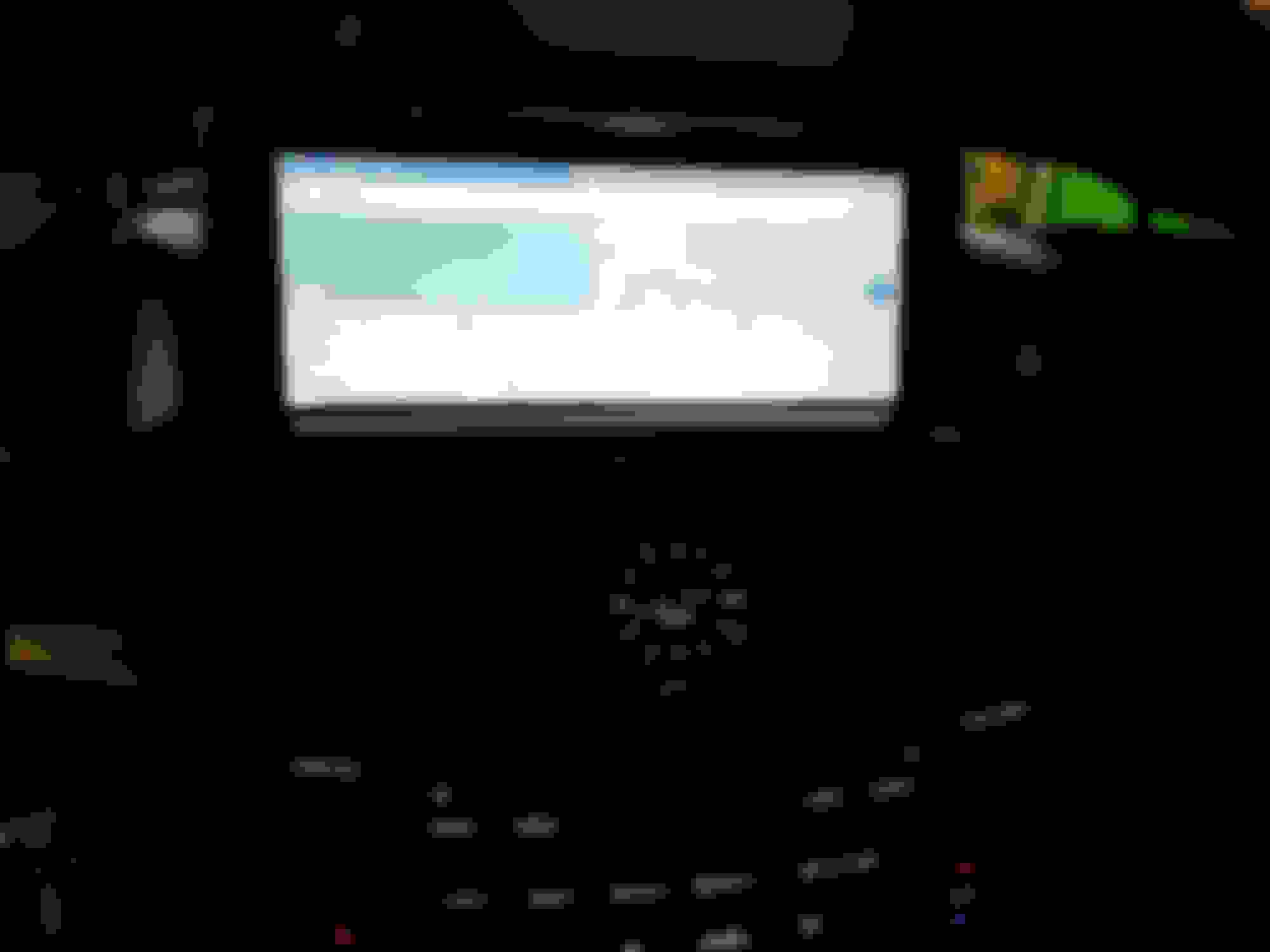
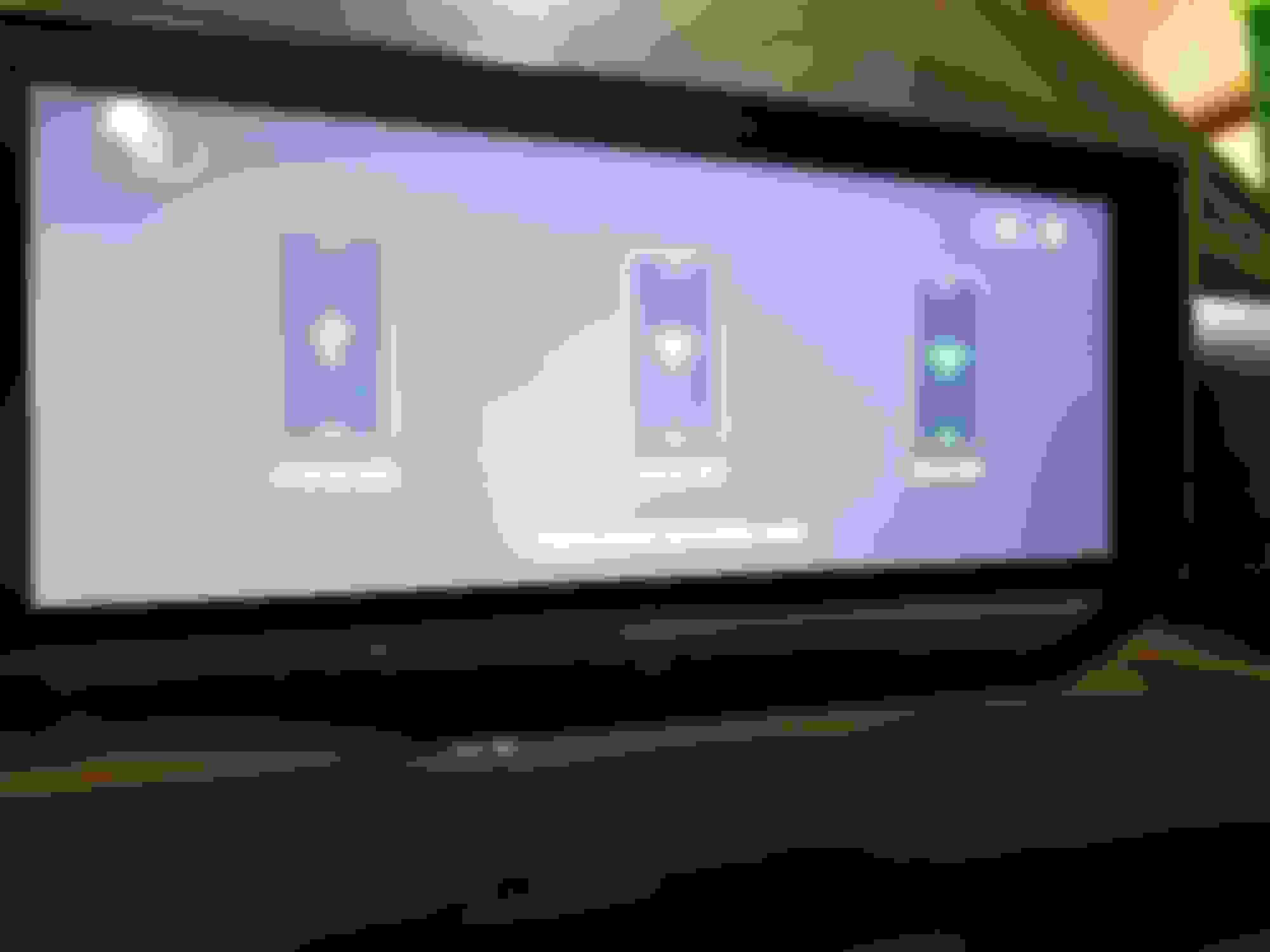
I haven't seen anyone else post this, so I figured I would. I bothered the manufacturer to create a Android box using the factory display. Its a plug and play box, that uses the factory mouse (controller), and the display. It is running Android 6.0.1 on a QuadCore-T3 processor. You chose the AUX input and you have full control and Audio via the unit. and the factory mouse, the factory steering wheel controls the volume and can toggle to other inputs as well. Im testing with Wifi currently, and going to try a cellular USB dongle for internet.
I haven't seen anyone else post this, so I figured I would. I bothered the manufacturer to create a Android box using the factory display. Its a plug and play box, that uses the factory mouse (controller), and the display. It is running Android 6.0.1 on a QuadCore-T3 processor. You chose the AUX input and you have full control and Audio via the unit. and the factory mouse, the factory steering wheel controls the volume and can toggle to other inputs as well. Im testing with Wifi currently, and going to try a cellular USB dongle for internet.
j0.
Why? Seems like a lot of time and money spent. Maybe I'm too old to understand, but driving is my escape from distractions and interruptions. I have plenty of screens at home.
This is awesome. A bit like the Tesla screen in terms of versatility.
A few questions:
1. How much was the cost?
2. What's the installation like?
3. Does the backup camera override the Android interface?
4. Can you quickly toggle between the Android and factory setup while the car is on?
Why? Seems like a lot of time and money spent. Maybe I'm too old to understand, but driving is my escape from distractions and interruptions. I have plenty of screens at home.
I use Waze for traffic and Police notification... The Navigation on Android Waze is so much better then the factory maps, and routing. Sorting thru music is easier...
Around $800 bucks, installation was pretty easy, since I originally had everything apart before to put in the Navigation in motion bypass. And yes, both the front and rear camera will override the android interface to see. There is a setting in the setup which gives you the ability to use the OEM cameras, or use different inputs.
Originally Posted by Chocolate
This is awesome. A bit like the Tesla screen in terms of versatility.
A few questions:
1. How much was the cost?
2. What's the installation like?
3. Does the backup camera override the Android interface?
4. Can you quickly toggle between the Android and factory setup while the car is on?
There is also option of buying this via Aliexpress and gives you some extra protections if you fear you may not get your product buying direct from manufacturer. Aliexpress backs up the buyer just like ebay.
I actually have the same system in my Lexus IS
You can follow my adventure with it here, https://www.clublexus.com/forums/is-...ere-we-go.html
There is some hiccups with it in my setup but working with the companies support and engineers to get it squared out. Hopefully they can figure it out.
Do you need a dongle to use internet or it can be BT from the phone? Does it work with iPhone?
Yup just turn on WiFi hotspot on phone (if you have this service) and allow this Android interface to connect to it just like any other Android device.
Yup just turn on WiFi hotspot on phone (if you have this service) and allow this Android interface to connect to it just like any other Android device.
Cool. How about streaming videos from the phone (which are on the phone)? How does this situation works?
Toyota and Lexus Join Mille Miglia For The First Time
Slideshow: A five-car lineup spanning more than five decades of Toyota performance and engineering will tackle one of Italy's most celebrated automotive routes.



 Android on Factory screen!