When you click on links to various merchants on this site and make a purchase, this can result in this site earning a commission. Affiliate programs and affiliations include, but are not limited to, the eBay Partner Network.
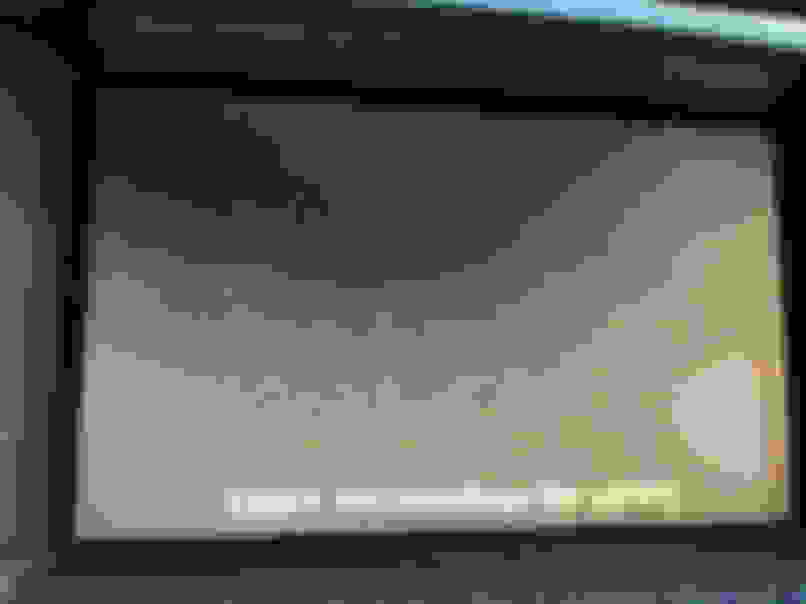
The rear camera on my 04 Ultra has stopped working. I still get the "Check Surroundings For Safety" message on the bottom of the screen, but apart from that screen is black. Prior to this, the camera started get fuzzy....the really blurry...and now gone. All other graphics and functions in the screen work as they should.
So I'd say camera is dead. However....is there a way to test the system and/or could it be something else within the system?
Just want to be sure before I buy a new camera/parts.
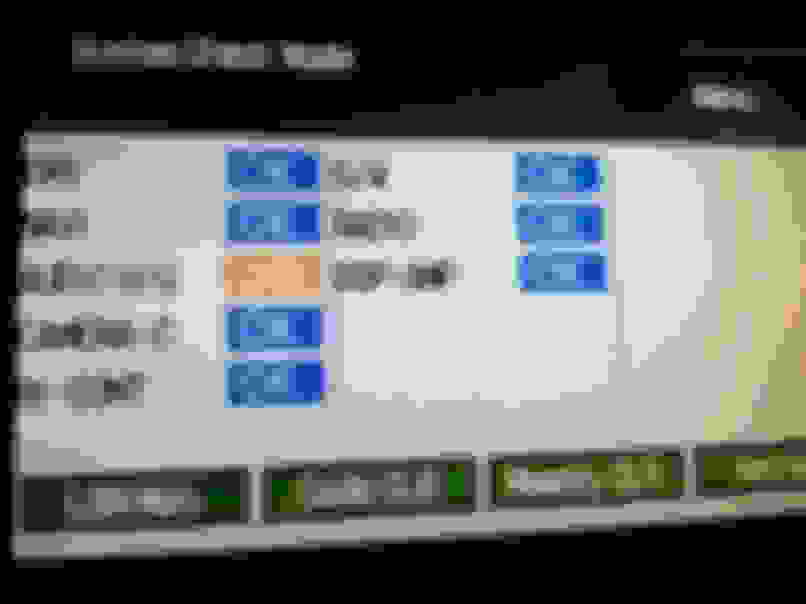
But when you run the individual test and activate the camera, the screen comes up gray, no image, no nothing. When in reverse, the screen comes up black, no image.
I still have no idea what the problem is.
1) Image 1 is my car in reverse; screen is black.
2) Subsequent images are the diagnostic tests.
the problem was " Over a year later, I have solved this issue! There is a television camera ecu in the trunk; the signals for both the backup camera and the navigation unit pass through the television camera ecu (part # 86792-50040). The constant power wire going to this module was showing 0 volts when I tested it on the multimeter; it should be 10-14v at all times (even when the car is off). Thus, the unit that sends both signals (backup camera and navigation) to the display was not powering up. Rather than trace the wire harness through hell and back, I simply spliced into this wire at the connector and ran it to the constant power from the fuse box located in the trunk, and it works perfectly! I was able to diagnose this by subscribing to techinfo.toyota.com for 48 hours ($10 I think) and downloaded all electrical pdf's for the navigation and radio. I can post pictures of the fix if anybody is interested. With a few pics, a novice could fix this in a short amount of time. Anyways, I hope this helps."
Take a look at the troubleshooting steps below... the problem may well be a blown fuse. Please check the 3 fuses: "RR ECU-B", "RR ACC", and "RR IG" in the fuse box in the trunk.
Last edited by rkw77080; May 25, 2018 at 05:55 PM.
Thanks for the help. Although my navigation (everything, really) works fine. Just the back up camera. If I test the wires going to ecu and they are the problem your post will be very helpful.
The rear camera on my 04 Ultra has stopped working. I still get the "Check Surroundings For Safety" message on the bottom of the screen, but apart from that screen is black. Prior to this, the camera started get fuzzy....the really blurry...and now gone. All other graphics and functions in the screen work as they should.
So I'd say camera is dead. However....is there a way to test the system and/or could it be something else within the system?
Just want to be sure before I buy a new camera/parts.
I have the exact same vehicle and exact same problem. It happened a month ago and I am looking for a solution. Have you been able to fix your problem? Thanks.
I was just thinking the other day.."the electronics on this car being 16 years old are exceptional!"
The follwing week, my camera stops working.
Did the system check and it looks like the camera is reporting an issue. I will go pull the fuse sometime this week and see what the problem could be.



 Rear Camera Not Working