When you click on links to various merchants on this site and make a purchase, this can result in this site earning a commission. Affiliate programs and affiliations include, but are not limited to, the eBay Partner Network.
I am looking for the rev/camera wires to tap into on a 2007 GS350. I pulled the glove box out and there wasn't a TV controller behind it. The K45/46 plugs don't appear to line up with post #12 on this thread either so I am sort of at a loss.
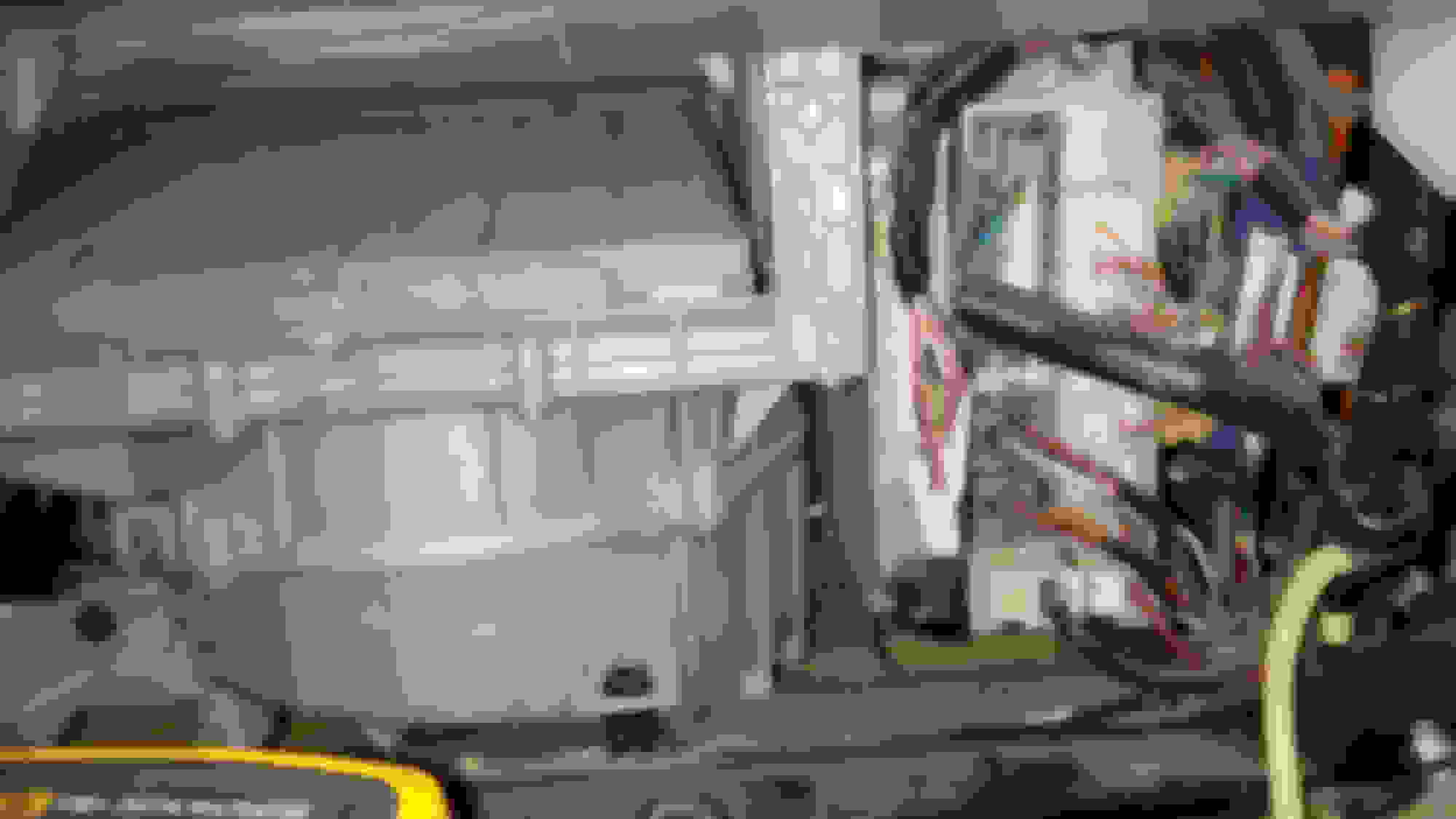
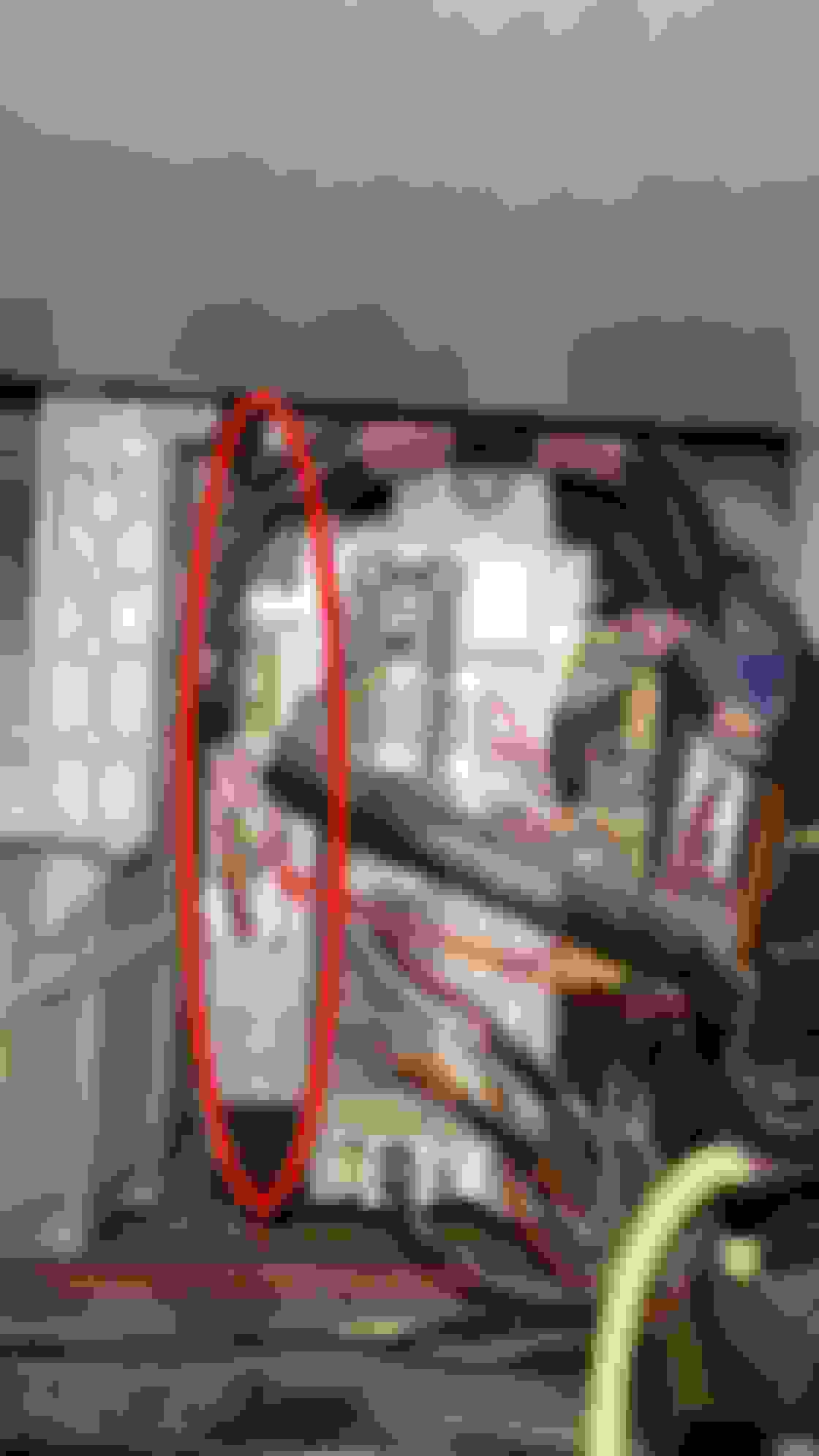
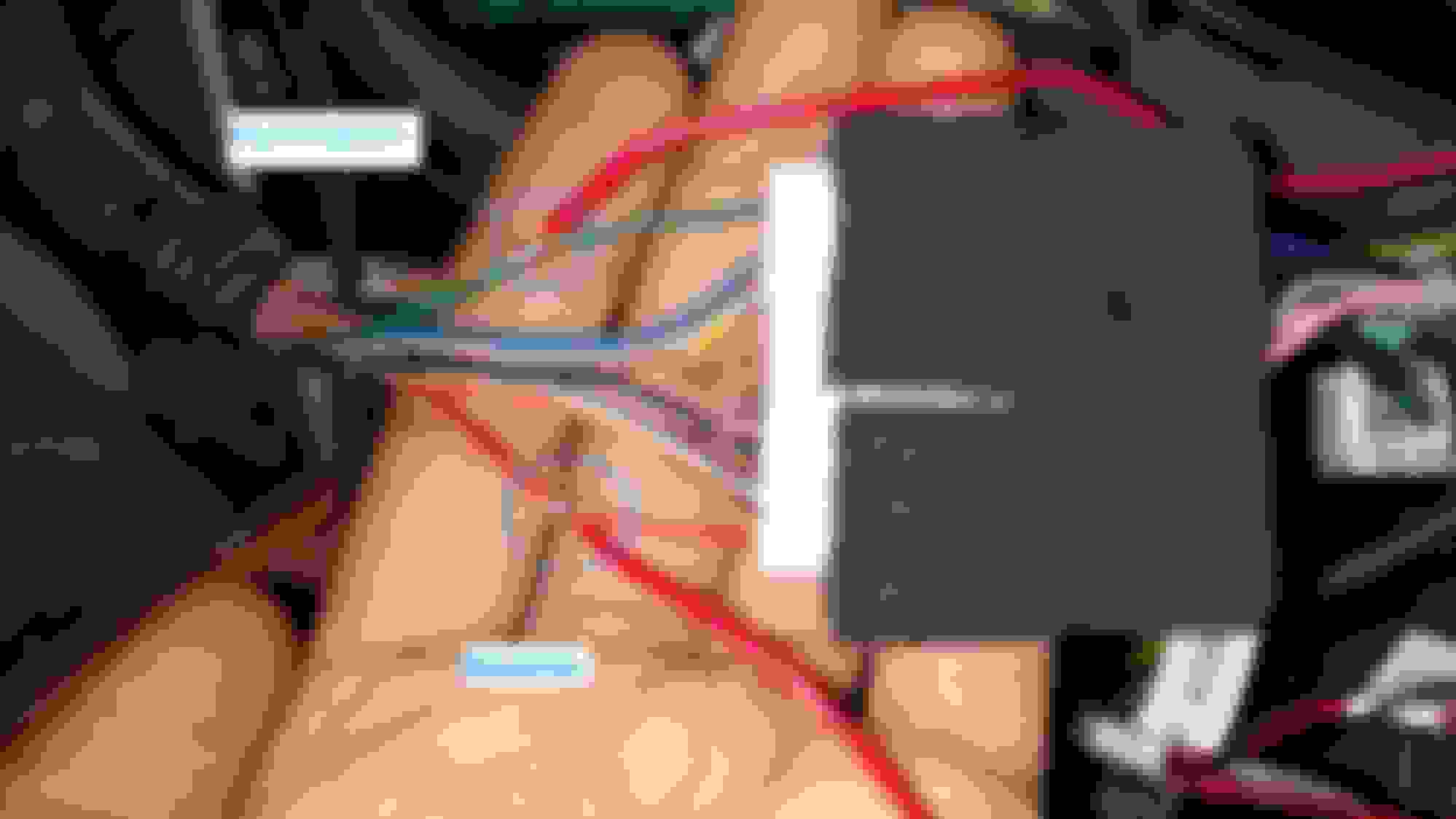
Here are pictures of my K45 / K46 connectors behind head unit.
the screen is big, did you blocked controls behind? do you have mounting details?
How you resolve the two antenna and sub woofer connection? I use one antenna and find FM signal get worse. And most Android has no sub woofer amp (I guess your factory amp has)
I am looking for the rev/camera wires to tap into on a 2007 GS350. I pulled the glove box out and there wasn't a TV controller behind it. The K45/46 plugs don't appear to line up with post #12 on this thread either so I am sort of at a loss.
Here are pictures of my K45 / K46 connectors behind head unit.
Any help is greatly appreciated!
Hi,
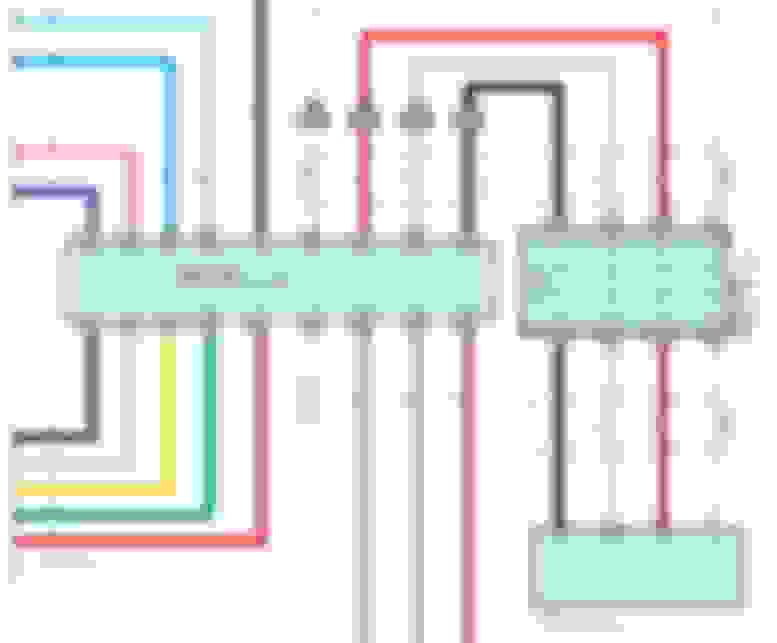
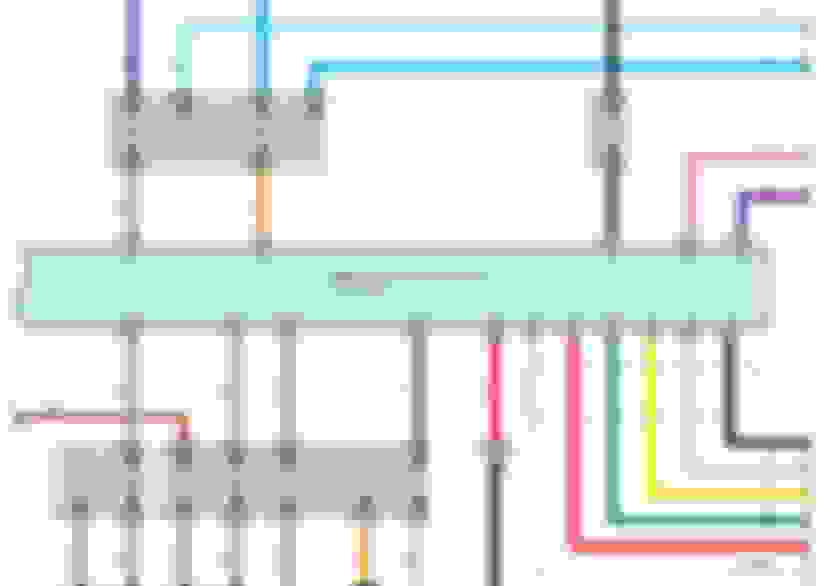
Sorry for the late reply. The wires of K47 line up with your photos. You just need to face the plug when you count the pins.
13 (black)
14 (white)
27 (red)
28 (shielded) (transparent)
I will explain how I managed to connect my Tesla Style headunit to the OEM camera in my GS 2006.
My car comes with Mark Levinson System and Navigation. I don't think it will make a defferance, but FYI.
1. Remove the glove compartment to reach the wires coming from the camera to the (Television Camera Controller).
Behind the glove compartment
Television Camera Controller
2. You need one meter long RCA cable and cut the head from one side. Locate pin 39 [CV-] (gray wire) and pin 40 [CV+] (red wire) in the K64 plug. Connect the center wire of the RCA cable to pin 40 and the shield to pin 39. After you finish run the other end of the RCA cable to the headunit and connect it. Make sure if you unplug K64 to plug it back because the OEM camera is taking 6.4v power from pin 20[CB+] and pin 19 [CGND] of K 64.
2006 GS OEM camera connection
K 64
3. Now go behind the Headunit and locate pin 13 [REV] (red wire) in the K 46 plug and connect it to the reverse wire from the Headunit. I used an extention wire to reach it easly.
Reverse Signal comming to the OEM unit
K 46
Reverse and Illumination Wires
And
Bonus (not related to camera):
Connect pin 12 (green) of K 46 plug to the illumination wire of the Headunit to dim the screen when you turn on the headlight.
is RCA cable the only cable needed? If so is there a specific rca cable? Thanks in advance
I will explain how I managed to connect my Tesla Style headunit to the OEM camera in my GS 2006.
My car comes with Mark Levinson System and Navigation. I don't think it will make a defferance, but FYI.
1. Remove the glove compartment to reach the wires coming from the camera to the (Television Camera Controller).
Behind the glove compartment
Television Camera Controller
2. You need one meter long RCA cable and cut the head from one side. Locate pin 39 [CV-] (gray wire) and pin 40 [CV+] (red wire) in the K64 plug. Connect the center wire of the RCA cable to pin 40 and the shield to pin 39. After you finish run the other end of the RCA cable to the headunit and connect it. Make sure if you unplug K64 to plug it back because the OEM camera is taking 6.4v power from pin 20[CB+] and pin 19 [CGND] of K 64.
2006 GS OEM camera connection
K 64
3. Now go behind the Headunit and locate pin 13 [REV] (red wire) in the K 46 plug and connect it to the reverse wire from the Headunit. I used an extention wire to reach it easly.
Reverse Signal comming to the OEM unit
K 46
Reverse and Illumination Wires
Bonus (not related to camera):
Connect pin 12 (green) of K 46 plug to the illumination wire of the Headunit to dim the screen when you turn on the headlight.
I have a 2007 model and my cam is not working.
ive tried it with post 1 (but colors are not the same) but it never worked.
is there a different way to do it in 07 model?
I have a 2007 model and my cam is not working.
ive tried it with post 1 (but colors are not the same) but it never worked.
is there a different way to do it in 07 model?
Hi,
Follow the steps in post #12. Double check with multimeter the 12v signal.



 2007 GS350 rev/cam wires location