When you click on links to various merchants on this site and make a purchase, this can result in this site earning a commission. Affiliate programs and affiliations include, but are not limited to, the eBay Partner Network.
I updated my software. I think it added Alexa, but does anyone know if the navigation update updated the maps. I'm used to having to pay for updated maps.
It did NOT update your maps unfortunately. The actual maps are “data” and I’m sure Lexus must pay for that. They wouldn’t make the maps available as a simple web download. I believe this is just an update to the nav operating system. Probably made some obscure change that most of us won’t even notice, beyond enabling the “Lexus+Alexa” feature for iPhones.
My iPhone wouldn’t even connect to the car until I applied these updates, for what it’s worth.
I updated my software. I think it added Alexa, but does anyone know if the navigation update updated the maps. I'm used to having to pay for updated maps.
Hello.
I have es 250 2019. How did you update the software? I downloaded the recent software to a flash memory. But it did not recognise the file in setup >general> software update. The update selection is kept blank and grey.
I had contacted my dealer Tech support guy regarding my nav/infotainment system randomly rebooting. He said he had two updates on a USB stick if I wanted to come by he'd put them on. He wasn't sure they would fix my particular problem but the info did say something about "stability fixes" - it was also supposed to fix some issue with CarPlay. I live close to the dealership so I swung by yesterday and he put them on... I'm guessing these are the same as discussed in this thread?
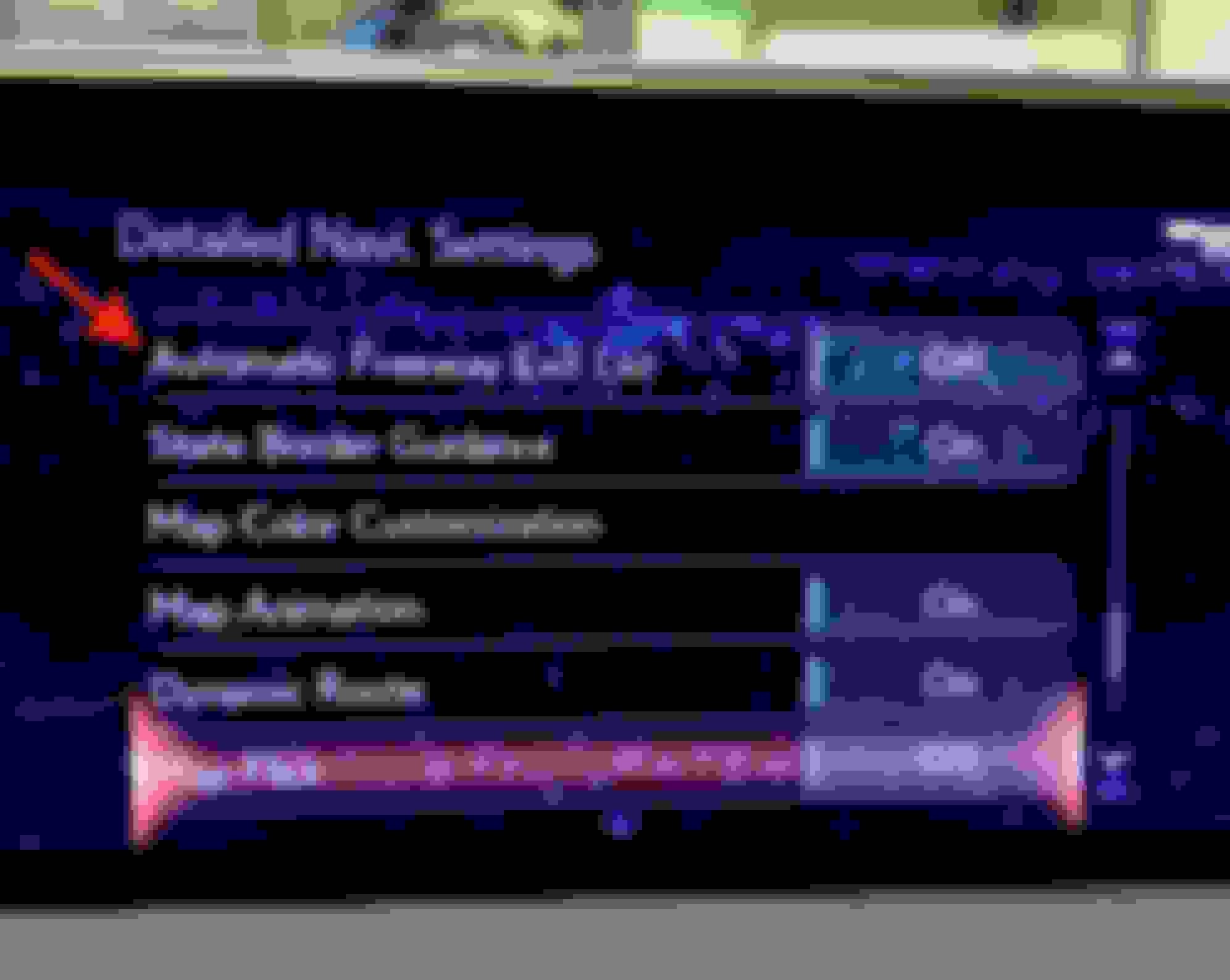
But one nice think the tech guy pointed out is that you can now shut off the annoying freeway exits popping up continually as you drive down the highway.
It did NOT update your maps unfortunately. The actual maps are “data” and I’m sure Lexus must pay for that. They wouldn’t make the maps available as a simple web download ....
I agree that this update wouldn't update the maps, but what about Dymnamic Navigation?
"New Dynamic Navigation in select vehicles, offers three enhanced features. Enjoy greater accuracy through cloud-based updates with Dynamic Map. Dynamic Route offers alternate routes based on conditions ahead, and Dynamic POI Search automatically sorts Points of Interest results based on relevance. Complimentary for the first three years of ownership.
I assumed early on that this meant they routinely update the maps over the air. Reading it again, maybe it means it just updates the route. How disappointing that is! I thought Lexus finally figured out that NO ONE charges for map updates anymore.
I had contacted my dealer Tech support guy regarding my nav/infotainment system randomly rebooting. He said he had two updates on a USB stick if I wanted to come by he'd put them on. He wasn't sure they would fix my particular problem but the info did say something about "stability fixes" - it was also supposed to fix some issue with CarPlay. I live close to the dealership so I swung by yesterday and he put them on... I'm guessing these are the same as discussed in this thread?
But one nice think the tech guy pointed out is that you can now shut off the annoying freeway exits popping up continually as you drive down the highway.
I checked my Setup and this option is not there yet. This raises a couple of questions about updates.
1) Why couldn't you have gotten this update through the Setup and Check for Updates? Why did the Lexus tech need to use a USB stick to install these updates?
2) I have Automatic Updates turned On. Shouldn't this update have downloaded automatically?
I had contacted my dealer Tech support guy regarding my nav/infotainment system randomly rebooting. He said he had two updates on a USB stick if I wanted to come by he'd put them on. He wasn't sure they would fix my particular problem but the info did say something about "stability fixes" - it was also supposed to fix some issue with CarPlay. I live close to the dealership so I swung by yesterday and he put them on... I'm guessing these are the same as discussed in this thread?
But one nice think the tech guy pointed out is that you can now shut off the annoying freeway exits popping up continually as you drive down the highway.
What are your software revision numbers now? Seems that you may have something newer than what is being pushed by Lexus over normal update channels.
Edit: Upon further review, I have that option listed and I have the 1028 and 1025 versions shown in the OP.
I checked my Setup and this option is not there yet. This raises a couple of questions about updates.
1) Why couldn't you have gotten this update through the Setup and Check for Updates? Why did the Lexus tech need to use a USB stick to install these updates?
2) I have Automatic Updates turned On. Shouldn't this update have downloaded automatically?
Which software updates are you on? I just checked and my 300H is on the same level as the first post in the OP that the Exit List menu option is listed in mine.
Which software updates are you on? I just checked and my 300H is on the same level as the first post in the OP that the Exit List menu option is listed in mine.
Mine says:
Audio 1010
Nav 1005
The date fields are blank. When I check for updates, it says "The current software is up to date. It is not necessary to update."
The OP in this thread was at Audio 1028 and Nav 1025, which looks way passed my versions.
When I drove it home about 6 weeks ago, it asked me if I wanted to update and I clicked yes. I presumed it updated something.
Toyota and Lexus Join Mille Miglia For The First Time
Slideshow: A five-car lineup spanning more than five decades of Toyota performance and engineering will tackle one of Italy's most celebrated automotive routes.



 Software Updated