When you click on links to various merchants on this site and make a purchase, this can result in this site earning a commission. Affiliate programs and affiliations include, but are not limited to, the eBay Partner Network.
Guys, i've been searching in these forums as well as online for info on updating my 2015 es's navigation maps.
i couldn't find much info other than the ones that have done the update at the dealer for around $210~$280.
that's too much mullah for a nav update these days.
so i went on ebay and searched and searched........they are readily available for $217 from an authorized dealer. But i got lucky and purchased one for $172, brand new never opened.
DISCLAIMER: i'm not responsible if you mess up and brick your system.
first things first, 2015 es 350 uses lexus GEN 8 navigation. THIS ONLY APPLIES TO 2015 lexus ES 350. i don't know about other years, i own a 2015 and that's all i cared to research for.
This is how the SD card looks:
It is the 2018 18.1 version.
STEPS:
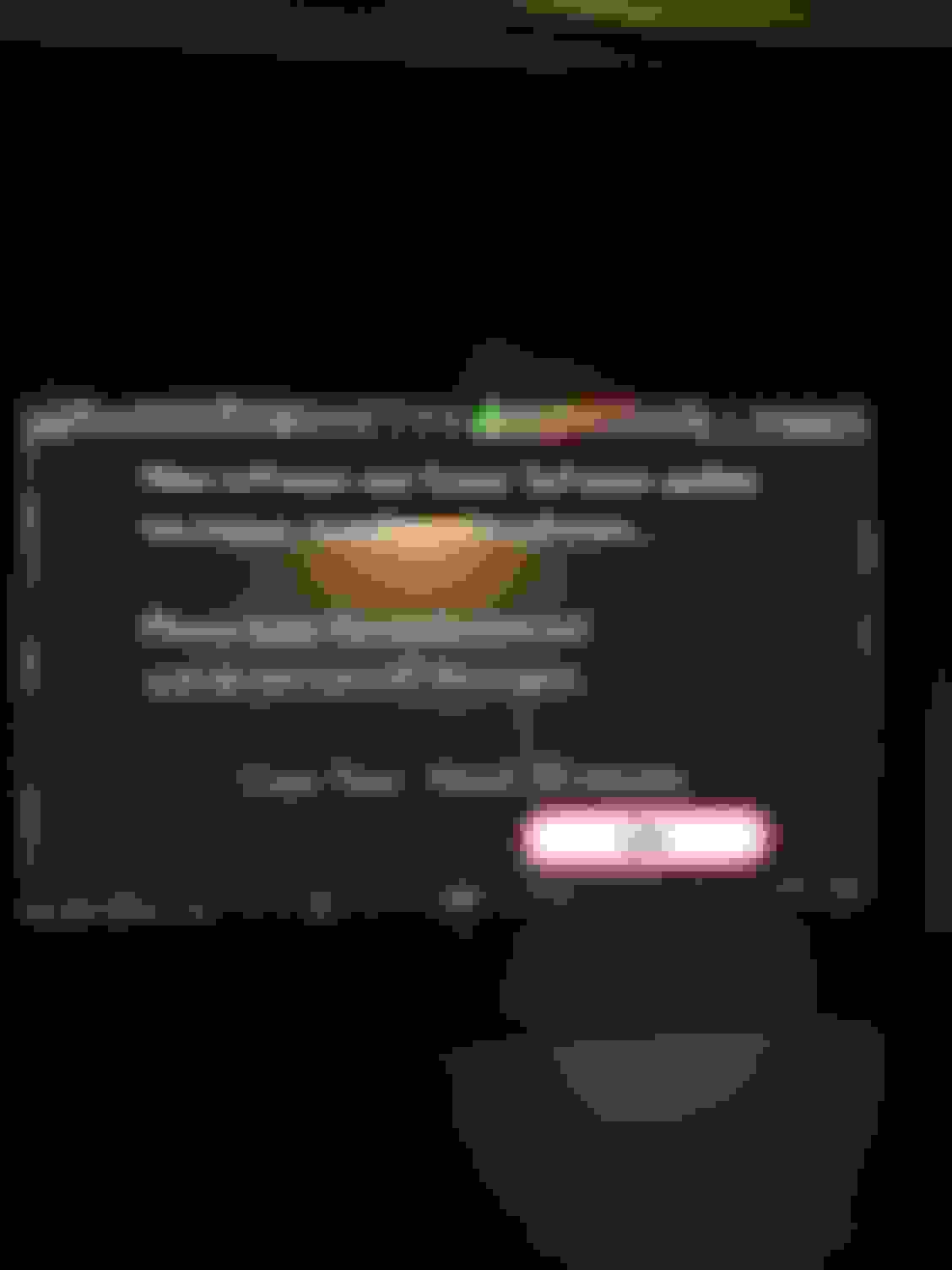
1) turn on car with your original SD card. meaning do not remove anything yet, just turn on car. Go to navigation options from the nav screen (not the menu nav screen). go to map update and it will prompt you to remove the current SD card and insert the new one. After that the screen will go to:
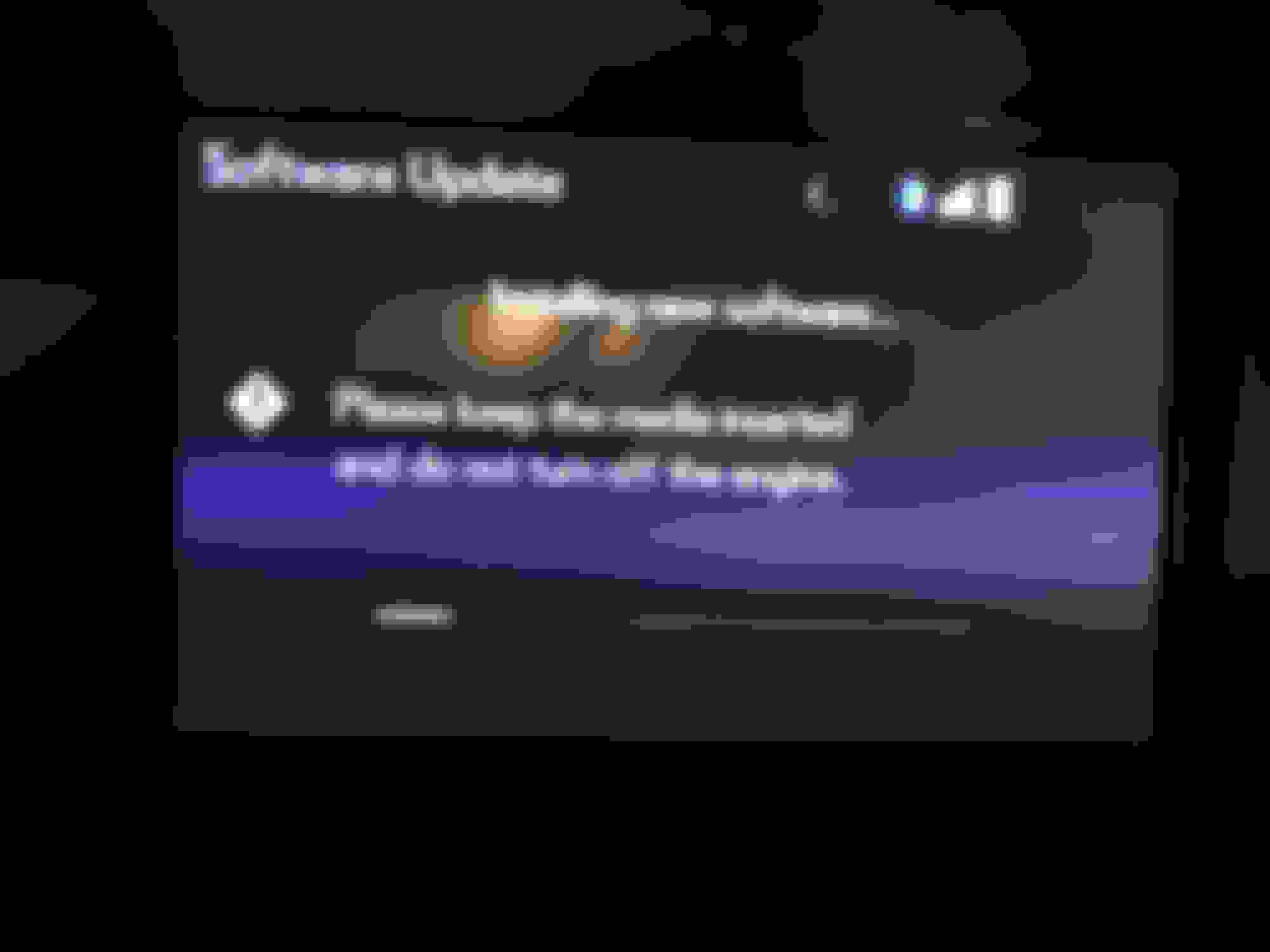
then it will ask you to shut off car and turn back on:
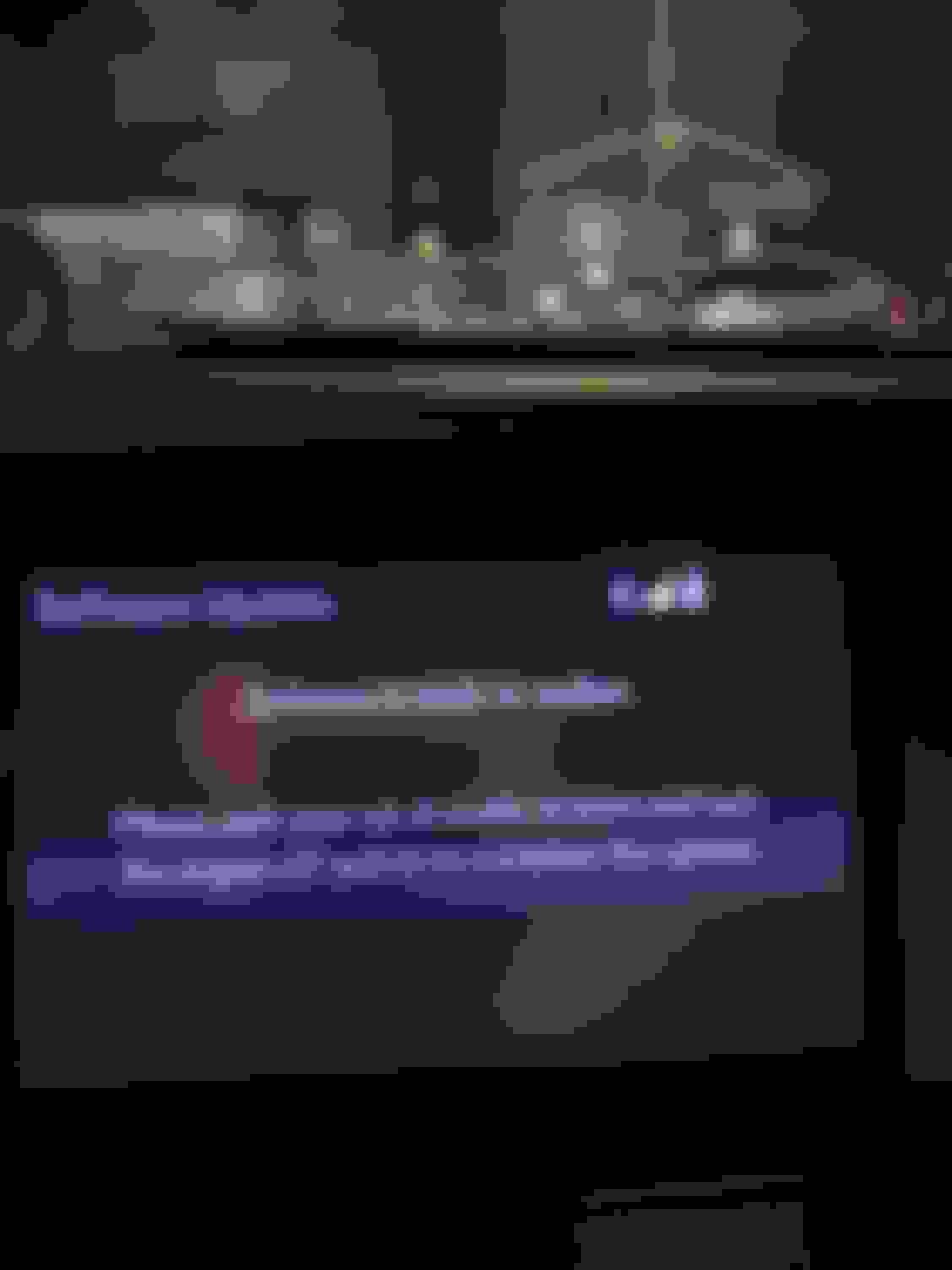
once you do this and turn car back on, it will switch to:
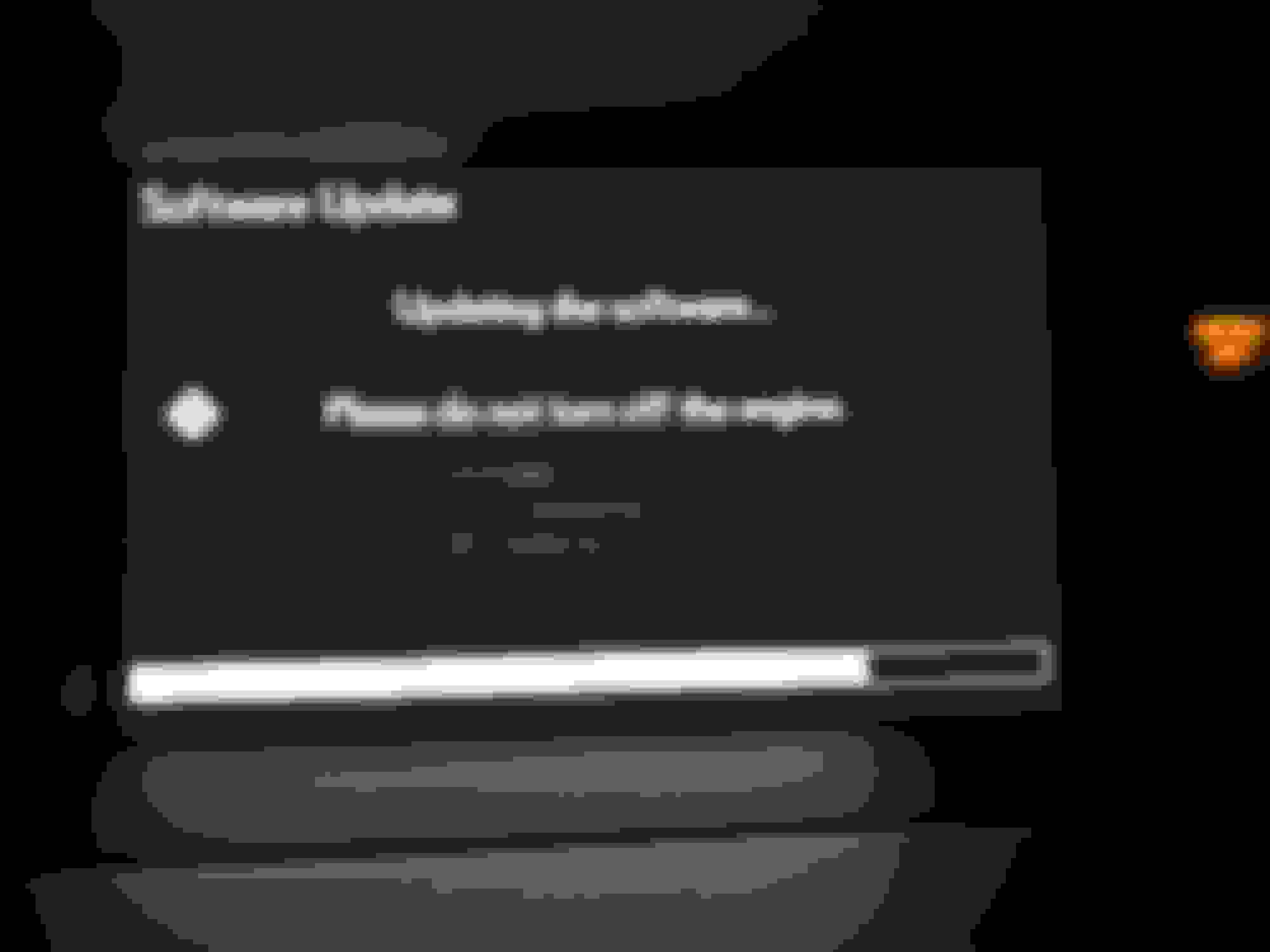
this one takes a while, like around 20-30 minutes. for the love of god, DO NOT TURN OFF ENGINE until this is done.
once it's done, it will restart.
And here's the scary part:
the safety warning screen will pop up like it does everytime you start the car......but this time the sucker is gonna be stucked for a good 15 minutes!
i really thought i messed up and bricked the system. But fear not, i'm giving u all a heads up. it just takes time.
And that's it:
here's a very easy to install and cheap tempered glass screen protector from amazon, this is for the navi screen of course:
I sure wish I could update my 2013. I think I need dealer assistance.
Me too...we have some newly completed highways in our area and it would be nice to look at my nav and not see my car spinning around in the middle of some road less field. lol



 2015 Navigation map update - DIY installation