When you click on links to various merchants on this site and make a purchase, this can result in this site earning a commission. Affiliate programs and affiliations include, but are not limited to, the eBay Partner Network.
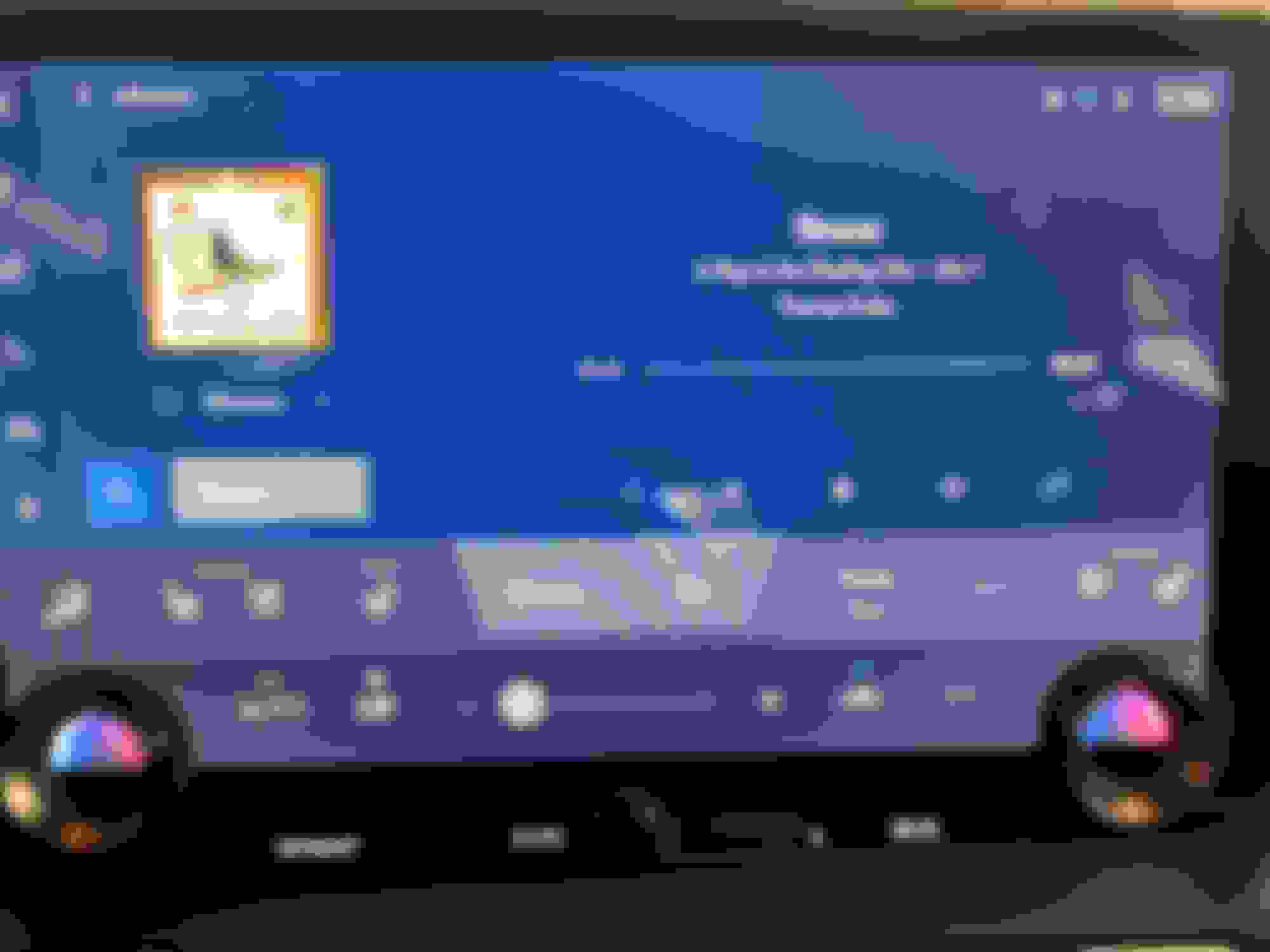
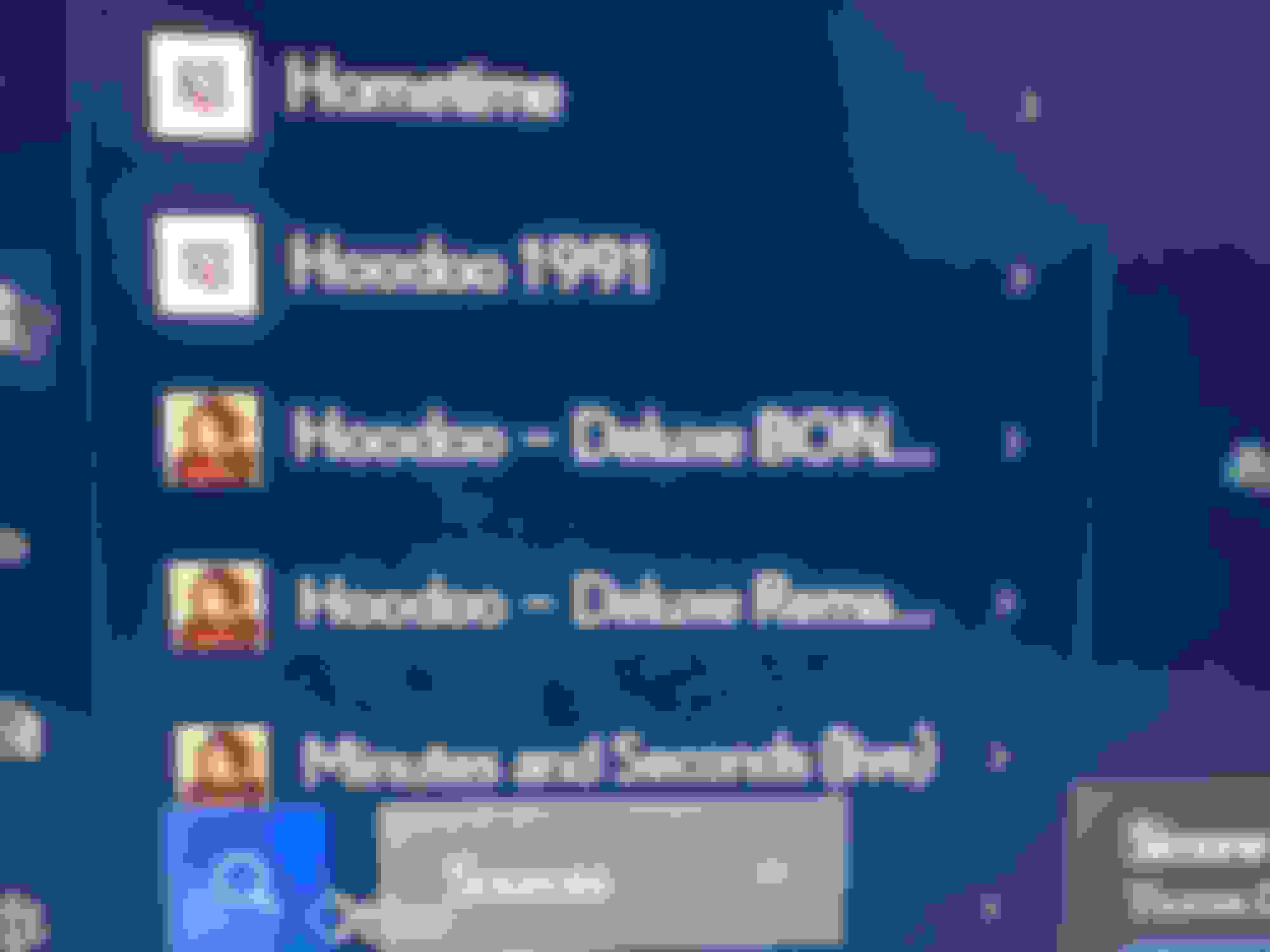
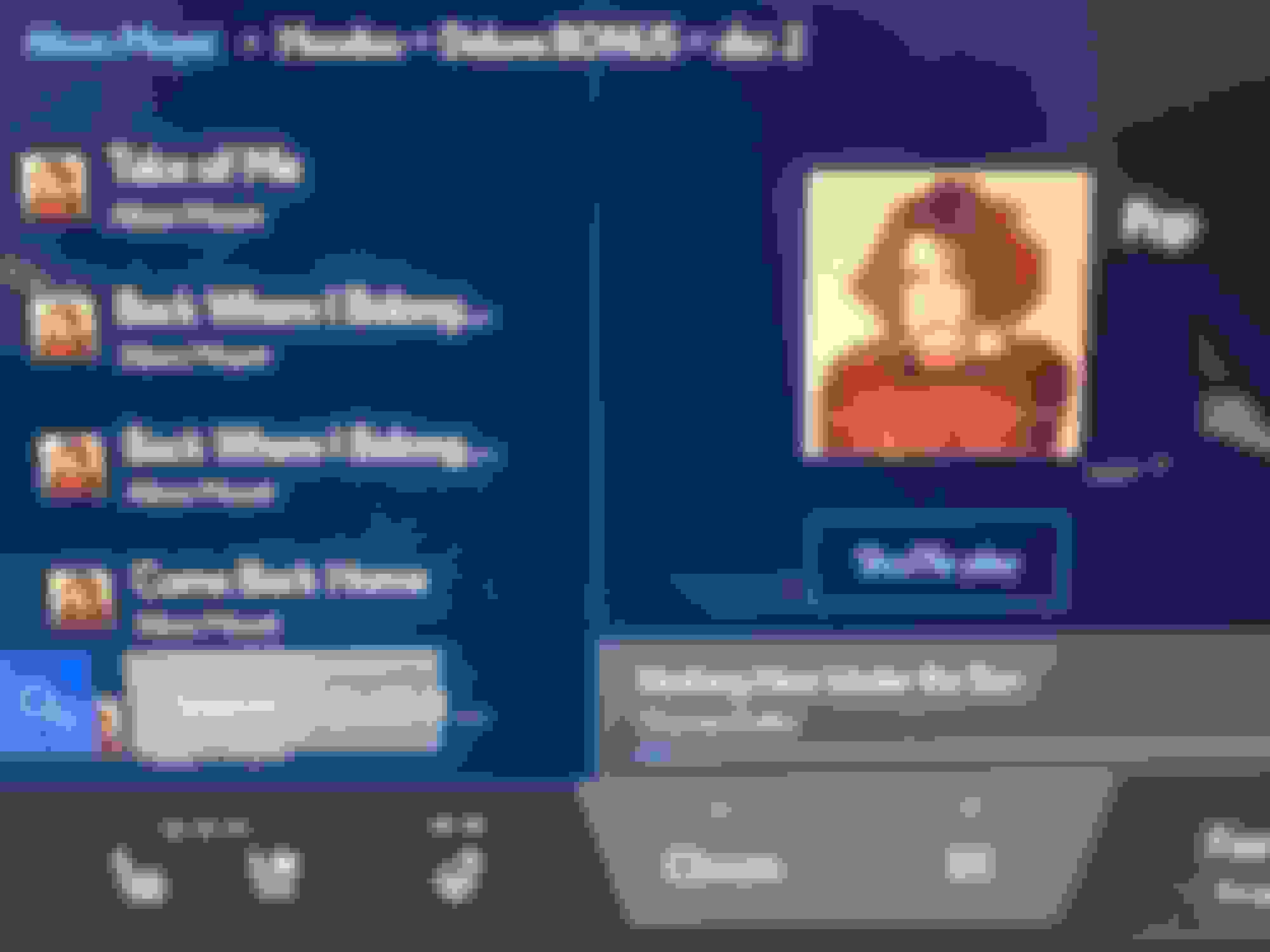
Hi, folks, just a quick update on getting 512GB (460GB formatted; 430GB safe use) working with my 2023 RX500h. I am able to sort by artist, album, song, play tracks with album art, in up to 24/96 FLAC format with zero issues (car DAC only goes to 24/96).
Basically using this Sandisk thumb drive, 512GB, about $35:
SanDisk 512GB Ultra Fit USB 3.2 Flash Drive - SDCZ430-512G-G46, Black
(NOT an affiliate link: https://a.co/d/hsAnI8o )
Because Windows will not format beyond 32GB in *required* FAT32 format, I used the free EASEUS Partition Master software (disclosure: former PR client). I trust this company vs many of the no-name whacko stuff on the web. This software allows you to format the USB stick to FAT32 so car can read it.
Then you simply drag over your music library ... one folder per artist, one folder per album in side that; there should be no outer folder like music -- e.g.,
[Alison Moyet]
- album folder
-- song
-- song
-- song
-- album art
I named my stick usbaudio; when I start car, I stop my phone playing via carplay, press audio button, select the usbaudio, and let it spin for 5 minutes to index stuff. Note it may take awhile, so you may want to do this while driving around, vs sitting in your garage. I started doing it last night at 8pm; got tired of waiting; today when started the car, it loaded up the browse in about 30 seconds.
So, this is how you can have massive collection of your own music in high-res on your car system, while carplay still works for maps, phone calls, etc. --- when your music is playing from USB automatically on start, your iphone would still show carplay on screen to confirm connection, just not playing music from phone per usual.
This info is partially based on other folks last year who had done this with 256GB stick, or 1TB stick. I went with the 512GB as thumb sized vis tiny popsicle sticking out.
Thanks for this. My 32GB USB key just died and I'll replace it with something with more storage.
Doing some research you can use the command line to do it in windows:
Type cmd in Cortana Search > Right click on Command Prompt > Run as Administrator > Copy and paste below line and replace G with your flash drive disk letter (Make sure you never put C in place of G)
I have a 16GB with approximately 760 songs. However, my 2024 RX350 will only play the tracks from A-H. Nothing even displays from the letter I or later. Any thoughts or suggestions?
Like the title says, I can't stand when I buy something new and improved only to have it NOT do what the previous model did!
In my case, I'm using a USB, also known as a thumb or flash drive, to play music. I'm doing this in my 2024 Lexus RX350 and while it does work, it will only display a "shortened" list of songs. I have a fairly small collection - 755 songs - so it shouldn't be an issue. However, the "Tracks" listing shows a few songs numerically, like the song "7" from Prince first, and then displays songs beginning with the letter A halfway through the letter H. I can't find the remaining tracks!
I took the USB out, scanned it for errors - there were none - then reformatted it and loaded my songs again. (Before doing this, I did check on my computer and songs from A ("Ace of Spades") to Z ("Ziggy Stardust") were all there on the USB).
I put the USB in again and STILL only saw about 1/3 of the tracks.
After doing some research, I learned through the manual that the Folders in the USB are limited to 255 files. So I check with the first song "7" and count 255 tracks and viola, it stops on "Heaven Knows." SO, I removed the Folder and just added ALL 755 songs directly into the root of the USB. STILL, it would only display 255 tracks.
Finally, I had to create THREE folders called 1-255, 256-511, and 512-755, and then put no more than 255 files in EACH folder. Geez! What a pain.
The second issue I have is that I can't simply say the command, "Play such and such track" or "Play such and such artist." I have to create an account either with Apple Music or I Heart Radio or some streaming service and play that way.
Again, I'm coming from a previous Lexus model, a 2017 NX200t and I could, using the USB, state the command, "Play "You Shook Me All Night Long"" and it would just play! I could place ALL 755 tracks in ONE folder and they would display. God, I HATE when technology goes backwards!!!!
Finally, I don't like the idea of using a streaming service to play music from my phone.
1. I'm already using my phone for Android Auto - which drains the battery.
2. When I use the wireless charging pad, the fact that the phone is being used for Android Auto, makes it get hot and then the charging stops.
3. When I make a call, the phone only gets hotter.
4. Now add to that streaming music from my phone (which SHOULD just be through Bluetooth) but since I'm using Android Auto for my navigation, it HAS to go though Android Auto and after a 25 minute commute to work, my phone is overheated and drained from 100% down to 75%. Again, doing EVERYTHING through the phone or Android Auto/Apple Carplay is just a drain on the phone and the phone's battery which is why I want to use the USB.
I found the solution to my issue. After reading the manual, I learned that the folders in the USB thumb drive can only hold 255 files. So, I had to create THREE separate folders for my 755 songs and place 255 in the first two and the remainder in the last folder. This was NOT a problem on my 2017 Lexus nx200t!!!!
the usb still have music limitation for the music format and so I prefer the wired-usb connection CarPlay or android auto with the hires music apps such as tidal/qobuz/apple.
btw, another reason why I prefer this way is because RX only has one usb port to the car media...
The car's DAC is 24/96. So if you have an audio file that is something like 24/192 it will only play at 24/96, as that is the DAC specs. There is section in the car manual on file formats the car can play from USB stick. You can use other audio formats that are not proprietary or DRM, but I use FLAC. If you have CD audio files which are 16/44 the car will either play at that bitrate or upsample to the DAC's defaults, which Toyota does not indicate in the manual.
I've got a 64G drive. Only the usb-B (old style) seems to recognize the thumb drive. The 3 others which are the newer C-type won't show up as media. Is that everyone's experience as well? Why would Lexus only limit external media on the old usb standard?
my dash cam is using the B as its source of power.



 512GB USB Memory Stick Hack 2024