When you click on links to various merchants on this site and make a purchase, this can result in this site earning a commission. Affiliate programs and affiliations include, but are not limited to, the eBay Partner Network.
Does anyone know what the symbol of a car in the middle of a circle means? And how to get rid of it? It only appears when I shift gears to reverse or drive.
Last edited by Vpunnett1; Apr 10, 2023 at 05:08 AM.
Reason: Adding Image
Does anyone know what the symbol of a car in the middle of a circle means? And how to get rid of it? It only appears when I shift gears to reverse or drive.
Driver assist information indicator. Page 485 of the driver’s manual to see all the things that can set it but either way the multi-information display will tell you why it is set.
I get this when there is heavy rain at night when I am reversing while parking. It goes away by the next day when the rain is gone. I assumed that the water on the rear camera was blocking a clean feed, hence the possible rear camera malfunction error. We have had a lot of rain here. No issues when it is not raining.
I get this when there is heavy rain at night when I am reversing while parking. It goes away by the next day when the rain is gone. I assumed that the water on the rear camera was blocking a clean feed, hence the possible rear camera malfunction error. We have had a lot of rain here. No issues when it is not raining.
I'm not sure if this helps or not, but you should be aware that there are actually two (perhaps more) rear cameras. One is above the license plate for backing up. Another is at the top of the rear hatch glass that's used for the Digital Rear View Mirror.
Saw that one yesterday after a heavy rain, after I put it in reverse. There was also a message on the backup camera screen regarding cameras being unavailable, although the camera appeared to work normally (had a few drops of water on it). Anyway, it disappeared after a few seconds.
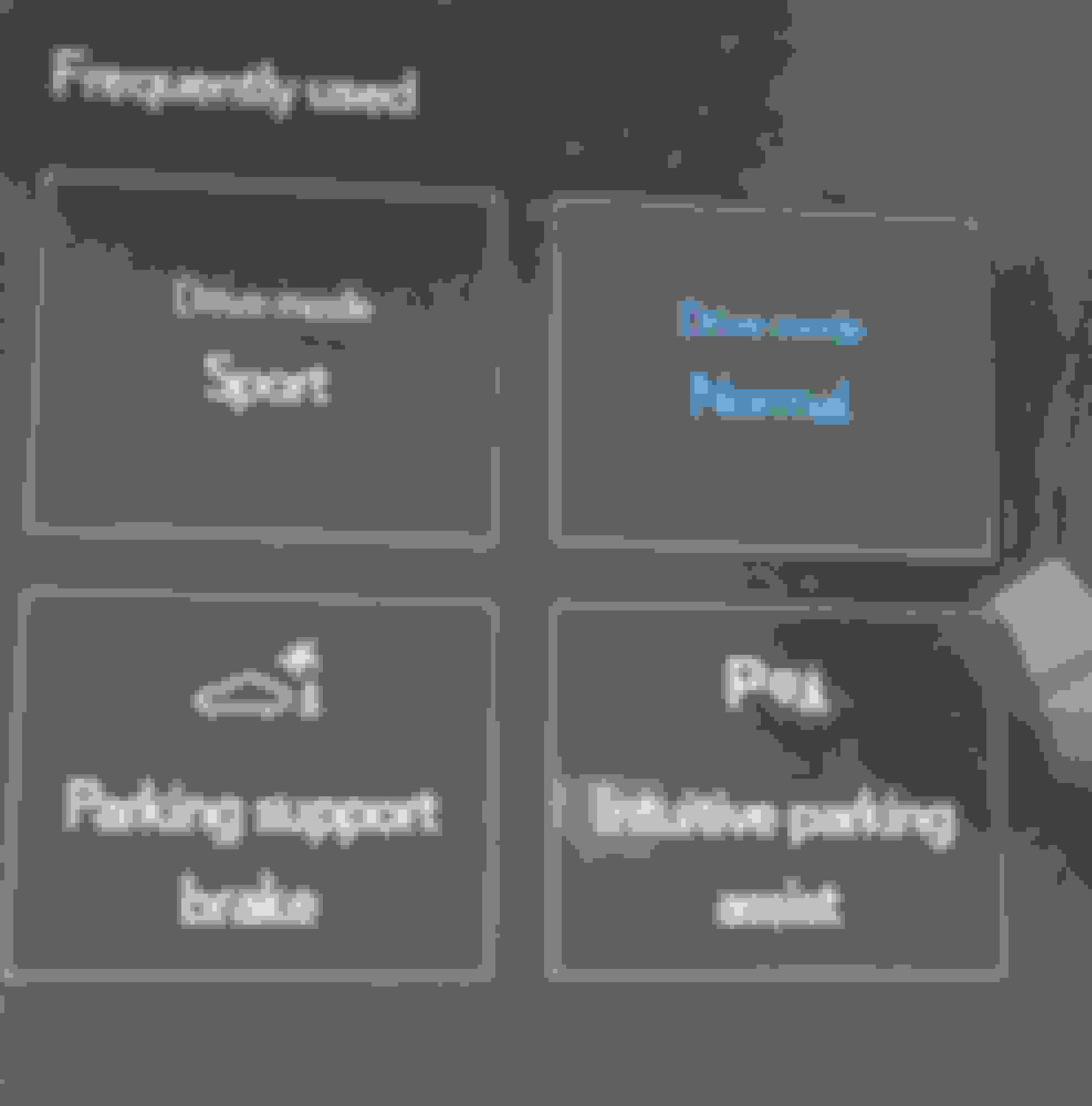
That is a warning you have parking support brake feature off. You can access this from the touch screen and it’s there. I have to turn off that feature all the time because I have a tight parking spot.
Any ideas how to turn off some of the warnings/alerts on the new (2024) RX350h? In my garage and sometimes on the street with no obstacles nearby, the car violently brakes and “BRAKE” appears on the dash. Coffee went everywhere. Local Dealer said lots of people have same complaint and gave me preprinted forms to send Lexus USA. They said there is no way to turn it off the auto brake system that is disfunctional. Any fuse to remove? Any wire to cut? I reported the issue to NTSB. Wish I could just have my old Lexus back. Or maybe I could just settle for the second key to the car, that was promised within 3 months….then 4 months…then maybe 6 months. What has happened to Lexus anyway?
I'm not sure about driving forward but I have that exact problem when reversing into my garage. I just turned off parking support brake. It's the one with the symbol with the car backing into a cone. I still get the warnings with the car but the car doesn't violently stop anymore. It's really easy to do from the safety menu and once you've done it a couple times it's in your quick menu. I turn mine off with a quick press before back into my garage every time. Then I just turn it back on before I turn the car off and I get that feature when I'm not in my garage.
Seeing System Stopped--see Owner's manual when starting car in the morning....It even shows the yellow circle around a car in the dashboard ... Anyway to remove this, or is it a software
glitch



 What does car in circle icon mean?