Notices
NX - 1st Gen (2015-2021)

Screen on/off wallpapers

Thread Tools
 
Search this Thread
 
Old Jan 22, 2016 | 06:34 AM
  #1  
TeaAholic1's Avatar
TeaAholic1
Thread Starter
Intermediate
 
Joined: Apr 2015
Posts: 353
Likes: 0
From: VIC, Australia
Default Screen on/off wallpapers

Hey guys,

Do you know what the screen resolution the infotainment is? I want to make some custom images for startup.

I found out that the screen ratio is about 114 x 87 from the screenshot I extracted from the PDF manual.

Here is one that I made and I might try it tomorrow and see how it works.

Reply
Old Jan 22, 2016 | 11:39 AM
  #2  
dynot's Avatar
dynot
Driver School Candidate
 
Joined: Jan 2016
Posts: 12
Likes: 0
From: QC
Default

Didn't know that was even possible. Where is the custom image stored?
Reply
Old Jan 22, 2016 | 02:06 PM
  #3  
typocl's Avatar
typocl
Instructor
 
Joined: Jan 2015
Posts: 785
Likes: 37
From: CA
Default

you can copy the image to a USB drive, then it copies it into the local storage of the entertainment system

Reply
Old Jan 22, 2016 | 02:20 PM
  #4  
dynot's Avatar
dynot
Driver School Candidate
 
Joined: Jan 2016
Posts: 12
Likes: 0
From: QC
Default

Thanks. I haven't bought my NX yet so am not familiar with these things. Will most certainly use this feature.
Reply
Old Jan 22, 2016 | 03:52 PM
  #5  
TeaAholic1's Avatar
TeaAholic1
Thread Starter
Intermediate
 
Joined: Apr 2015
Posts: 353
Likes: 0
From: VIC, Australia
Default

Anyone can help me with the screen resolution?

It's not a 16:9 or 4:3 or 3:2 display... I think ATM, it is around 640 X 387 display. Is there anyway I can get the exact screen resolution?
Reply
Old Jan 22, 2016 | 06:14 PM
  #6  
typocl's Avatar
typocl
Instructor
 
Joined: Jan 2015
Posts: 785
Likes: 37
From: CA
Default

you can just experiment and use higher res and it will downsize it to fit on the screen
Reply
Old Jan 22, 2016 | 08:17 PM
  #7  
TeaAholic1's Avatar
TeaAholic1
Thread Starter
Intermediate
 
Joined: Apr 2015
Posts: 353
Likes: 0
From: VIC, Australia
Default

Originally Posted by typocl
you can just experiment and use higher res and it will downsize it to fit on the screen
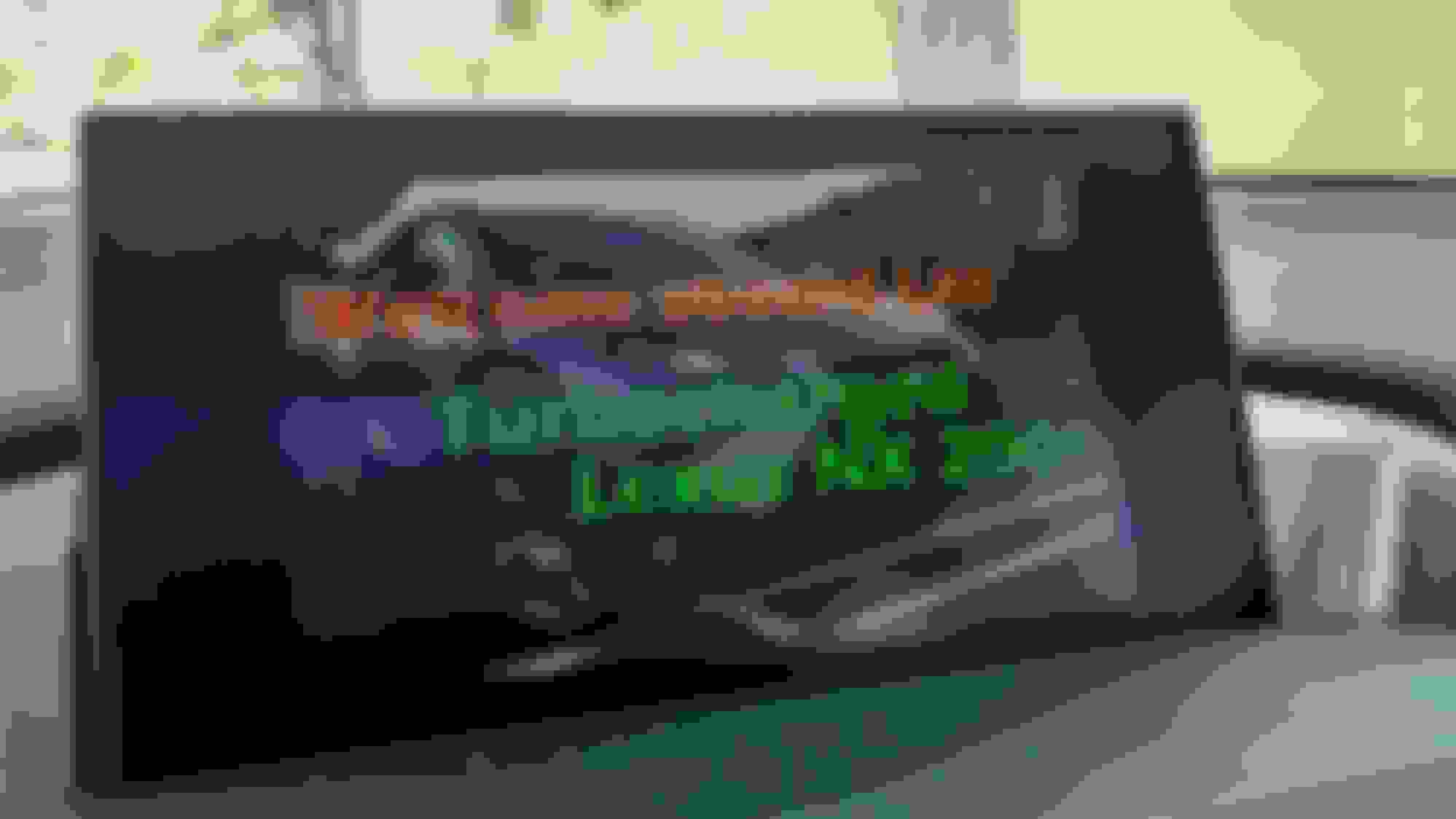
Okay so I uploaded the image and it does work. It doesn't replace the Lexus animation but it does this:

LEXUS animation > fade to custom image > fade to warning message

Here is what it looks like. Seems like I got the screen ratio pretty spot on!


It does have a lot of a moiré pattern so it would be best if I found the correct resolution of the display. I used a 2334X1410 image. I believe ATM that the screen resolution is 640X387. I have contacted Lexus and they said they will get back to me on that.

Also to do this you must:

- Have a USB formatted in Windows FAT32 format
- Put the images in a folder on the USB called exactly "Image" with a capital "I" without the quotation marks
- Image must be a JPEG
- Less than 5MB
- And there is a resolution restriction but I imagine you will be fine since my 2334X1410 worked fine.

Finally do share some images! If I have time I can make one for you with your name. Just tell me what model you have (hybrid or turbo), trim (F Sport or non-F Sport), colour and name/message you want written.

Last edited by TeaAholic1; Jan 22, 2016 at 08:34 PM.

Reply
Old Jan 23, 2016 | 06:44 PM
  #8  
NXOwner's Avatar
NXOwner
Racer
15 Year Member
Liked
Loved
Community Favorite
 
Joined: Apr 2007
Posts: 1,364
Likes: 72
From: Driving a UX Hybrid F-Sport! (in So California)
Default

This is a duplicate of this thread. I would imagine the adminstrator(s) will merge this into it.
Reply
Old Jan 23, 2016 | 06:50 PM
  #9  
NXOwner's Avatar
NXOwner
Racer
15 Year Member
Liked
Loved
Community Favorite
 
Joined: Apr 2007
Posts: 1,364
Likes: 72
From: Driving a UX Hybrid F-Sport! (in So California)
Default

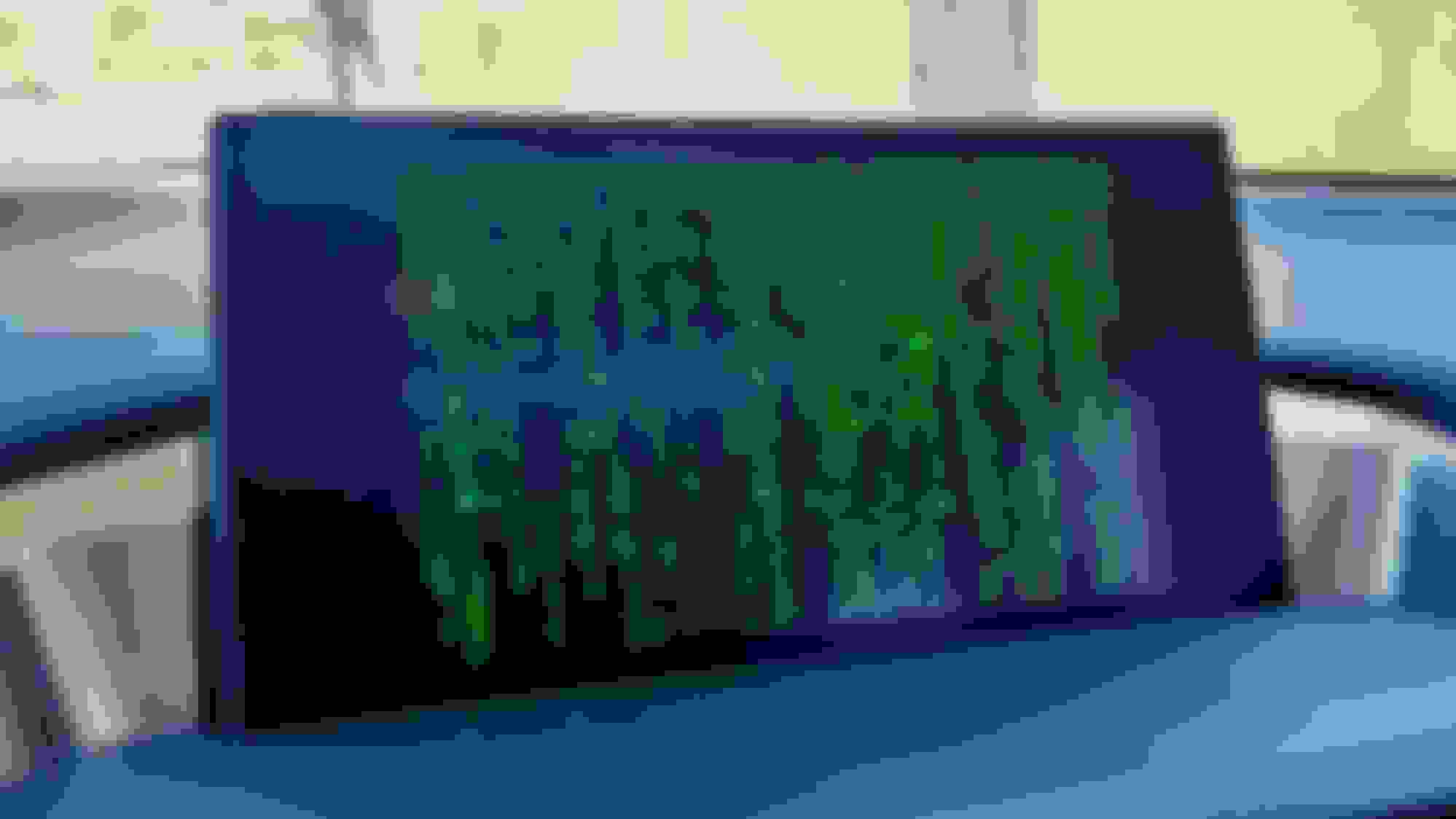
I've customized my screen early on when I bought my NX. Here are a couple of the images I've used...


Welcome Aboard! (By the way, my name is "Les" in case you're wondering what the message is all about)


The Matrix
Reply
Old Jan 23, 2016 | 06:52 PM
  #10  
TeaAholic1's Avatar
TeaAholic1
Thread Starter
Intermediate
 
Joined: Apr 2015
Posts: 353
Likes: 0
From: VIC, Australia
Default

Originally Posted by NXOwner
I've customized my screen early on when I bought my NX. Here are a couple of the images I've used...
That's cool!

I really want an F Sport one, but I can't find a high resolution version from the official Lexus website.
Reply
Old Jan 23, 2016 | 09:05 PM
  #11  
nxlex's Avatar
nxlex
Driver School Candidate
 
Joined: Dec 2015
Posts: 40
Likes: 1
From: nj
Wink

Can you use gif's? It would be cool if we could use animations
Reply
Old Jan 23, 2016 | 09:14 PM
  #12  
TeaAholic1's Avatar
TeaAholic1
Thread Starter
Intermediate
 
Joined: Apr 2015
Posts: 353
Likes: 0
From: VIC, Australia
Default

Originally Posted by nxlex
Can you use gif's? It would be cool if we could use animations
Nah, manual says JPEGs only.
Reply
Old Dec 6, 2019 | 06:51 PM
  #13  
lexnewbi's Avatar
lexnewbi
Intermediate
5 Year Member
Photogenic
Liked
 
Joined: Oct 2016
Posts: 442
Likes: 129
From: Texas
Default

I do not see an option on the 2020 Nx300h to customize the screen. Was this feature removed?
Reply
Old Dec 8, 2019 | 12:46 PM
  #14  
typocl's Avatar
typocl
Instructor
 
Joined: Jan 2015
Posts: 785
Likes: 37
From: CA
Default

Originally Posted by lexnewbi
I do not see an option on the 2020 Nx300h to customize the screen. Was this feature removed?
look in your manual, if it doesn't mention it, then they probably removed it
Reply
Related Topics
Thread
Thread Starter
Forum
Replies
Last Post
quepasafra
GS - 3rd Gen (2006-2011)
6
Mar 23, 2024 10:52 AM
pseconds
GS - 4th Gen (2013-2020)
5
Aug 8, 2018 12:34 PM
spacecraft
RX - 2nd Gen (2004-2009)
0
Jun 21, 2015 03:31 PM


All times are GMT -7. The time now is 01:11 PM.