When you click on links to various merchants on this site and make a purchase, this can result in this site earning a commission. Affiliate programs and affiliations include, but are not limited to, the eBay Partner Network.
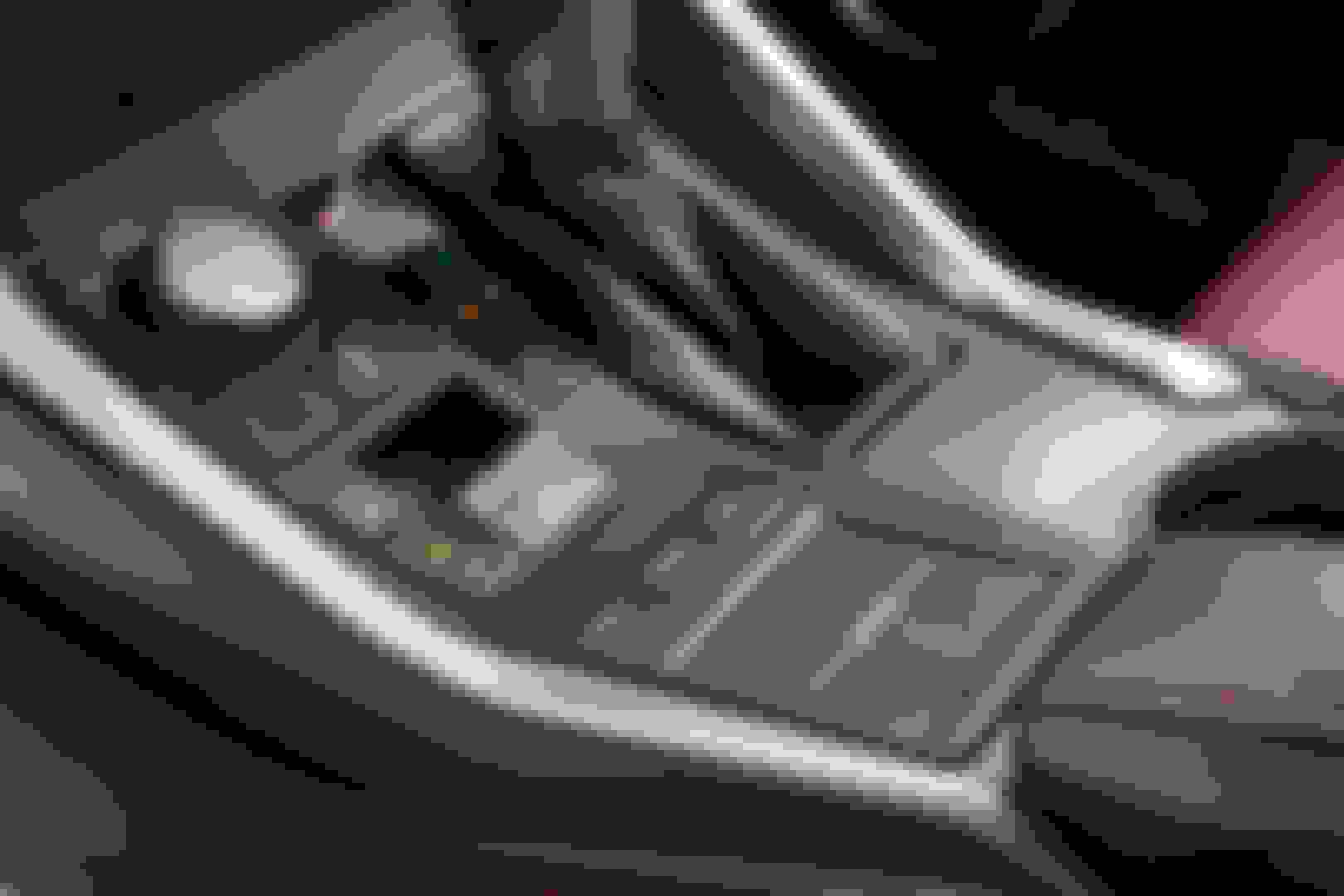
I've had my NX 300h for 2 weeks and I really like the touchpad, maybe because I'm used to Apple computers and they have kind of the same interface per say. I really like it. I tried the joystick that some other Lexus have and I find the joystick harder to use.
It takes some getting used to, but when you do, it's a pretty good novelty. Don't think anyone else out there has it; it also keeps a slimmer profile in the car.
One things I haven't tried, but am curious about is response when hands are wet. I'm guessing it won't work altogether if wearing gloves, but that's what a wheel warmer is for
I don't use it while driving. I have also disabled the haptic feedback which makes it definitely more bearable. That all being said I think I've still got to get use to it, so perhaps in another month I may be of a different mind.
Love it! I'm an Apple guy too and just set it on the lightest setting. Once I realized just a light double tap is all you need to select it was awesome.
Find it easier to use than the Remote Touch joystick on our RX.
Overall it's pretty decent, it does have a little bit of a learning curve in terms of adjusting to its sensitivity. Just wish it had English character support; I don't understand why it wasn't incorporated when it makes so much sense on the trackpad.
I don't care for the touch pad. I prefer the joystick on the RX but you don't have to use it much - most operations can be done through steering wheel or voice command.
So far I hate it. It's too sensitive It moves with my finger not even touching sometimes. It is really a safety issue for me because it makes me take my eyes off the road too long.
It took me awhile to get used to the RX "joystick" but I could operate it without looking away from road much. I much prefer the joystick to this touchpad.
I responded somewhat, though I really appreciate the advice to turn off haptic feedback. That has helped a lot...much more that I thought it would.
I guess I am still getting use to it. My Honda Ody has 2 screens which I have found I miss in the NX. It makes it much easier to move among media presets as the lower screen input is a touch screen. It has a ****/joystick similar to BMW and I find I can do a lot of things with a quick spin by and glance. With the touch pad it takes more distracting focus on the screen, at least so far.
Also, with the NX you can twist the tune **** but it moves among the XM category, not your presets which I find odd. So if you are on a Comedy station it will take you to the next comedy station, not from your #8 preset to your #9 preset. I would prefer to be able to quickly twist up and down my preset list without having to go to the touch pad. Especially if I want to go from the first preset on page 2 to the last preset on page one. In that case I have to touchpad over the the page arrow, click, then touchpad to the preset I want. A few twists would be much quicker and safer I think. Any chance there is a setting for this?
I am baffled that there is no hard button to instantly go to Nav. There is one for Radio and one for Media but none for Nav? I have to hit the Home button and then touch pad and click on the Nav section of the display (I have a 3 section home page). I may already be wondering where I am and where I want to turn, I don't need to be looking over and managing a multistep process to get the map up. Just a push button would be nice.
Speaking of inputs though I love the **** for the Eco/Standard/Sport driving modes. At first I wondered why they made that control so prominent, but I find I use it almost every drive. At a light waiting to turn left?...twist over to Sport for quick throttle response, lolling along in cruise control?...quick flip to Eco mode to smooth out the throttle response for gradual hills. Nice back road with some twisties?... Sport mode. Quick push back to Normal whenever.
to move around presets, you can change the display on the console to the Media screen and use the buttons on the steering wheel to move between presets. Actually, maybe you can move between presets even if the screen isn't on the media screen.



 Remote Touch Interface Touchpad - Yay or Nay?