When you click on links to various merchants on this site and make a purchase, this can result in this site earning a commission. Affiliate programs and affiliations include, but are not limited to, the eBay Partner Network.
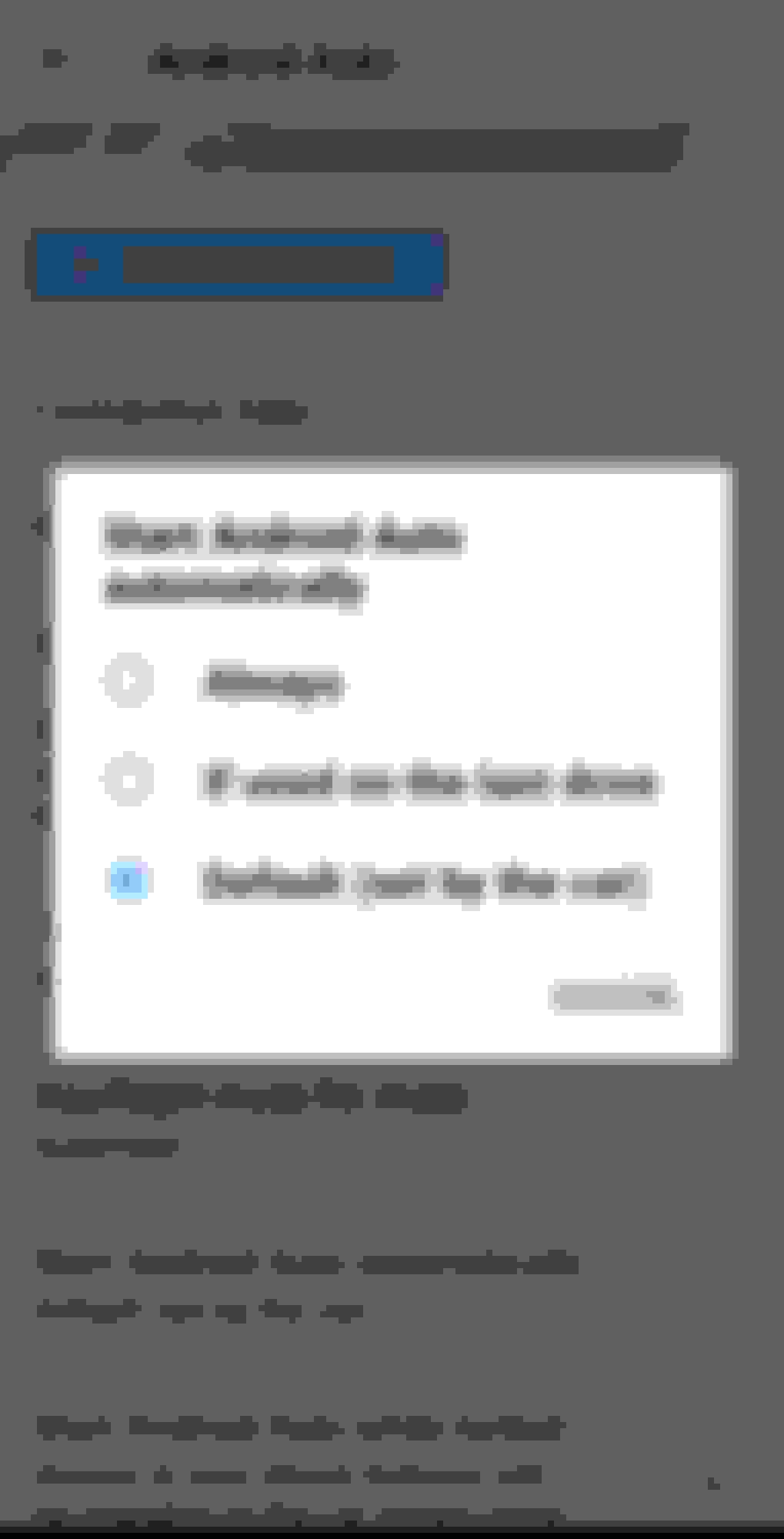
Hi All - switched from my 2021 IS to a new NX350 AWD. Immediately facing a very interesting display problem. I own an Android phone and activated Android auto - whenever I start the Lexus , the Android Auto is automatically connected and it is impossible to find any way to get back to the screen where you can select the source - example, maybe switch from Android Auto to Sirius XM or use the FM channels. There is an option on the phone which says - start Android Auto automatically - see attached image- and the option is set by the car. For the life of me, unable to locate a kind of home button to go back and stop the option of Android Auto auto connect. BAsically android auto hijack of my Lexus screen !! Any help to this technologically challenged guy would be appreciated.
Last edited by Amateurph; Jan 28, 2023 at 02:42 PM.
Reason: added image
While on the Android (map) screen press the round button (icon) similar to the home button on your phone. This will take you to the screen showing all the different apps that you can use with Android Auto. One of these will be the Lexus logo. Click on that icon and it will take you to the Lexus "home" screen with all the standard options/functions. To return to Android Auto press the "double arrow" icon at the top of the "menu" on the left.
Hi All - switched from my 2021 IS to a new NX350 AWD. Immediately facing a very interesting display problem. I own an Android phone and activated Android auto - whenever I start the Lexus , the Android Auto is automatically connected and it is impossible to find any way to get back to the screen where you can select the source - example, maybe switch from Android Auto to Sirius XM or use the FM channels. There is an option on the phone which says - start Android Auto automatically - see attached image- and the option is set by the car. For the life of me, unable to locate a kind of home button to go back and stop the option of Android Auto auto connect. BAsically android auto hijack of my Lexus screen !! Any help to this technologically challenged guy would be appreciated.
Wow. I wish I had your problem. My car doesn't do that at all. I always have to select AA. Do you plug in your phone or do you use it wirelessly?
I tried Android auto and had to dump it. I couldn't do things that should be standard. The apps didn't allow me to get anything I was interested in. I don't understand why AA is so popular.
You can alway use the "Source" button on the steering wheel to switch sources!
You can use Setting within the AA screen on your car to choose your liking
You can use the Customize within the AA screen on you car to do some customization
if you don't want AA, simply go to the Lexus setting of Bluetooth and remove the AA option off your Phone on that screen
While on the Android (map) screen press the round button (icon) similar to the home button on your phone. This will take you to the screen showing all the different apps that you can use with Android Auto. One of these will be the Lexus logo. Click on that icon and it will take you to the Lexus "home" screen with all the standard options/functions. To return to Android Auto press the "double arrow" icon at the top of the "menu" on the left.
You can also use "Hey Lexus" voice commands to switch between Android Auto and the native Lexus infotainment system, as follows:-
"Hey Lexus, show the map" will take you from Android Auto to the native Lexus navigation screen (from where you can launch the other Infotainment functions such as Settings; Audio; etc.) You may be able to be more specific with a voice command to take you directly to, say, the Audio options but I haven't explored this.
"Hey Lexus, launch Android Auto" will switch from the Lexus system to Android Auto



 Android Auto Hijacks Display and Info