Notices
NX - 1st Gen (2015-2021)

Navigation/Head Unit question

Thread Tools
 
Search this Thread
 
Old Mar 7, 2017 | 11:37 AM
  #1  
dacommitte's Avatar
dacommitte
Thread Starter
Rookie
 
Joined: May 2016
Posts: 76
Likes: 3
From: Southern California
Default Navigation/Head Unit question

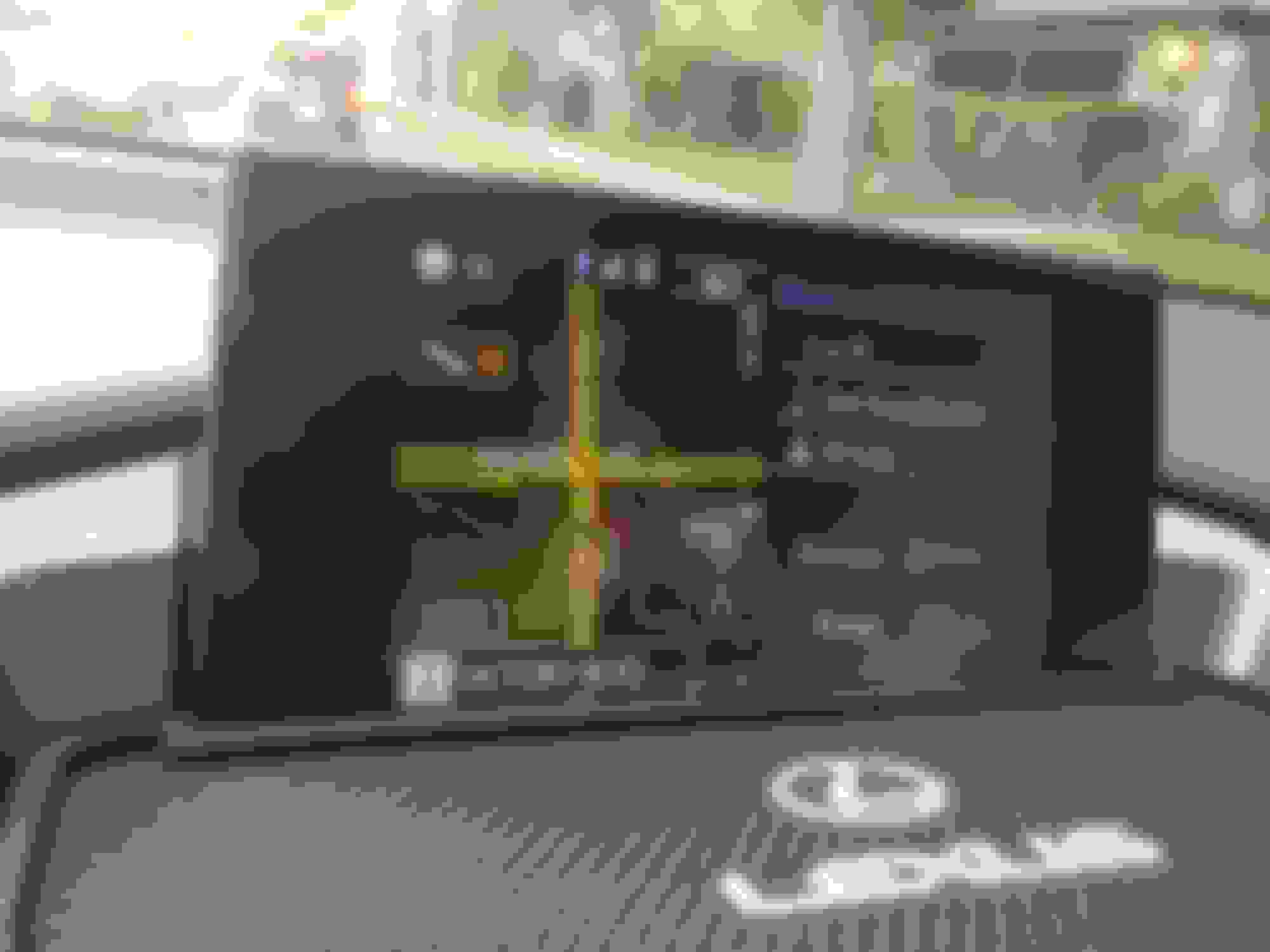
Does anyone know if the black theme (see pic) that the system switches to when one turns on the lights can be turned off from doing so? My sister has a CT and her navigation system/head unit does not turn to night/black mode when her lights are turned on. I've looked everywhere in settings.
Reply
Old Mar 7, 2017 | 12:00 PM
  #2  
jim256's Avatar
jim256
Lead Lap
15 Year Member
Liked
 
Joined: Jul 2006
Posts: 561
Likes: 39
From: NC
Default

Menu/Display/Day Mode lets you keep it on all the time.

To display the screen in day mode even
with the headlight switch on, select “Day
Mode”.
Reply
Old Mar 7, 2017 | 08:14 PM
  #3  
dacommitte's Avatar
dacommitte
Thread Starter
Rookie
 
Joined: May 2016
Posts: 76
Likes: 3
From: Southern California
Default

Awesome! Thanks man
Reply
Old Apr 13, 2017 | 03:04 PM
  #4  
kent2174's Avatar
kent2174
Intermediate
5 Year Member
Liked
Loved
 
Joined: Feb 2016
Posts: 360
Likes: 47
From: California
Default Navigation question/full map?

My NX screen is set up with 3 compartments: Nav/Fuel/Radio.
Fuel and radio screens can be clicked on to become full screen.
However, the map screen, if you click on it, makes a set point or something.
Currently I make the map fill whole screen by going to Menu, then Navigation.
Is there a way to make map screen full screen without the extra steps?

Reply
Related Topics
Thread
Thread Starter
Forum
Replies
Last Post
JNHA123
IS - 3rd Gen (2014-present)
11
Nov 10, 2022 01:56 PM
jamessinh
IS - 2nd Gen (2006-2013)
14
Jan 25, 2015 07:42 PM
SrWilliams
SC430 - 2nd Gen (2001-2010)
4
Jan 30, 2014 08:21 AM
Mancebof
IS - 2nd Gen (2006-2013)
2
Mar 16, 2012 09:25 AM


All times are GMT -7. The time now is 08:27 PM.