When you click on links to various merchants on this site and make a purchase, this can result in this site earning a commission. Affiliate programs and affiliations include, but are not limited to, the eBay Partner Network.
what a amazing phone holder ,please can you tell me where did you buy it. Thanks a million.
Yes, indeed. Proclip makes a really good product. The company is based in Madison, WI. I think the company researches carefully while designing products for optimal location. The mount and holder I received were made in Denmark or Sweden. For the 2014 LS, here are the part numbers: Proclip console mount (Cat #834848) and iPhone 6 adjustable holder (Cat # 514666). They are well made, attach to the center console and are very stable. They don't block access to the cupholders or to the DVD slot or other controls. Go to www.proclipusa.com to find the products specific for your car and smartphone. Good luck!
If you are using an app like waze or google maps, what happens when someone calls you? Is the phone still connected to blue tooth and the normal steering wheel controls work? Does the mirrored screen go away and the Lexus phone screen appear?
If you are using something like waze, is the only music audio to stream from your phone or can you play music from the radio?
If you have the screen mirrored do the steering wheel controls still control to switch songs if you have Pandora working in the background? Do they still control all the phone controls the same?
What functions did you lose, if any?
What are the quirks you found with the unit? I read that it can't charge fast enough to keep the phone powered with waze, maps, or any gps heavy apps. What has your experience been with this?
I wish a wireless usb streaming stick would come out like Android has. That would really make this a awesome product for ios users.
I got a couple questions about this module.
If you are using an app like waze or google maps, what happens when someone calls you? Is the phone still connected to blue tooth and the normal steering wheel controls work? Does the mirrored screen go away and the Lexus phone screen appear?
Yes, the phone is still connected to BT, and you answer calls using steering controls. Yes, the phone screen will appear. All that the mirroring system does is add a new input channel (A/V) that is not there without the kit. The screen switching is just replacing the Media screen (radio/BT audio/AV) with the phone screen.
Originally Posted by bigsherv
If you are using something like waze, is the only music audio to stream from your phone or can you play music from the radio?
As I said above, the kit introduces a new Media input (A/V) that will use the AV signal from the phone to display on the Nav screen. So, if you are mirroring the phone to use Waze, you can only play music (Pandora/YouTube/podcasts/your files, anything) from the phone. You cannot get two Media inputs - video from phone, and audio from radio or BT audio simultaneously. Your factory infotainment system cannot do this either.
Originally Posted by bigsherv
If you have the screen mirrored do the steering wheel controls still control to switch songs if you have Pandora working in the background? Do they still control all the phone controls the same?
What functions did you lose, if any?
The steering controls work to change songs etc on Pandora only when you are using the BT audio Media input to listen to your smartphone. Since the mirrored phone is using the A/V input, I am not sure the steering controls will work because you would be listening to the music through the A/V input not the BT audio input. But I will check and update.
Originally Posted by bigsherv
What are the quirks you found with the unit? I read that it can't charge fast enough to keep the phone powered with waze, maps, or any gps heavy apps. What has your experience been with this?
No quirks. The kit works very well. If you turn the display down, the phone charges fine. I have not tested this extensively, but my iPhone6S would probably lose less than 20% charge over a couple of hours if I have Google maps running continuously, and listening to podcasts over the LTE network. When mirroring the phone on my long distance trips, I am at the most using two apps, Google Maps and TuneIn Radio. I don't feel the need to run additional GPS-heavy apps in the background. If you use a 7 or higher, they may have higher demands, but charging is not an issue for me. I think the perceived problem is overblown.
The cool thing is with an iPhone 7 or higher, the home screen rotates, and this looks really nice on the mirrored screen. I haven't moved up yet, so I am stuck with a non-rotated home screen. Any app that autorotates the screen will fill the entire left side of the Nav screen (Google Maps, YouTube etc.). The graphics will not look perfectly crisp because the A/V input is analog. But this has not bothered me. I am still able to read text messages etc.
Originally Posted by bigsherv
I wish a wireless usb streaming stick would come out like Android has. That would really make this a awesome product for ios users.
thanks for all the great answers. I appreciate the time you took to answer my questions.
The stick thing I was telling you about is here at about the 4 minute mark. The beatsonic setup is the same except it uses this usb stick to stream like airplay rather than the hardwired kit.
thanks for all the great answers. I appreciate the time you took to answer my questions.
The stick thing I was telling you about is here at about the 4 minute mark. The beatsonic setup is the same except it uses this usb stick to stream like airplay rather than the hardwired kit.
You are welcome. Happy to help. The link you posted is for the installation of the Beatsonic kit, which is exactly what I have. It's cool that there is a device that will allow wireless mirroring from an Android phone. As you probably saw on the Beatsonic site, for the iOS, you have to buy an adaptor (a bit smaller than the Android "stick") that will feed the phone's signals to the kit, and the kit has connectors and wiring to allow for the phone to be charged when connected with the cable.
PRODUCT UPDATE:
Hi folks, the mirroring kit has worked beautifully since I installed it in Feb 2017. It has really relieved the monotony of long interstate drives (yes, you know the feeling well from driving this gentle giant of a car, gliding smoothly along and gobbling up the miles!) by allowing the occupants to enjoy slideshows of vacation photos, and the occasional videos while listening to music or podcasts off the smartphone. I have also benefited from mirroring (running) Google Maps on the Nav Screen on many occasions, so this kit (IF04EP) from Beatsonic has been worth every penny (http://www.beatsonicusa.com/if04ep.html).
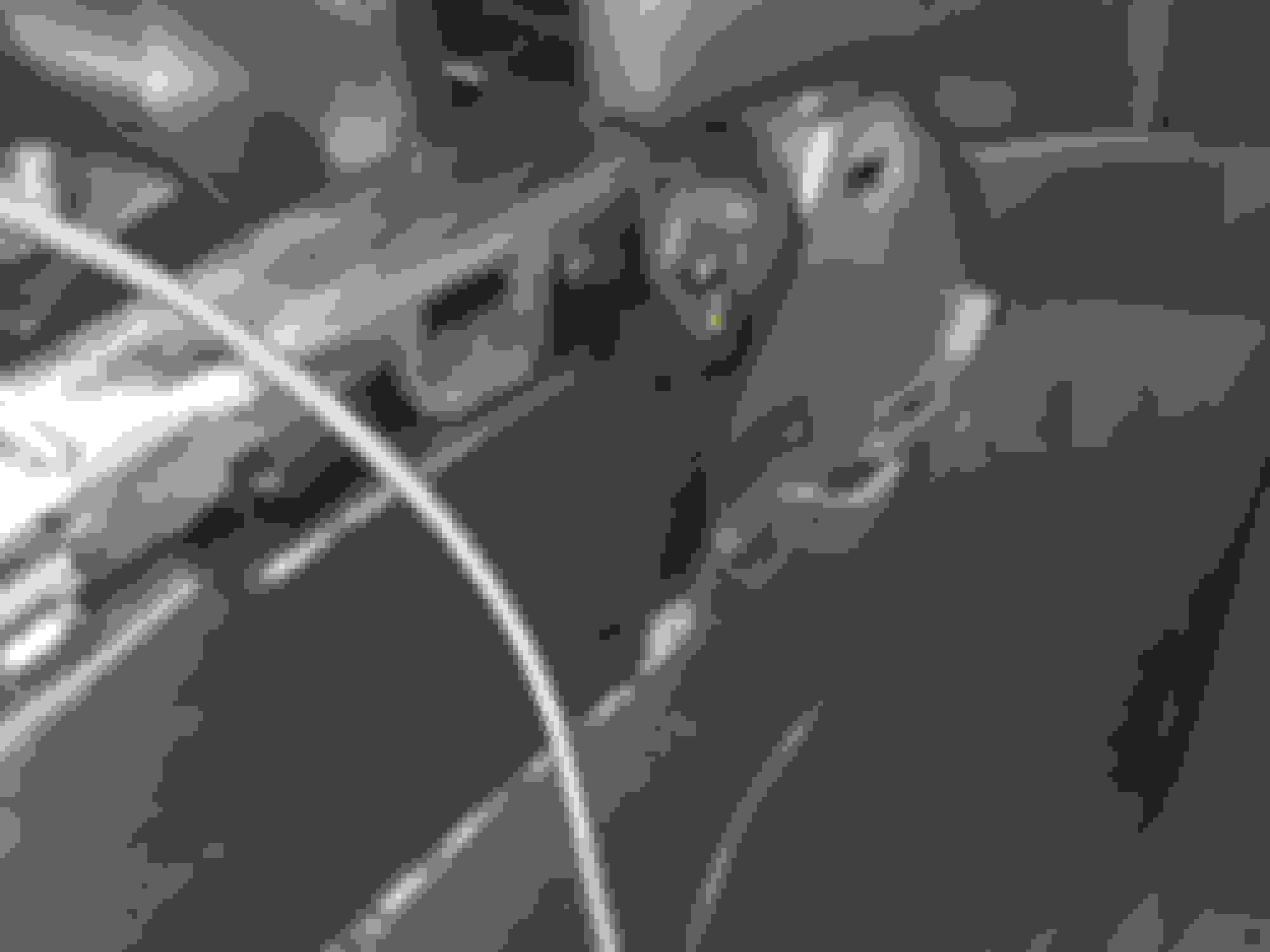
But last week, the mirroring stopped working The iPhone seemed to charged fine thru the Extension cable, although not all the time, but the Nav Screen showed a blue screen because it was not receiving the video input from the phone. An email at Beatsonic was promptly answered by Sam Cho indicating that this was a well-known symptom of the Apple Lightning extension cable (see photos below) going bad. These extension cables have a microchip that the iPhone recognizes and enables transmission of video and power signals. These cables are not manufactured by Apple, and they tend to go bad after some time ranging from a few to several months. Since I had daisy-chained these Lightning extension cables for easy replacement, I was hoping the 3 foot cable was the culprit (easy to replace) rather than the 6 foot cable, which is harder to replace since it plugs into the mirroring kit located behind the radio, and requires opening of the central console.
Well, I am happy to report that replacing the 3 foot cable fixed the problem this time. I have a nagging feeling that I won't be so lucky the next time, and the 6 foot cable could go bad anytime. Fingers crossed.
Note that this problem will only affect iPhone users. For Android devices, the mirroring kit connects wirelessly with the phone using Miracast.
Originally Posted by comotiger
The mirroring kit and camera were installed by a professional car audio shop. Lightning extension cables (from Amazon). Rather than directly plugging in the Lightning end of the 6 foot extension cable into the iPhone as shown in the mockup, I daisy chained a shorter 3 foot extension cable to the 6 foot cable. The iPhone was plugged into the 3 foot cable. All excess cable was stowed behind the passenger side panel of the center console. I used daisy chaining to allow me to easily swap out the shorter cable if the Lightning terminator wears out from repeated use. If I plugged my phone directly into the 6 foot extension cable, the dashboard would have to be opened once again to install a new Lighting extension cable. One problem with the Beatsonic kit is that the iPhone will not charge properly unless the phone’s display is adjusted to the lowest brightness setting. I was afraid daisy chaining would further impact its ability to charge the phone. I am happy to note that the iPhone charges well in my setup.
6 foot Lightning extension cable emerging from behind and underneath the dash
Could you possibly use an apple lightning cord only? Or with the unit behind it the dash there isn't enough length and that why you used the extension cable? Thx, I'm looking a getting the Sam setup as you. I emailed Sam on their site and he said I can PM him here too but I don't know his username. If you know it could you pm me with it?
Could you possibly use an apple lightning cord only? Or with the unit behind it the dash there isn't enough length and that why you used the extension cable? Thx, I'm looking a getting the Sam setup as you. I emailed Sam on their site and he said I can PM him here too but I don't know his username. If you know it could you pm me with it?
Thx, great write up and update!!
Exactly, without the extension cable you won't have any way to plug in your iPhone to the Apple-branded Lightning adaptor. Apple does not make its own extension cables, so we have to get 3rd party products. The problem with these is that they work well for a while, then stop working for no particular reason. That's why I decided to daisy chain a second extension cable to allow easy replacement of cables when they go bad. The 3 ft cable I replaced in May 2018 worked well for a few months. Now, the Google Maps display freezes after a few minutes, requiring me to unplug and replug the phone. It's a minor hassle. I am pretty sure one of the extension cables is going bad (hopefully it's the 3 ft). Things would be much better if the Beatsonic kit supported a wireless alternative for iPhones like their Miracast device for Android phones.
Sam will respond to PMs sent to username BeatSonic. Great to hear you are considering this mirroring kit. I am very happy with it despite the extension cable problems.
Exactly, without the extension cable you won't have any way to plug in your iPhone to the Apple-branded Lightning adaptor. Apple does not make its own extension cables, so we have to get 3rd party products. The problem with these is that they work well for a while, then stop working for no particular reason. That's why I decided to daisy chain a second extension cable to allow easy replacement of cables when they go bad. The 3 ft cable I replaced in May 2018 worked well for a few months. Now, the Google Maps display freezes after a few minutes, requiring me to unplug and replug the phone. It's a minor hassle. I am pretty sure one of the extension cables is going bad (hopefully it's the 3 ft). Things would be much better if the Beatsonic kit supported a wireless alternative for iPhones like their Miracast device for Android phones.
So, I was getting tired of the display freezing with the wired iPhone, and having to unplug and replug. I found a WiFi display dongle on Amazon that supposedly works with iOS. I decided to give it a try.
Basically, this WiFi dongle replaces all the mirroring kit components circled in pink.
I decided to tackle this job myself using the LS460 installation video on YouTube for the mirroring kit. It took me a while to figure out how to remove the panel below the radio but afterward it was quick going. To avoid having to take apart the dash again in case things didn't work, I moved the HDMI to AV converter from behind the head unit to the central console near the shift lever. Since the cables from the mirroring kit power supply were not long enough, I decided to power the dongle and the HDMI to AV converter using USB ports plugged into the cig lighter adaptor inside the front armrest, and ran the power cables to the dongle and converter through a small hole drilled below the cig adaptor.
So, does the display dongle work? YES! I can now wirelessly mirror my iPhone to the Nav screen using WiFi. Since the freezing problem was always due to issues with the lightning cable connected to the iPhone, I certainly hope I won't have any issues with the new set up. So far, so good. Google Maps and YouTube stream smoothly. And everything is rattle-free, which was my main concern when I decided to tackle this job
I am sure some of you are saying "Wait a minute, why mirror if you can have CarPlay"? Well, you are right. The Beatsonic mirroring kit is now obsolete for 2013-2017 LS (even though they are still selling it for $359). The CarPlay kit from Beatsonic or LSailt is the better option now. But for me, since I already have the mirroring kit, I don't feel like spending another $600 to install the CarPlay kit.


 03-02-17, 07:01 PM


 The iPhone seemed to charged fine thru the Extension cable, although not all the time, but the Nav Screen showed a blue screen because it was not receiving the video input from the phone. An email at Beatsonic was promptly answered by Sam Cho indicating that this was a well-known symptom of the Apple Lightning extension cable (see photos below) going bad. These extension cables have a microchip that the iPhone recognizes and enables transmission of video and power signals. These cables are not manufactured by Apple, and they tend to go bad after some time ranging from a few to several months. Since I had daisy-chained these Lightning extension cables for easy replacement, I was hoping the 3 foot cable was the culprit (easy to replace) rather than the 6 foot cable, which is harder to replace since it plugs into the mirroring kit located behind the radio, and requires opening of the central console.
  . I have a nagging feeling that I won't be so lucky the next time, and the 6 foot cable could go bad anytime. Fingers crossed.