When you click on links to various merchants on this site and make a purchase, this can result in this site earning a commission. Affiliate programs and affiliations include, but are not limited to, the eBay Partner Network.
Does anyone know what the picture dimensions should be (in pixels or in inches). I tried 8.5" x 5" but it comes up as a small picture - probably half the size of the actual screen
I read the manuals and did not see any mention of the dimensions. I measure the actual screen, which is why I picked the 8.5" x 5".
I did get a neat new opening screen on my RX450H by following the instructions.
Next I have to see what happens when the USB memory stick with my music on it is taken out by the wife and her USB memory stick with her music is put in.
I tested various formats and sizes to get optimal fill of the screen. I came up with 1280x720 as the size that completely fills my screen.
Beautiful, I like yours a lot. Is the second one a sunset off the Big Island?
Hmmm, maybe I should load pictures of diamonds on my USB stick.
Websailor suggested that we buy those little half-inch tiny ones, so
I put pink yarn through mine, and his has blue yarn. Didn't want to lose them
in the car.
Those are beautiful Armadillo! I thought about using the famous Moonrise Over the Earth picture. Hhmmm, I have a photoshopped Star Destroyer coming around Earths Moon, that might be a good one too!
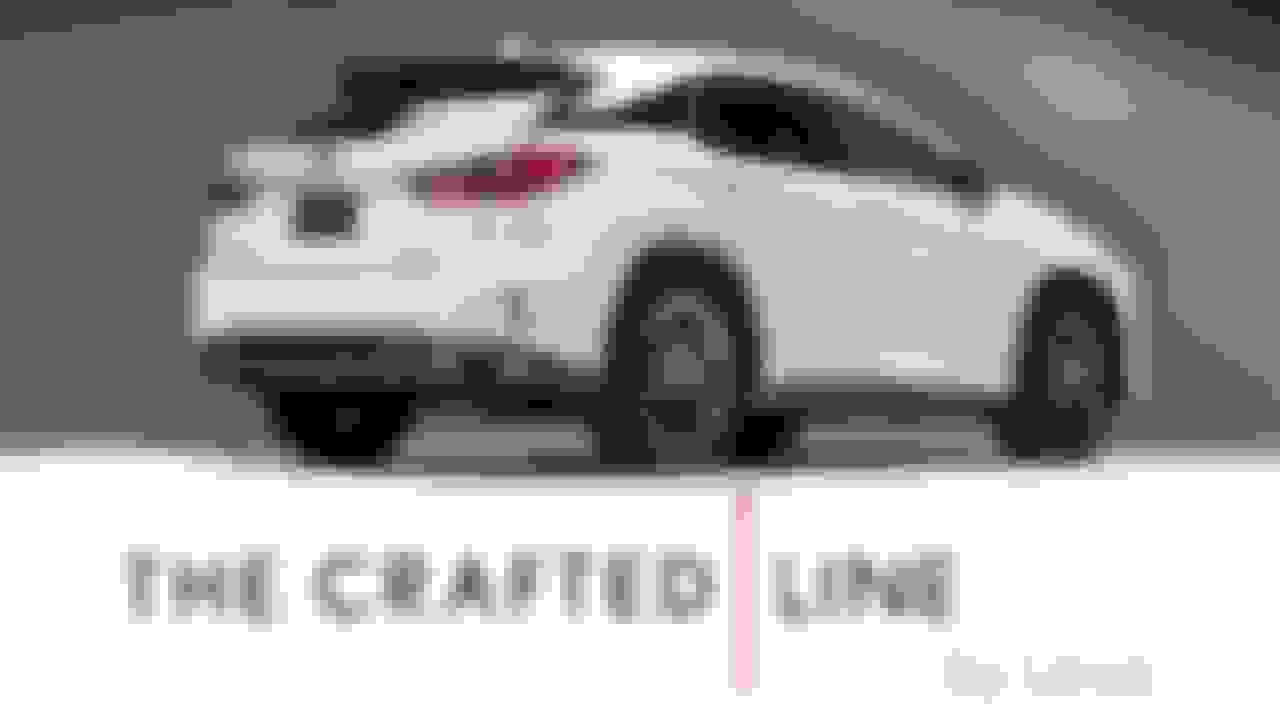
I just picked up a RX350 F Sports Crafted Line.... When I got it yesterday, the previous owner uploaded a nice background that said "Crafted Line by Lexus". But I erased the system to delete all the previous owners settings and now its back to the OEM start up image.
By any chance, would anyone have that start up logo? (it was in the white background)
EDIT: This is the one im looking for.... anyone have this file that's cropped to fit the 2015 Rx350 Nav Screen?
I couldn't find a suitable image online, but I found a relatively Hi-res image of a Lexus ad that had the same font and most of the letters needed to create the text. So I made the white text image for you from scratch:
Since you have an RX350, I also made two alternative images you might like:
and this one:
i followed your pictures even the name of the files and it worked !!!!
The only thing i noticed different was the allocation size, i set it to 32 kb and it worked like a charm
thank you sooooo much...
I can compile a quick guide here
1-format USB using FAT 32 and allocation size of 32 kilobytes
2- Make 2 folders in the USB (StartupImage & DisplayOffImage) * Case sensitive
3- Open your picture using MsPaint on windows
4- Save as and type the name for example (123456789.jpg) make sure you include (.jpg)
5- copy the image to both folders
6- eject USB
7- Start your car
8- Insert USB
9 - Menu - setup - Change opening Screen - Transfer (now you get your photo on the list and chose it)
10- Menu - setup - Change Screen off image - Transfer (now you get your photo on the list and you chose it)
now when you start your car will be greeted with lexus logo then the image for quick 1-2 seconds...
--- hit menu -- click display (top right corner) -- chose screen off .. not you get your image always displayed on the screen
Thank you everyone for your help and i hope we have put an end to this question finally
——-
I followed the above but it’s still not working. My images weren’t 32kb so is that the issue?? My USB is registering in the car when i plug it in but when i click transfer it says no files found
Toyota and Lexus Join Mille Miglia For The First Time
Slideshow: A five-car lineup spanning more than five decades of Toyota performance and engineering will tackle one of Italy's most celebrated automotive routes.