When you click on links to various merchants on this site and make a purchase, this can result in this site earning a commission. Affiliate programs and affiliations include, but are not limited to, the eBay Partner Network.
I don't have a pic of my connections, but my stereo had one wire harness with 3 diff plugs (HI version, LO version, and if I remember correctly Optical). If yours is the same, you should find out which connector you should use and leave the others unconnected. I recommend that you use Google camera on your phone to translate the labels on the connectors.
Also, ensure you plug in as many connectors from the car harness into the original DVD portion as you can rather than plugging them into the wire harness from the android stereo.
I have an older after market unit that works pretty well, but I want to get this for CarPlay and digital radio ... there are similar unbranded units on Aliexpress.
Originally Posted by ahmed24
It’s normal. You probably just didn’t notice it before. This is the reason I am making my own climate control app for the Teyes. The reason the popup appears is because you have the climate control set to AUTO and in this mode the car is making small adjustments like fan speed and flow direction. These adjustments that the car is making automatically isn’t being done by you but essentially the app is listening for these changes as it cannot determine difference between the car making the change or you making it. So it thinks you changed a setting and hence shows the popup
That's pretty annoying. Does the AC still do the auto fresh/recirculate air mode with this unit installed? I don't see the AUTO indicator next to the fresh/recirculate air buttons.
Purchased the model B, everything seems to work fine apart from the reverse camera. Upon further inspection there doesn’t seem to be any wiring into J51 connector where the reverse camera should be (see attached)
Any idea where the reverse camera wires are?
2007 (late oct) with ML system
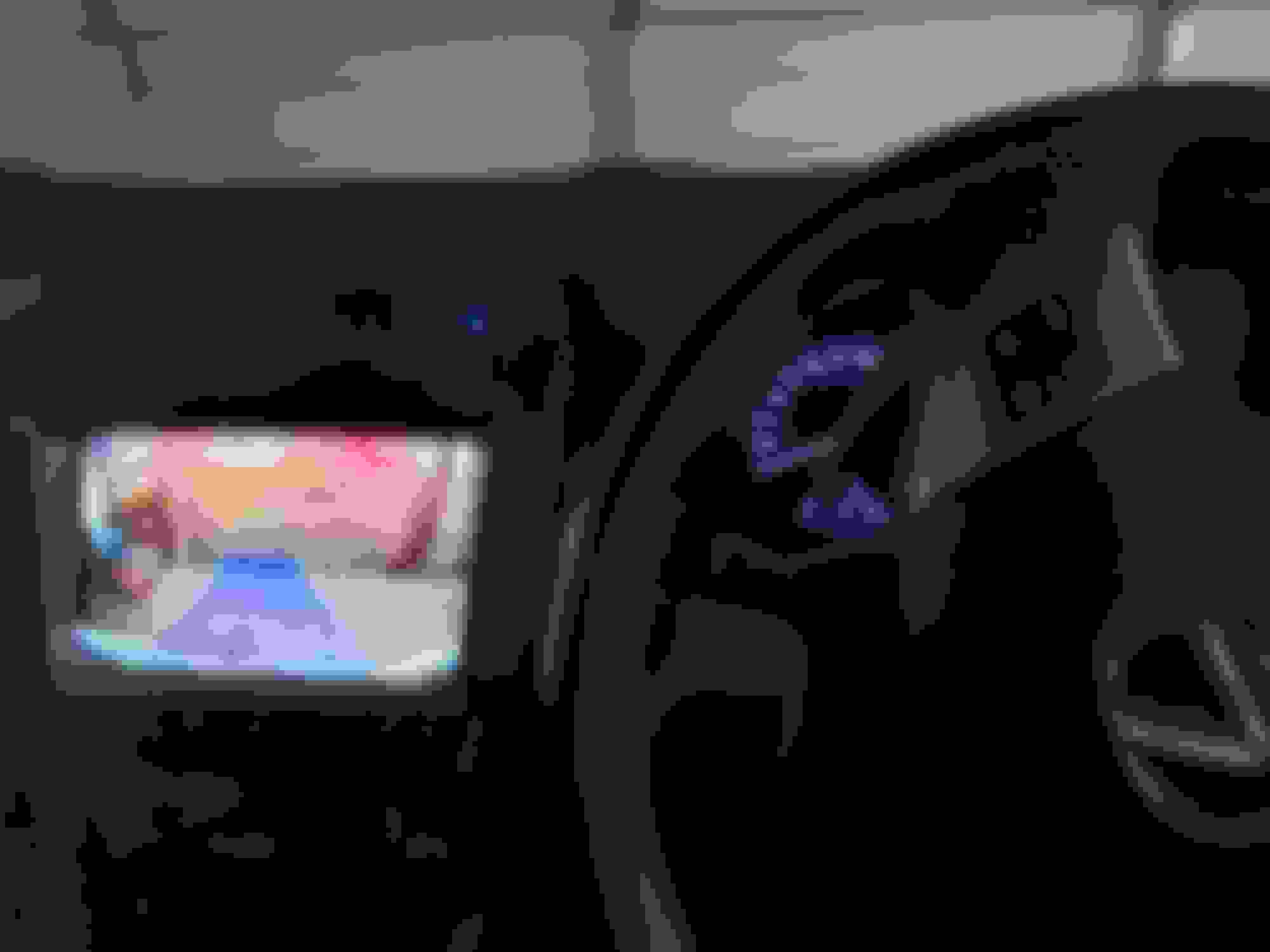
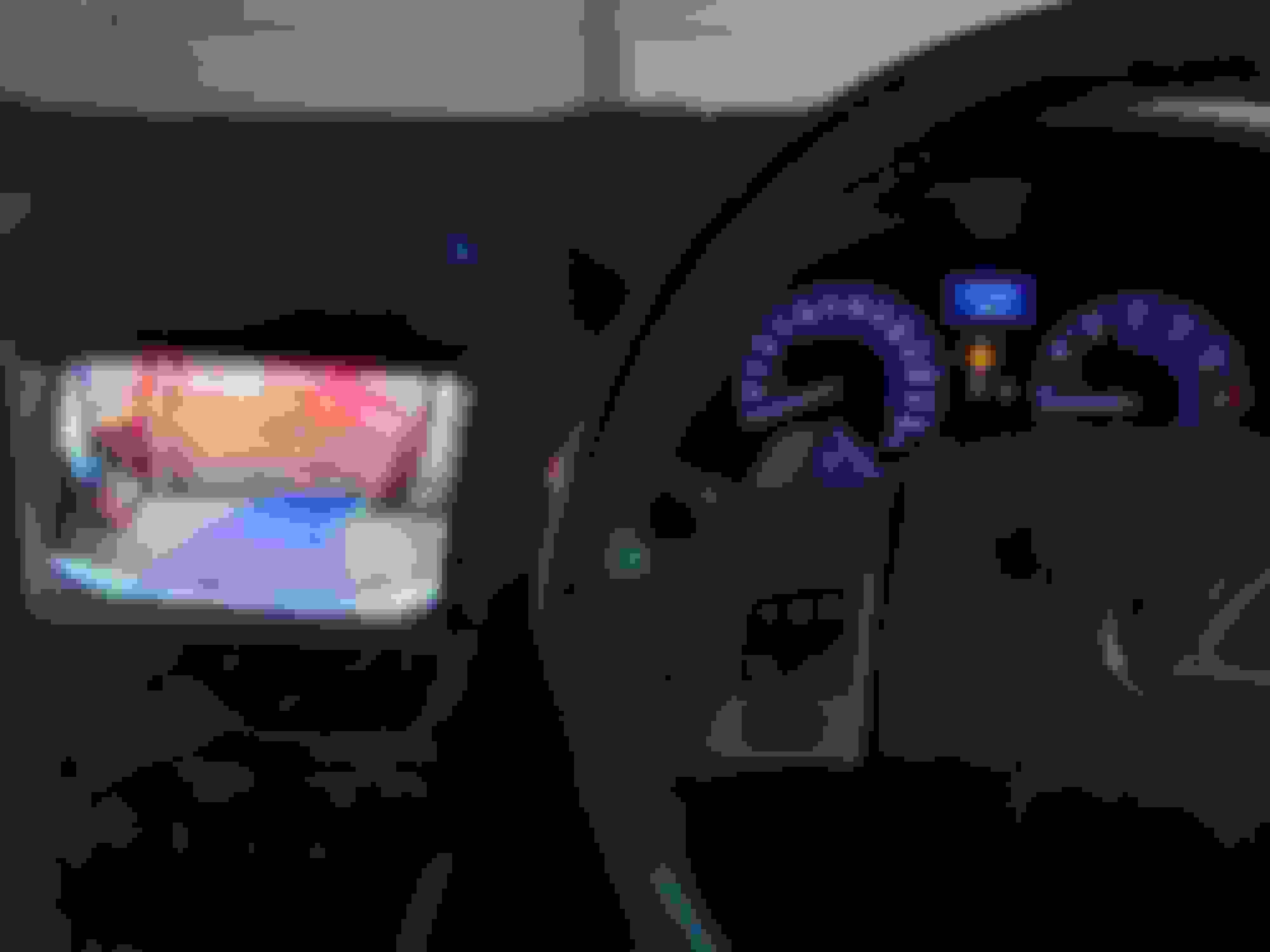
Hi all. Can anyone advise why the reverse camera lines are not functioning properly now on my Teyes CC3? This problem started after my battery died about 2 weeks ago. When I was jump started I noticed right away that the lines were out of sync. If I put the car into reverse and the wheels are straight, it will begin with straight lines. Until such time as I turn the wheel, the lines go in the wrong direction and then don't return to center. See images. Appreciate any advice. Notice steering wheel is turned but lines are straight. Notice steering wheel has been returned to center and yet lines haven't return to central position.
Hi all. Can anyone advise why the reverse camera lines are not functioning properly now on my Teyes CC3? This problem started after my battery died about 2 weeks ago. When I was jump started I noticed right away that the lines were out of sync. If I put the car into reverse and the wheels are straight, it will begin with straight lines. Until such time as I turn the wheel, the lines go in the wrong direction and then don't return to center. See images. Appreciate any advice. Notice steering wheel is turned but lines are straight. Notice steering wheel has been returned to center and yet lines haven't return to central position.
Hi mate have you had any luck in resolving this, having the same issue with my UK IS250 F Sport with the CC3! Teyes support suggested disconnecting the can bus wire and replugging it back in but I've not got around to this yet.
Hi mate have you had any luck in resolving this, having the same issue with my UK IS250 F Sport with the CC3! Teyes support suggested disconnecting the can bus wire and replugging it back in but I've not got around to this yet.
yes! Go to vehicle settings, then vehicle settings again, then track and then in language settings, select Type1, sounds weird but it worked for me.
@diggins, did you ever resolve this? Seeing the same with my install as well.
Originally Posted by Diggins
I am trying to get the OEM Reverse Camera to work on the CC3 2K (model B that is meant to be the plug and play that is compatible with the IS250s that had the 07 mark levinson black screen nav)
I have everything connected but when I put the car into reverse the CC3 changes to reverse cam view with the guide lines but there is no image from the camera. I have a feeling its not getting any power. Not sure what to do - anyone had this problem and fixed it?
I am trying to get the OEM Reverse Camera to work on the CC3 2K (model B that is meant to be the plug and play that is compatible with the IS250s that had the 07 mark levinson black screen nav)
I have everything connected but when I put the car into reverse the CC3 changes to reverse cam view with the guide lines but there is no image from the camera. I have a feeling its not getting any power. Not sure what to do - anyone had this problem and fixed it?
It is not compatible from what i have read. You have to do modification to get the stock back up camera to work with the CC3. I think there is some sort of how-to on their website.
I have the physical buttons around my CC3 screen on my IS250. Is there as way to adjust the LED brightness to match the other panel LED like on the CD player. The LEDs behind the buttons (MODE, DUAL, SRC, PHONE, MUTE,A/C ,etc) are very dim compared to the other LED's on the rest of the panels. any help would be appriciated.
I am part way through trying to upgrade my Wifes head unit in her IS250C with the Teyes CC3 type A. I've done all the prep work, but I can't seem to get the processing/nav unit to mount to the rear of the new head unit in a way that allows the whole new unit to mount in the dash. At the moment the processing/nav unit sticks out too far at the back preventing the unit being installed flush with the dash. Images 1 and 2 are taken directly from the Teyes Guide and image 3 is our unit. Image 2 clearly shows the same processing/nav unit as I have, but I don't think this is the same one mounted in the chassis in image 1.
Also, in ahmed24 second post in this thread (installation of a type A), it shows the unit facing down (not up as per the Teyes instructions) and it also looks physically smaller than the one in our car. The part number on it is also different.
Anyone had this issue?
Thanks
Last edited by CrazyCougar; Apr 8, 2025 at 09:48 PM.
Reason: Improved images