When you click on links to various merchants on this site and make a purchase, this can result in this site earning a commission. Affiliate programs and affiliations include, but are not limited to, the eBay Partner Network.
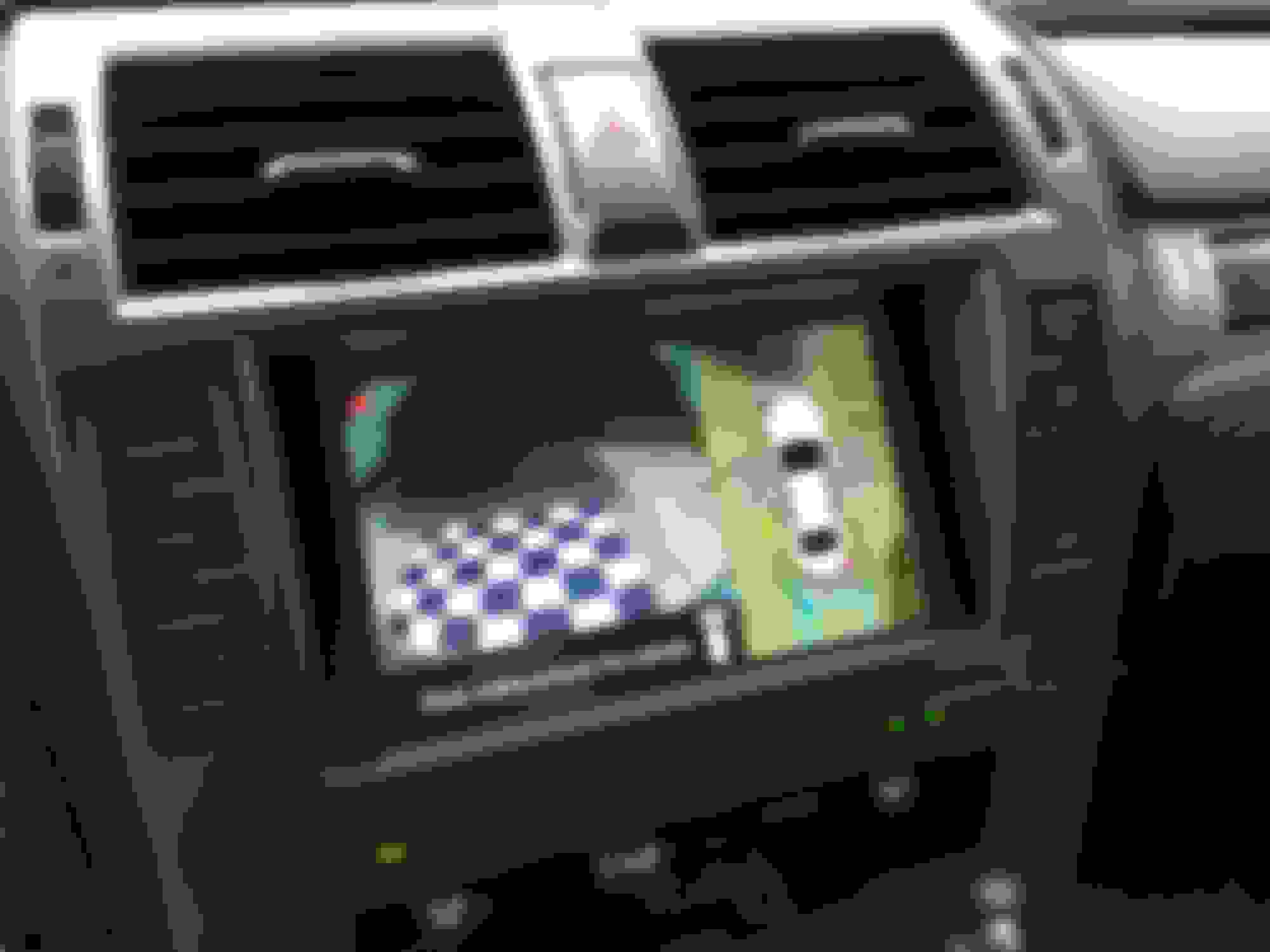
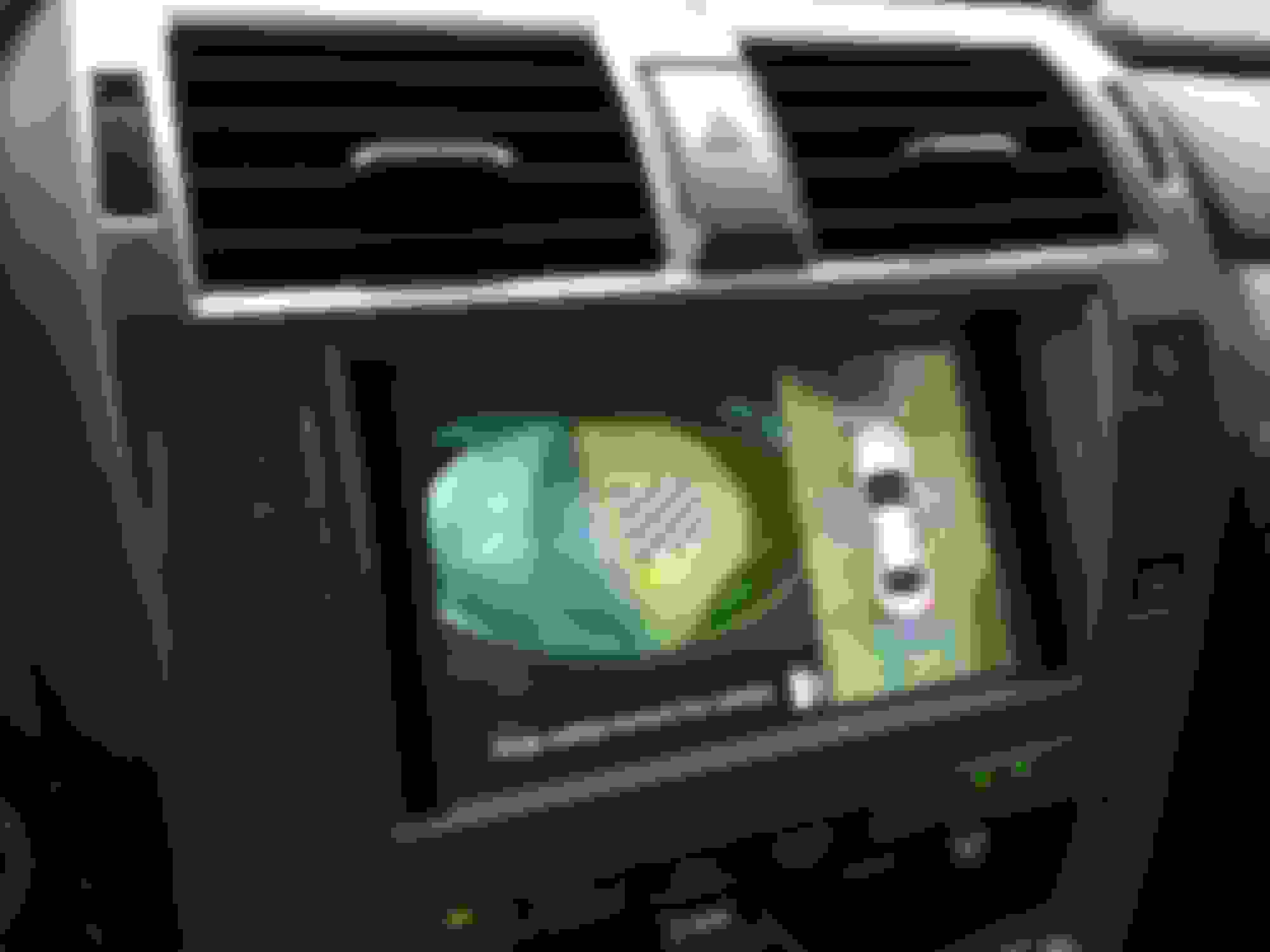
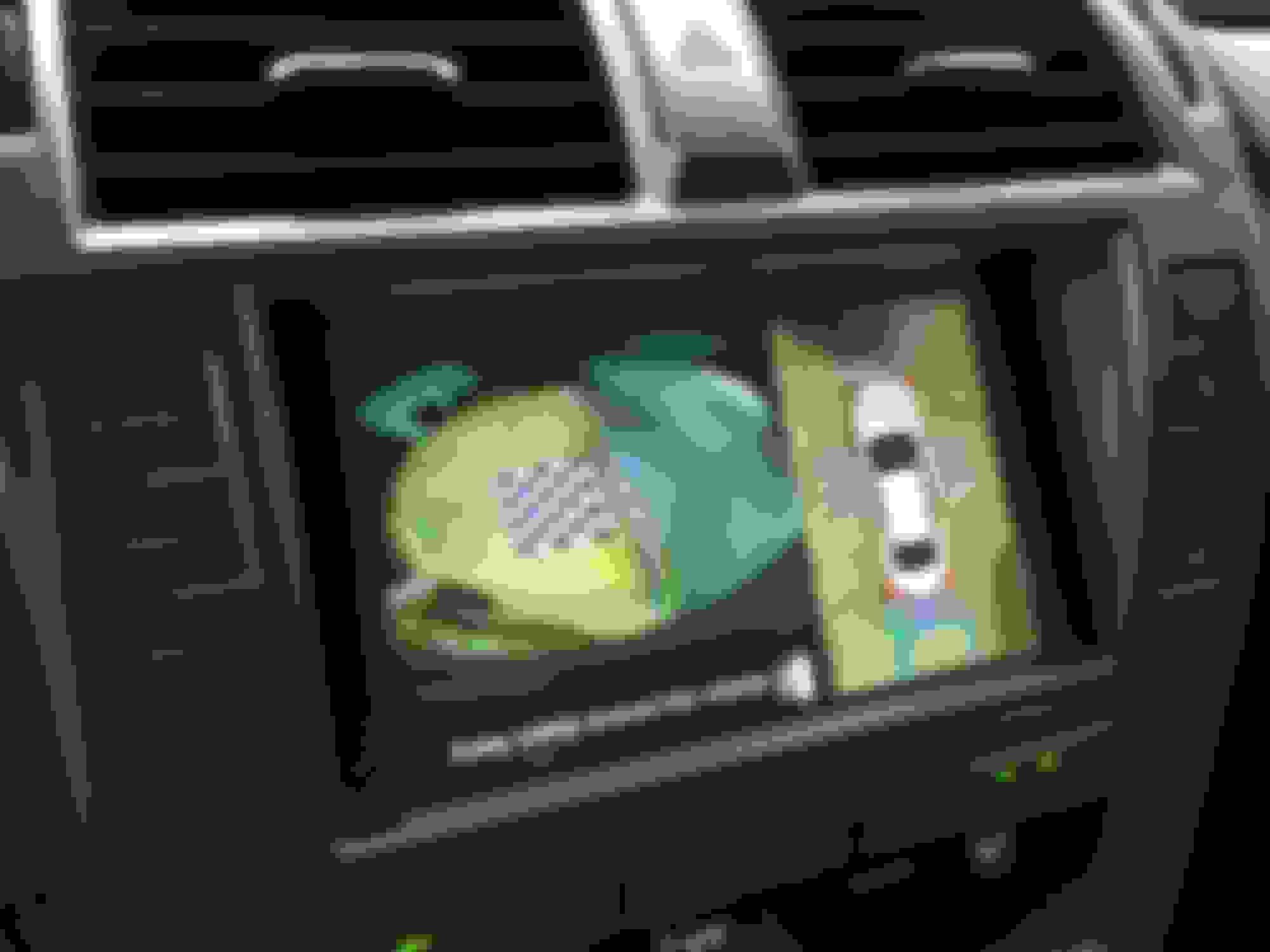
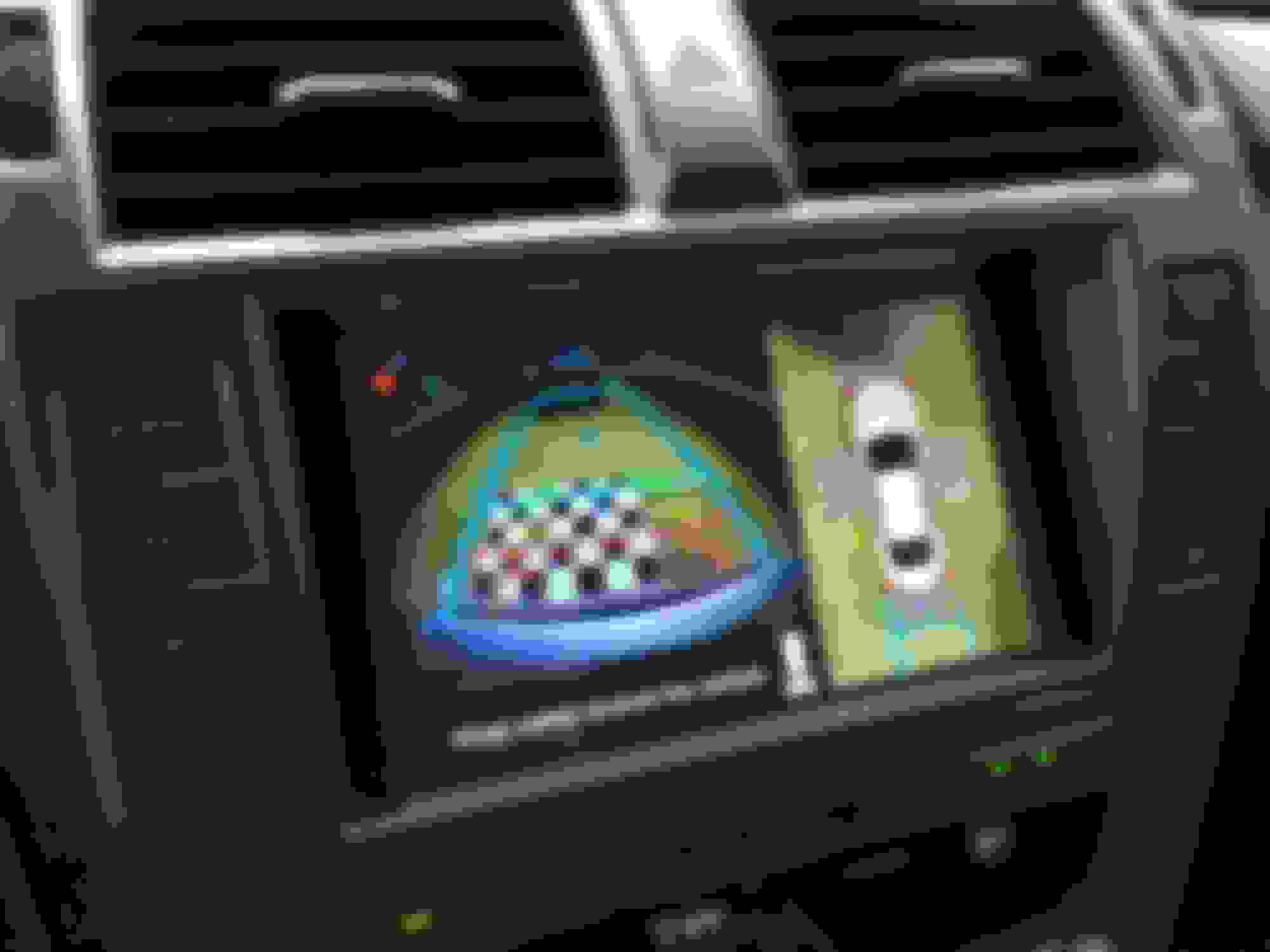
It was originally discussed in Front Wideview and Sideview option..... After lengthy research and lack of pre-wired harnesses, as well as uncertainty of if existing Park Assist ECU needs to be replaced, it just become to difficult and even economically doable to even attempt to try. Therefore, I started to look into alternative solutions that is available at reasonable costs. About a month ago, I tried out Beatsonic front camera solution, which gave me some ideas of adding side cameras by using Beatsonic solution for camera switching. Today, I finally put something together and here is the results! There are still some fine tuning needs to be done to make it little better. As it getting darker also with storm approaching, I just call off the day and post result here for anyone who might be thinking to do the same. As usual, I will post more lengthy details in following posts shortly.
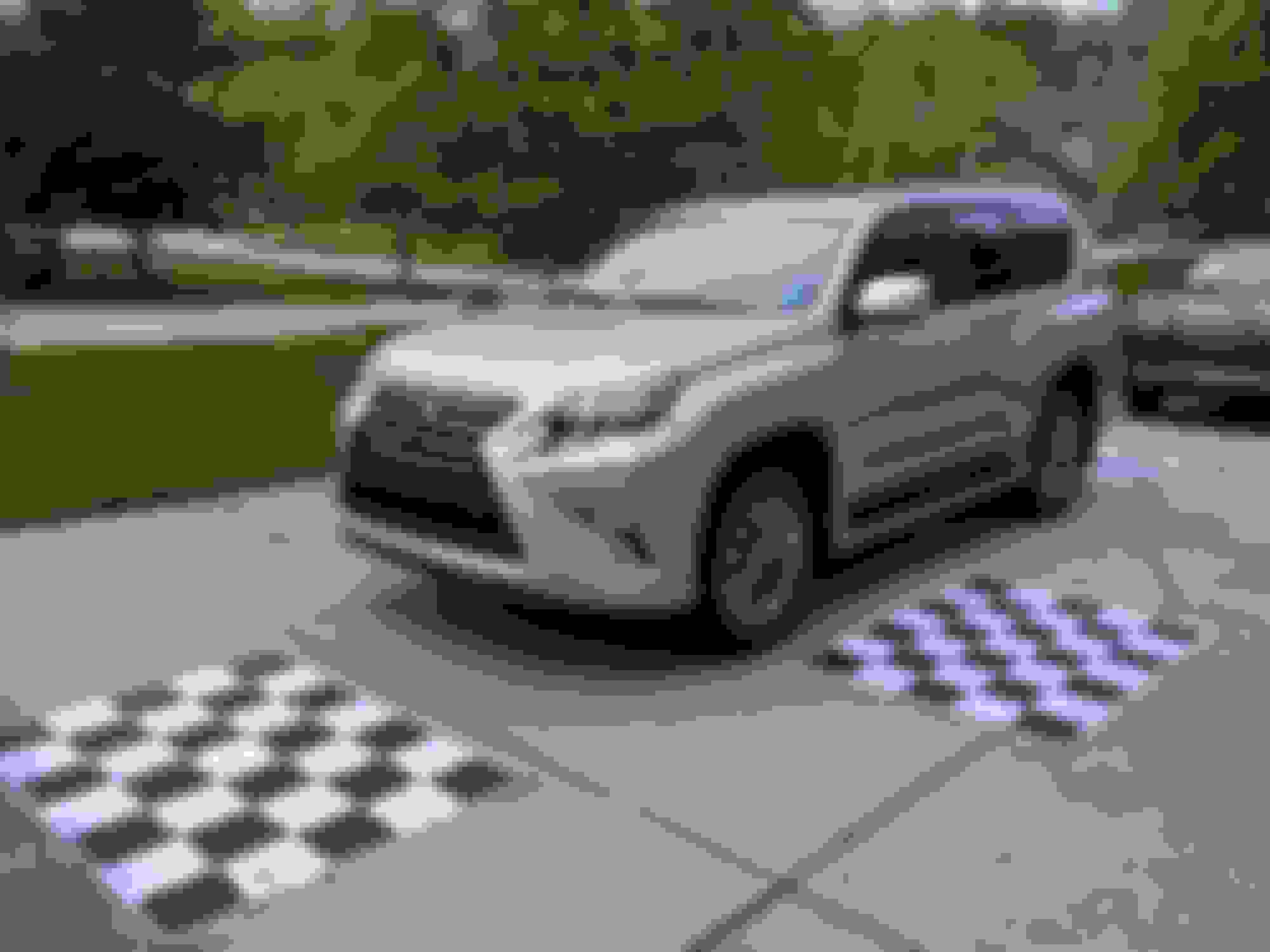
The system I am using was from eBay for about $!80. I have done some of research on all the systems available, this one seams reasonably priced from the local vendor (although all of those products were from China anyway). It does come with 4 cameras but I didn't use any of them. However, it didn't come with the 4 chessboards for calibration, which turned out to be a major time consumed work, and I had spend about three hours to make them by tape white and black papers together. Now I know why they charge $300 for pre-made chessboards Here is the product photo and link for eBay: https://www.ebay.com/itm/360-Bird-Vi...72.m2749.l2649
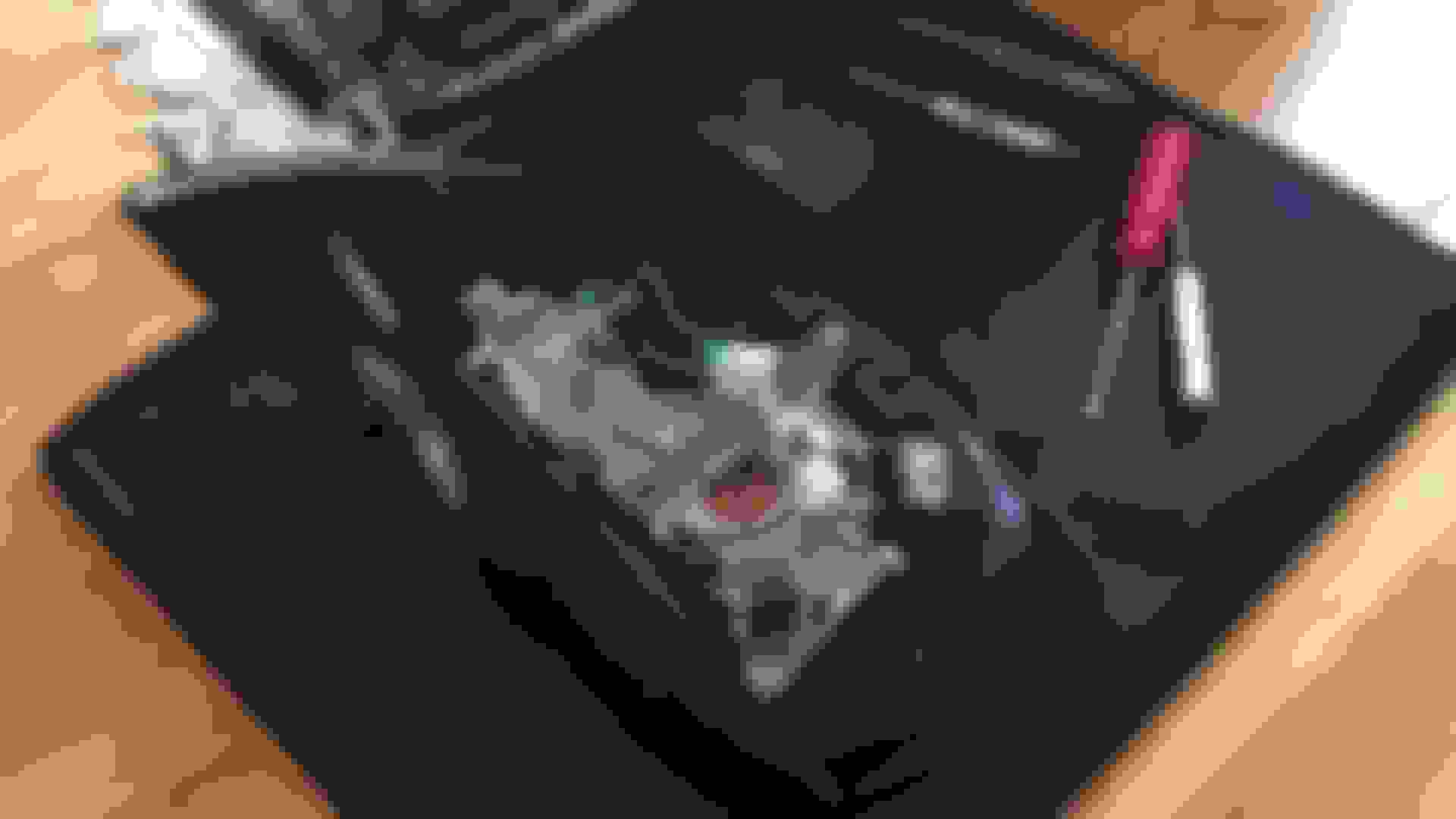
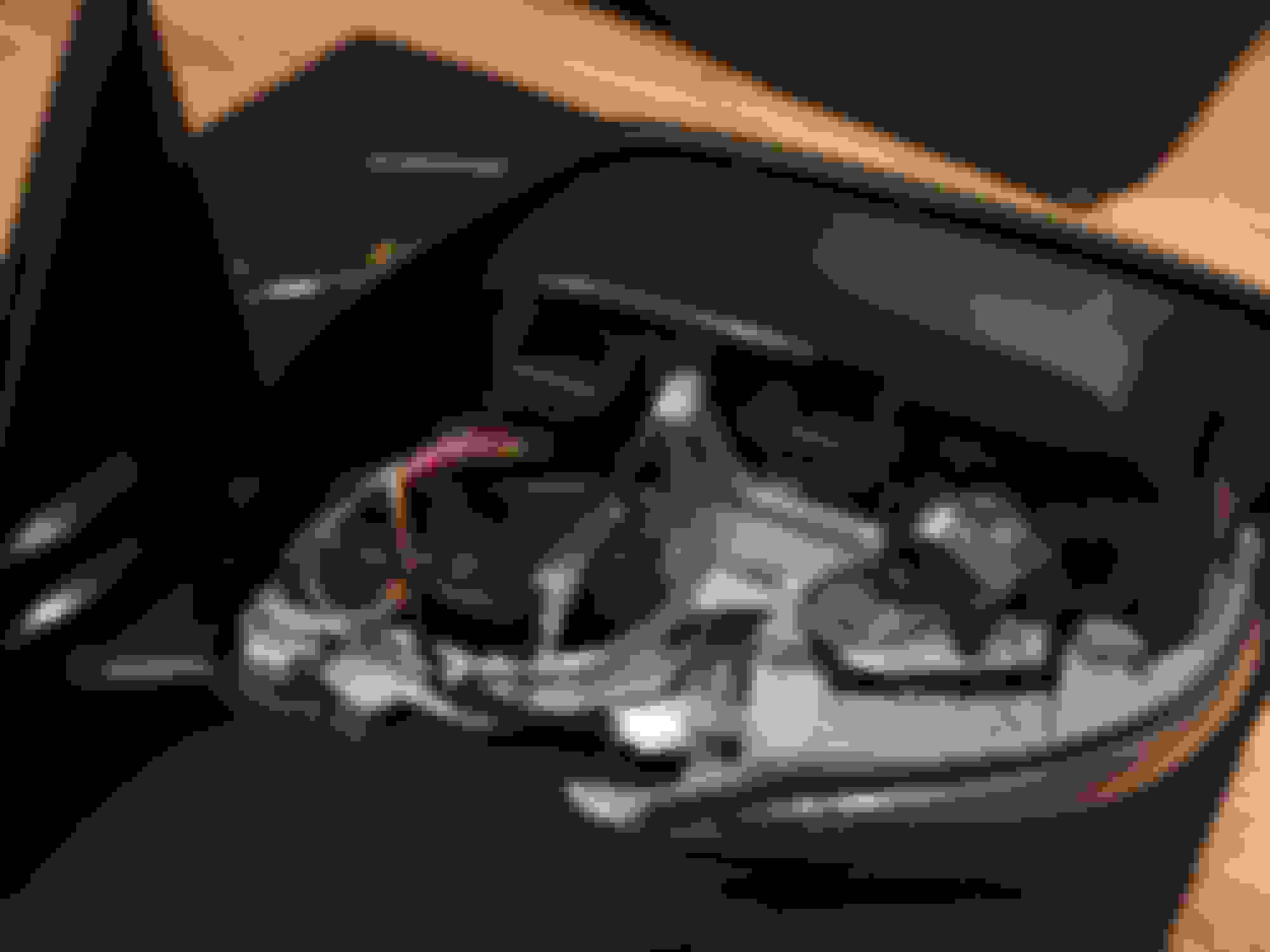
For the side cameras, you can simply use the one spilled. Its small and flash mounted, will not causing any wind noises. There are plenty rooms in the mirror housing. and it come with the 18.5 mm hole saw. However, since I was originally thinking about retrofit OEM sideview monitors, I had purchased mirror housing with cameras in some Chinese junk yard while I was there. To keep it more OEM look for this project, I decided to try those OEM cameras. Although I had to completely disassemble the mirrors to switch the non-camera part of house because those are badly scratched.
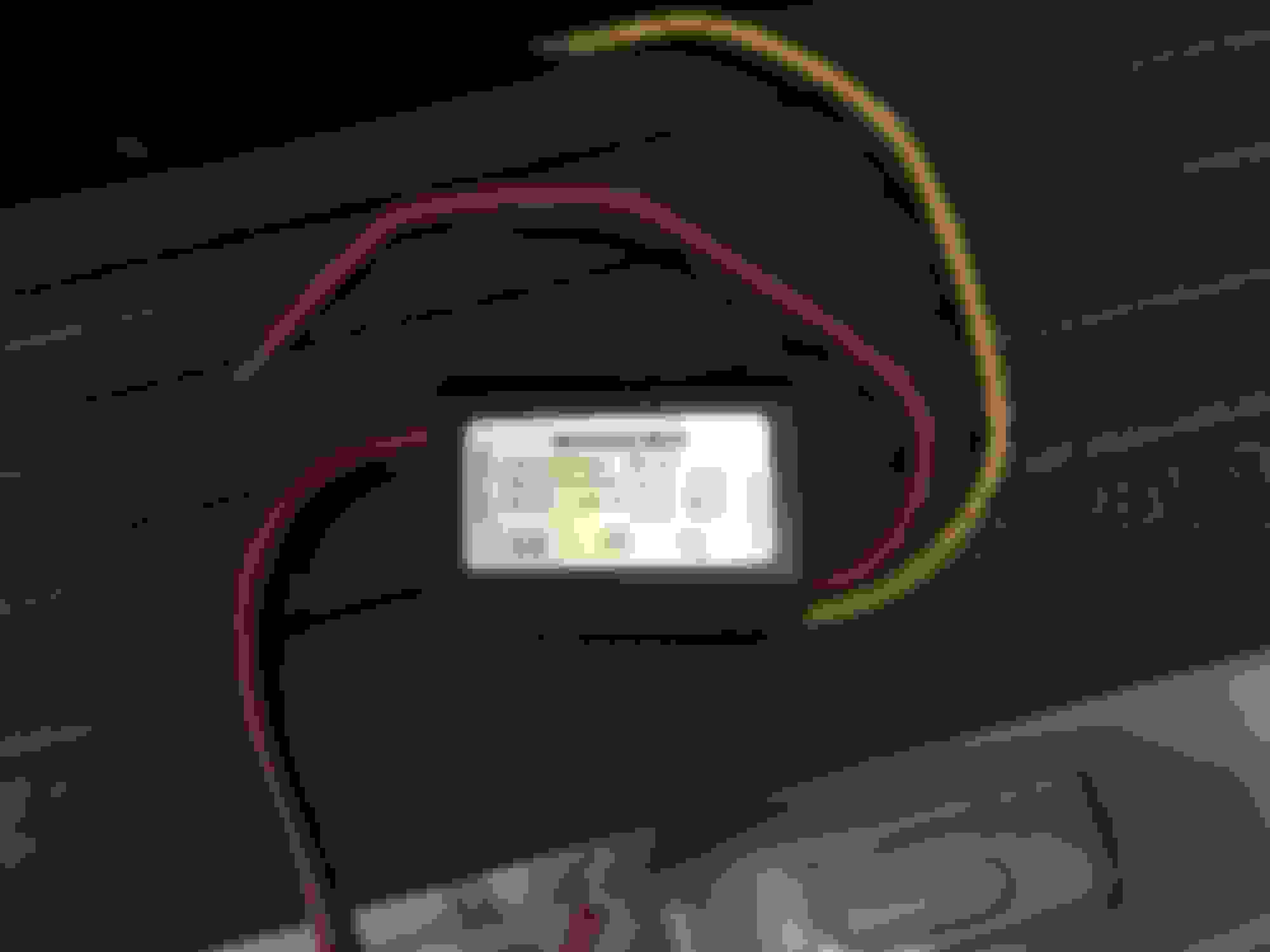
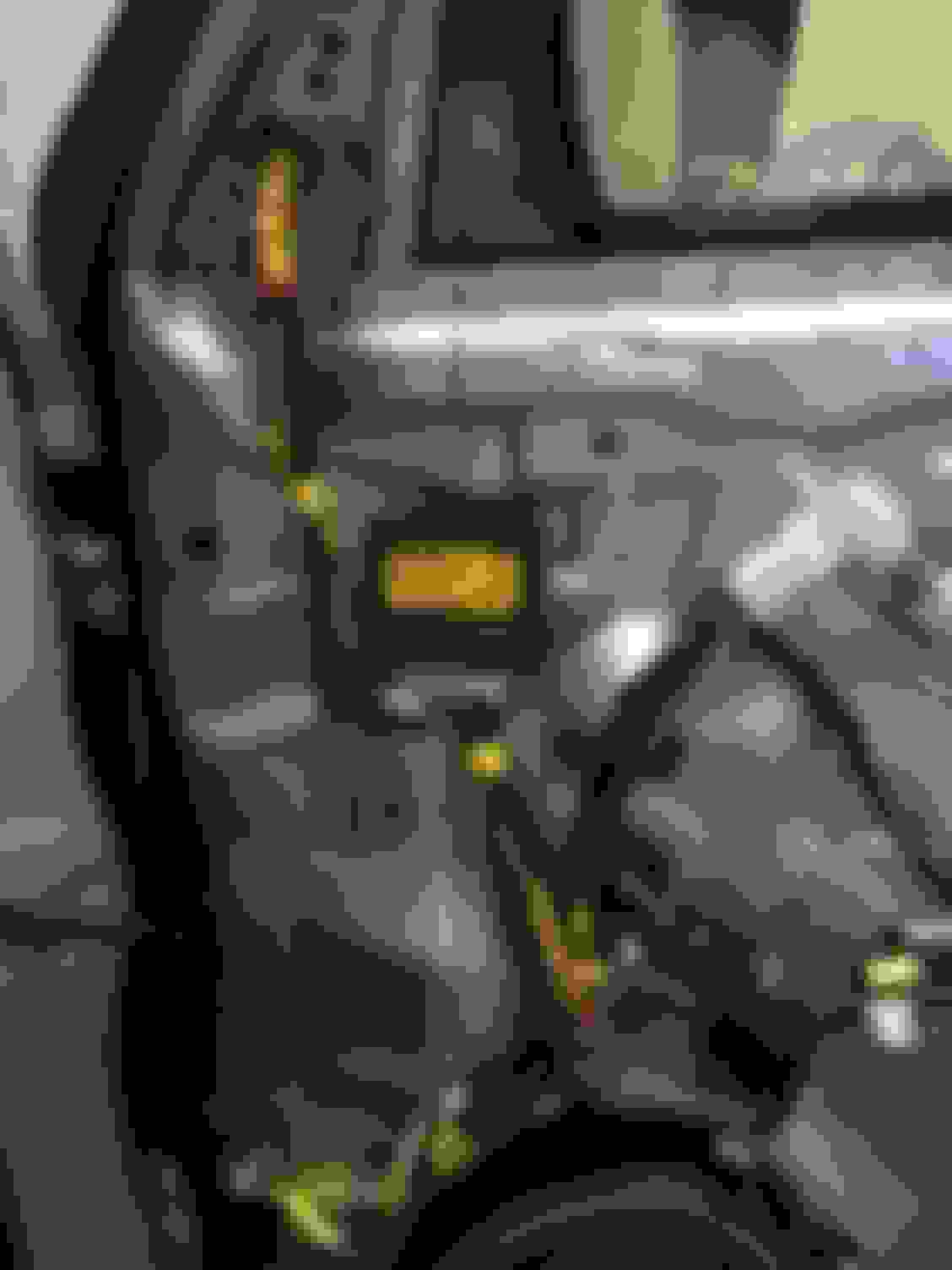
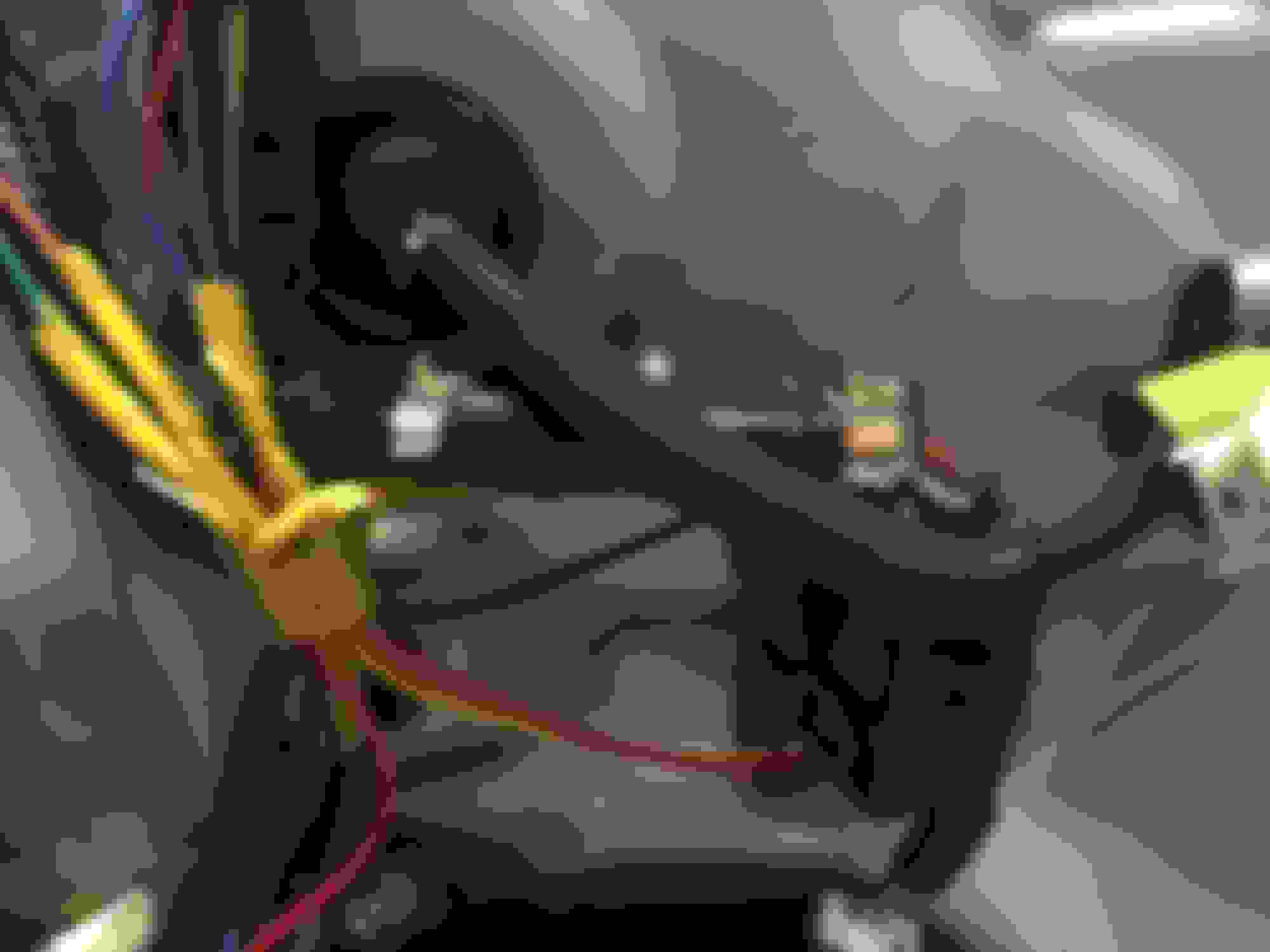
Since I didn't use any of the camera that was shipped with the control unit, I had to make all the customer cables utilizing the connectors from the kit, which is not too difficult. The next challenge was the Lexus OEM cameras using 6v power supply, for that, I purchased two small inline voltage step down units and made custom harness to replace OEM harnesses. After that, just fishing the cables and find the proper location for the unit.
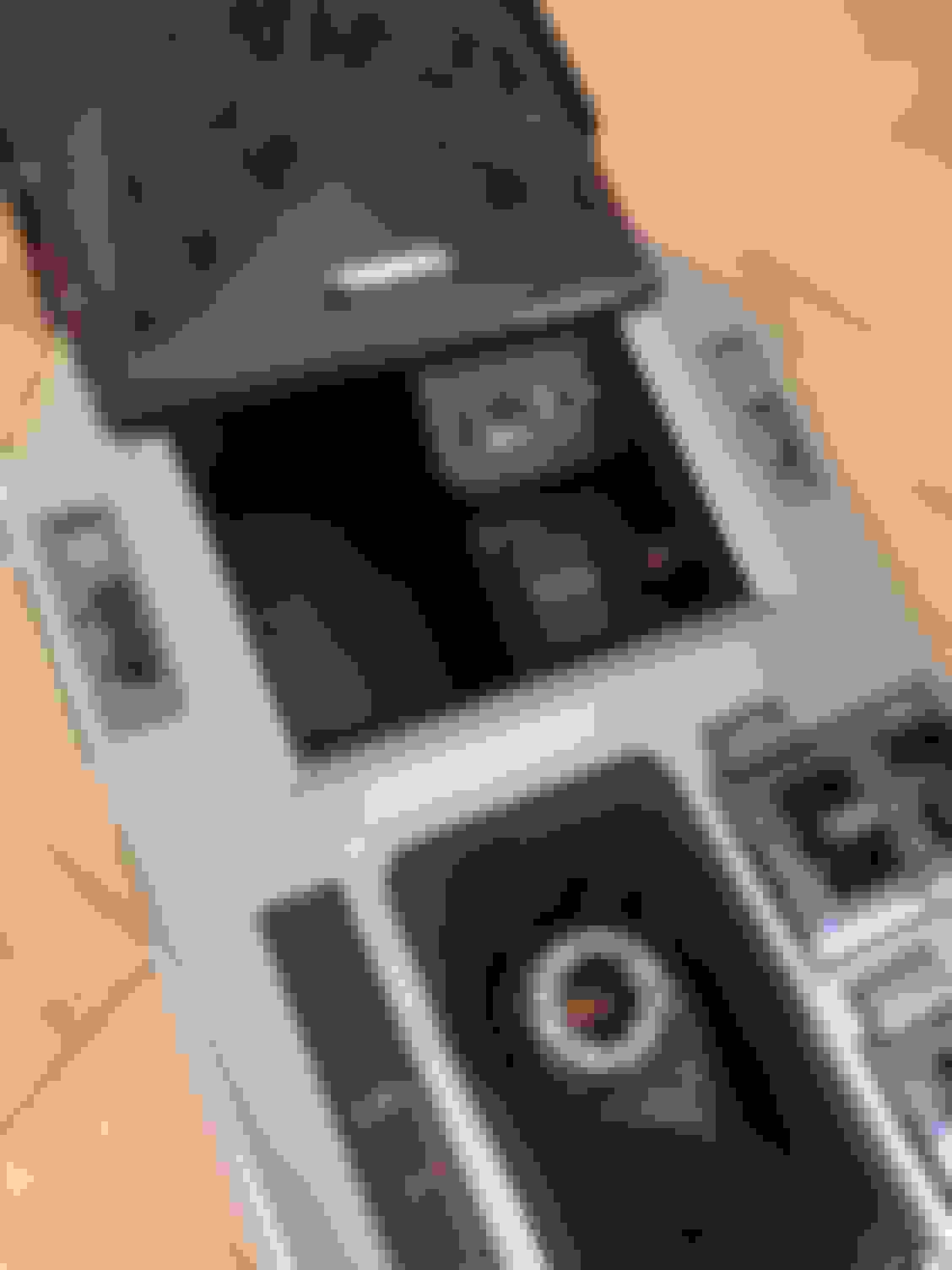
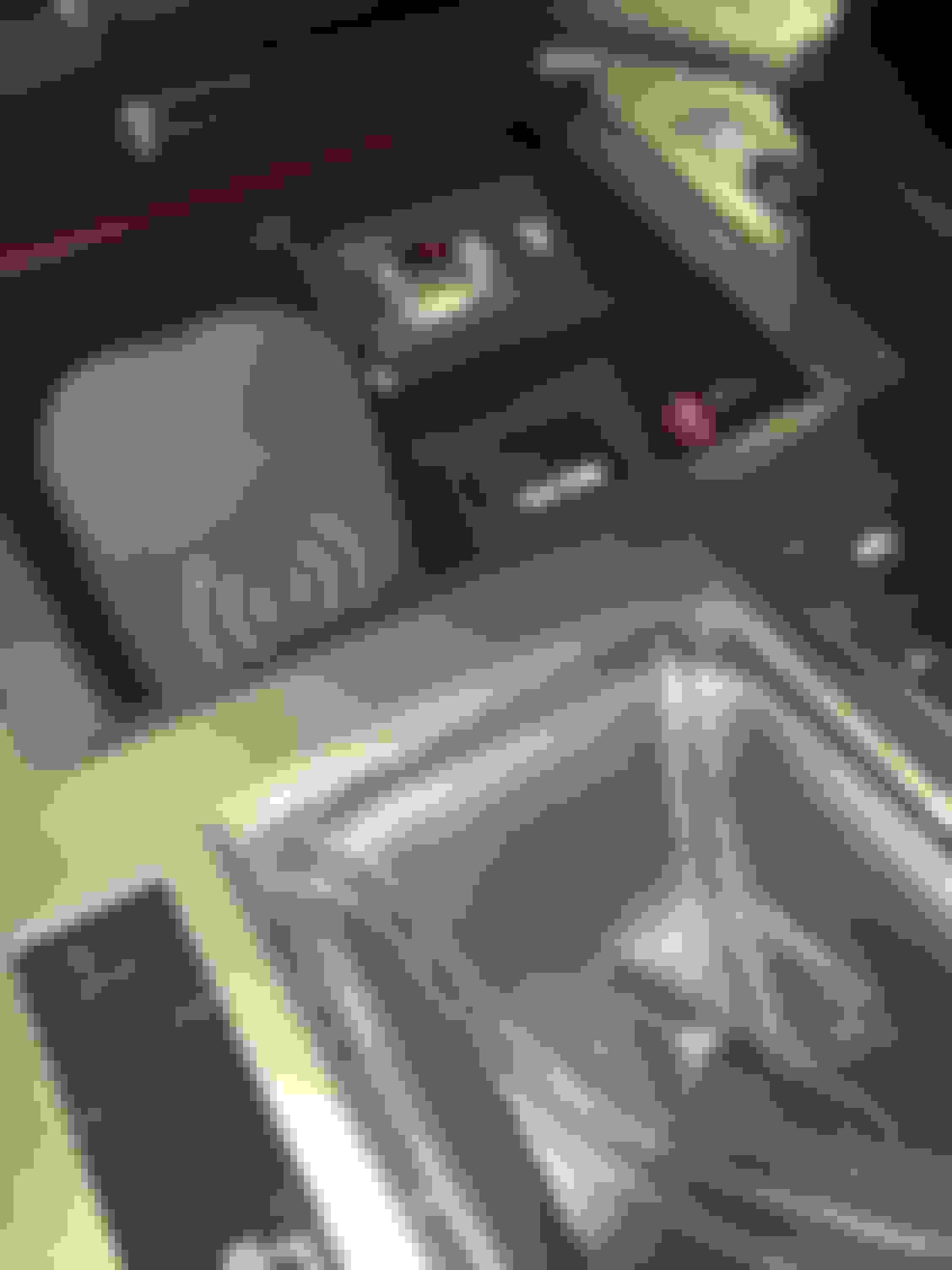
The control unit come with an IR receiver since all the setup and calibration are done via remote controller. To have a clear install, I decided to put it into the center console near the power socket. Since you do not use it often, when you close the door, it just out of sight. BTW, while I was on that part, I decided to add a wireless charging pad there as well. I found one on Amazon that is perfect size. When no phones being charged, the door can still be closed
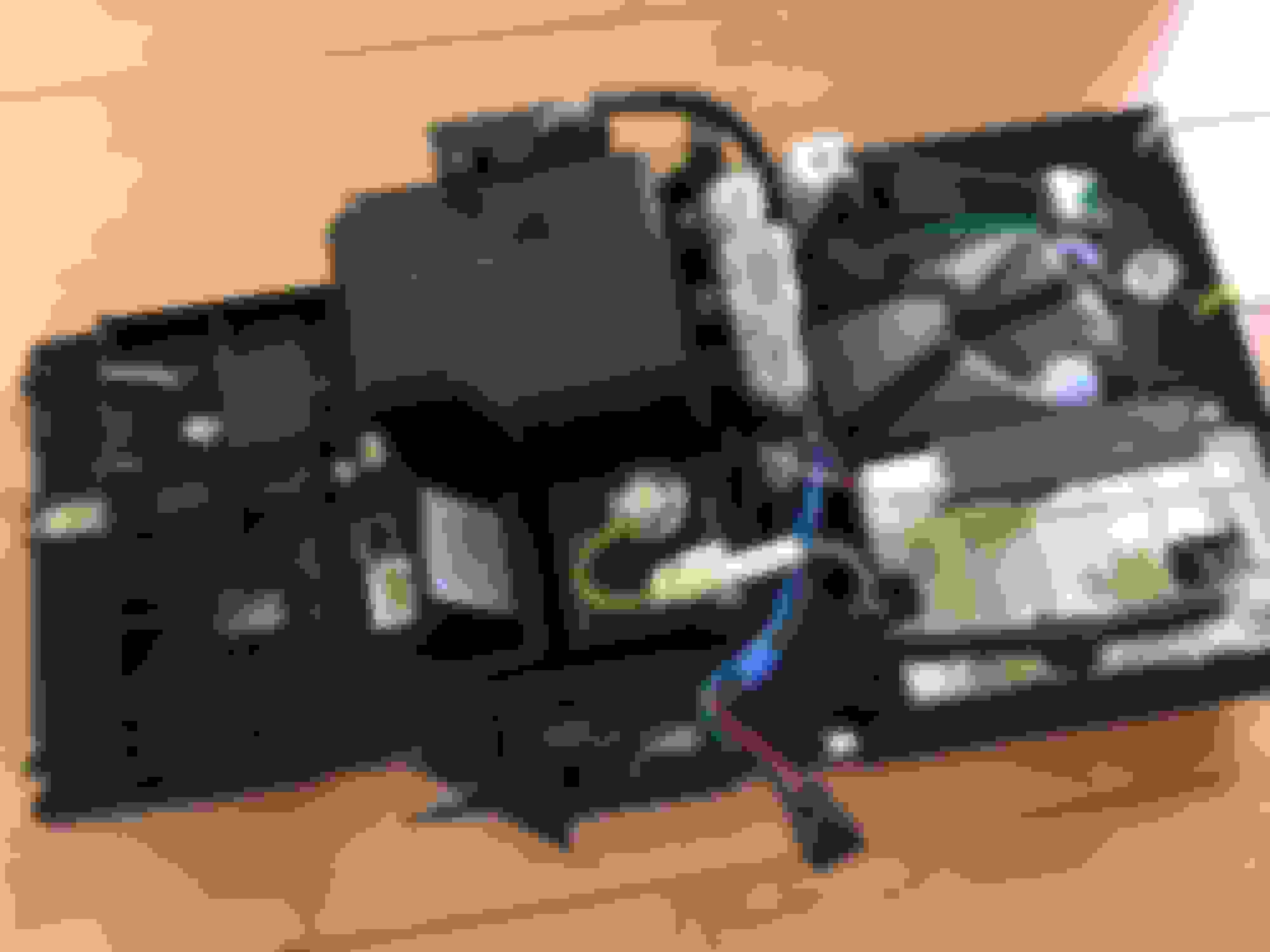
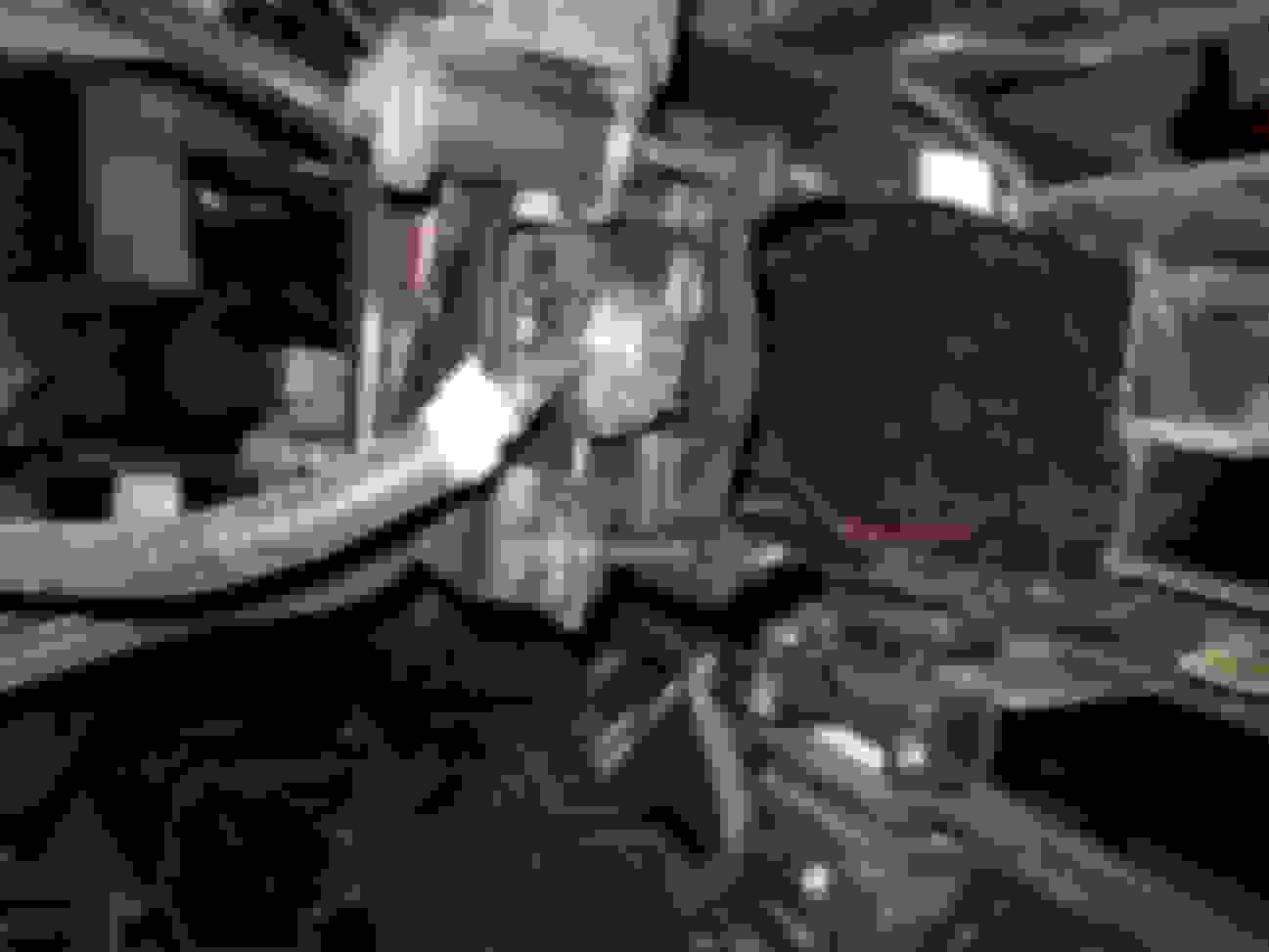
I still utilize the Beatsonic switch for initiate the video while NOT in reverse, which provides the front view and surround view. When in reverse, it will be switched for rear view and surround view. sideview can be displayed by remote control. Since in most of cases the sideview is visible from the surround view section, which provided enough information for parking etc. There are lots of spaces under the console and it is easy to secure the unit there.
One odd thing that I was not aware before and I am currently working with the vender to see if there is a easy solution for that, which is the unit itself provide a sets of backup camera guide line. Since 2014+ GX has the fixed guideline on reverse camera, now there are two over lapping guide lines displayed on rear view camera screen. Not a real problem, but just kind of odd when you look at it. The unit provide some degree of auto calibration. But not sure how well it is with non-provided cameras. You do need to spend sometime to do manually, particular in my case here, I find sideview is pretty much spot on, front and rear ones needs some work. Other than that, it proven a pretty good solution.
BTW, the unit also offer the recording function. However, I just don't think it is practical by the design. In oder to gain the recording footages, you can play on the screen, but in order to download or transfer, you have to physically access the TF card. So, most of installation would be more hidden in a way, there is not going to be an easy way to do so. For sake of experimental, I put a TF card in the unit and let it recording while driving. I didn't bother to connect in constant power and enable the G-shock sense for recording while in park if it get hit or some how it triggered G-sensor. I see those are more a marketing buzz than anything else.
looks very cool, thanks for sharing. Great job!
How did you integrate surround video into the display?
there are couple of options: 1) using Beatsonic camera interface to integrate the video source, which in this case, replace the original rear camera feed. The advantage of that is you can have the video displayed anytime by pressing the button. 2) directly tap into the display connector harness behind the display. I believe the input pin is #8, however, you will need to supply the switch signal, such as backup signal in order to have the display to show video feed. The switch signal pin is #3.
Quick update with OEM front camera replacing aftermarket camera
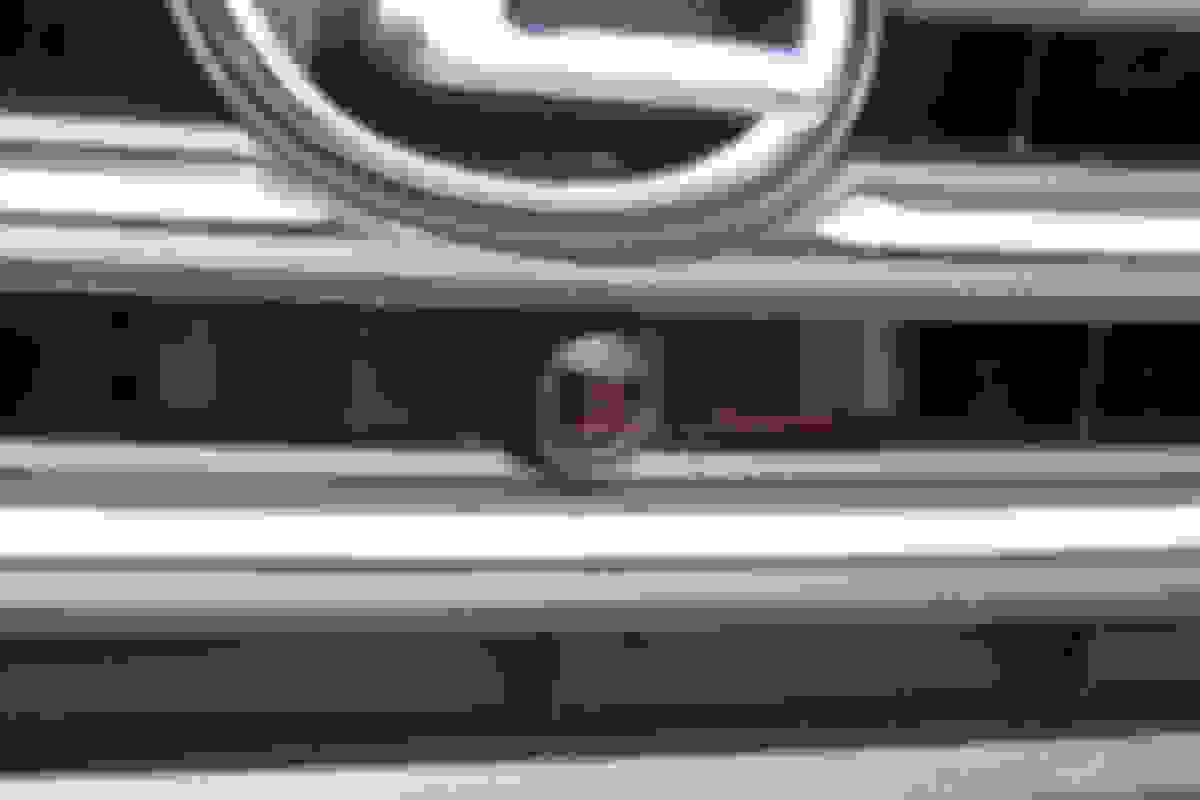
Since I had an GX OEM front camera which was originally intended for testing wideview option, I decided to see if I can use it to replace my current aftermarket front camera to give it better appearance since I am already using OEM cameras for sides and rear. Since the OEM front camera mount didn't come with non-Driver Support Package GX, there are few modification to the grill will needs to be done in oder to fit the OEM camera. Here are some pics of the detail for OEM camera and how it has been fit with Driver Support Package vs. non-Driver Support Package GX:
Noticed both cut outs for the camera location. I knew this will be an one way project, the risk was if I am starting to make the physical modification the the grill, there will be no returns if that didn't workout..... Most important part, I don't even consider myself is good on mechanic and craft handy type of person. I guess the best I can do is preparing myself as much as possible. First, I made some custom wire harness for the OEM camera, includes the 12/6v step down inline power module:
Then there was an entire afternoon of physical work of cutting and filing the needed cut outs:
At the end, the OEM camera has been installed and working as expected. One interesting finding on OEM camera, since it is designed for GX "wideview" option, the view angle is so wide, nearly 185 degree. It is a great safety feature when you came out of city garage, you will be able to see the both side of areas such as pedestrians in crossing path. For anyone is interested, it is not too difficult to retrofit the camera in place. And I am sure that most of you can do much better job than mine.
Can you use Beat Sonics front camera option with Parking Assist?
[QUOTE=hzhao;10203305]It was originally discussed in Front Wideview and Sideview option..... After lengthy research and lack of pre-wired harnesses, as well as uncertainty of if existing Park Assist ECU needs to be replaced, it just become to difficult and even economically doable to even attempt to try. Therefore, I started to look into alternative solutions that is available at reasonable costs. About a month ago, I tried out Beatsonic front camera solution, which gave me some ideas of adding side cameras by using Beatsonic solution for camera switching. Today, I finally put something together and here is the results! There are still some fine tuning needs to be done to make it little better. As it getting darker also with storm approaching, I just call off the day and post result here for anyone who might be thinking to do the same. As usual, I will post more lengthy details in following posts shortly.
I want to do this to my 2018 GX but Beat Sonic says that the front camera option doesn’t work with parking assist. How did you by pass Parking assist to do this?
It was originally discussed in Front Wideview and Sideview option..... After lengthy research and lack of pre-wired harnesses, as well as uncertainty of if existing Park Assist ECU needs to be replaced, it just become to difficult and even economically doable to even attempt to try. Therefore, I started to look into alternative solutions that is available at reasonable costs. About a month ago, I tried out Beatsonic front camera solution, which gave me some ideas of adding side cameras by using Beatsonic solution for camera switching. Today, I finally put something together and here is the results! There are still some fine tuning needs to be done to make it little better. As it getting darker also with storm approaching, I just call off the day and post result here for anyone who might be thinking to do the same. As usual, I will post more lengthy details in following posts shortly.
I want to do this to my 2018 GX but Beat Sonic says that the front camera option doesn’t work with parking assist. How did you by pass Parking assist to do this?
This was a misunderstanding or misleading on BeatSonic part. What they mean by "Parking Assist", it actually mean the GX with "Driver Support Package". The reason being with Driver Support Package, the the reverse camera output is at different harness behind display unit, therefore, the front camera kit inline harness with not work for the display switch. It has nothing to do with the Parking Sensors. The key word here is "Parking Assist" not PARKING SENSOR.
Where did you get the OEM driver side camera? I have the sideview/driver support package and am looking for the OEM driver side camera and am hoping I can install it and replace a module to get it to work. Did you try that before going this route?
Where did you get the OEM driver side camera? I have the sideview/driver support package and am looking for the OEM driver side camera and am hoping I can install it and replace a module to get it to work. Did you try that before going this route?
My GX didn’t come with Driver Support Package. I sourced two mirrors with camera from Junk yard in China, since most of GX for Asia were equipped with MT with bother side cameras. Then replaced covers with my original ones. You can also looking for Canadian specific mirrors with camera which is also offered for their market.
My GX didn’t come with Driver Support Package. I sourced two mirrors with camera from Junk yard in China, since most of GX for Asia were equipped with MT with bother side cameras. Then replaced covers with my original ones. You can also looking for Canadian specific mirrors with camera which is also offered for their market.
How much did you pay for them? All I'm finding is new for around $800 usd for the driver side :/ A lot of canadian salvage/junk yards state they don't ship to the US. What I really need is to find someone in either canada, russia, middle east or china willing to go to a junkyard to find one for me.



 #Surround view #cameras installation project completed


 Here is the product photo and link for eBay: https://www.ebay.com/itm/360-Bird-Vi...72.m2749.l2649