When you click on links to various merchants on this site and make a purchase, this can result in this site earning a commission. Affiliate programs and affiliations include, but are not limited to, the eBay Partner Network.
Looks awesome....I’m thinking about getting it.
how does the beat sonic connect to your iphone?
is it Bluetooth or apple lightning cable or do you have the option of both?
Thanks. It connects the apple carplay via an apple lighting cable, but you can still use the bluetooth to connect to the original Lexus infotainment as before, but not apple carplay. You can use the car phone either through carplay or bluetooth, and similarly the music app. For navigation and direction you can use the apple maps, google maps, waze or any other navigation software. You also can use Pandora and other music apps such as Amazon Music too. Siri works also perfectly and you can use your voice for commands to Siri read text messages while driving.
It is a really excellent product and the system works very well, and so far I have been enjoying it and alternating between it and Lexus's original infotainment system according to my need.
Previously other solutions only mirrored the phone? This allows you to navigate Apple/Android with the OEM joystick/touchpad?
Yes it does. This not a mirroring solution, it is Apple CarPlay. I think the Android is also applicable, but I do not have an Android phone so I’m not sure. You can definitely reach them and I’m sure they will clarify if it works it’s Android too.
Hey guys, just an update to this thread, I just installed the Beat-Sonic Apply Carplay on my 2018 GSF, and it works great.
All functions on Apple Carplay work perfect using the car's infotainment controls, and also all the original functions on my GSF Infotainment system work too.
The product is top notch; plug and play. I'm the only Lexus GSF in Saudi with an Apple Carplay as far as I know currently.
I was afraid to do it my self; therefore I took it to a place, here in Riyadh, called Balal Store, which they did an excellent job and a big thanks to them.
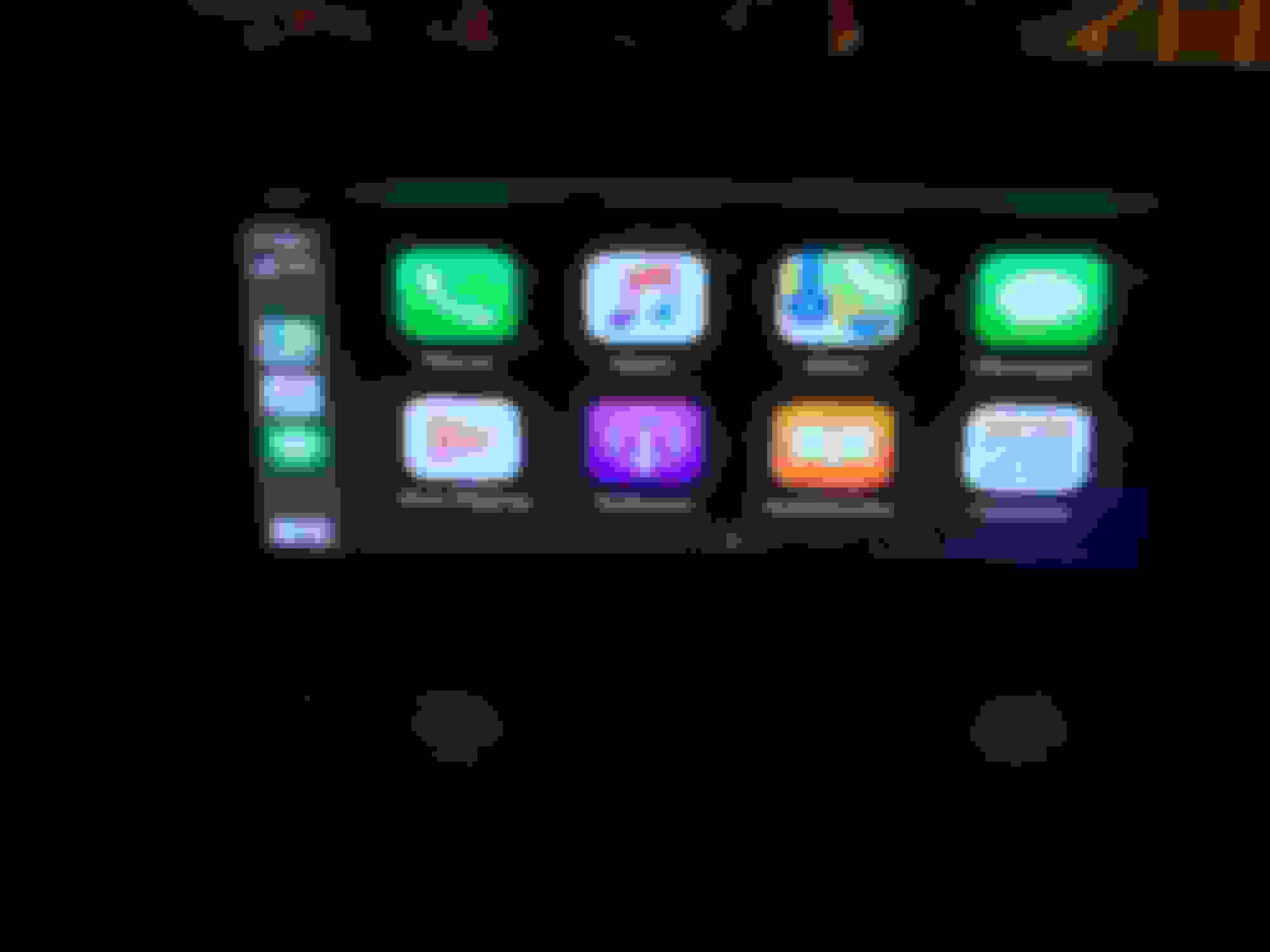
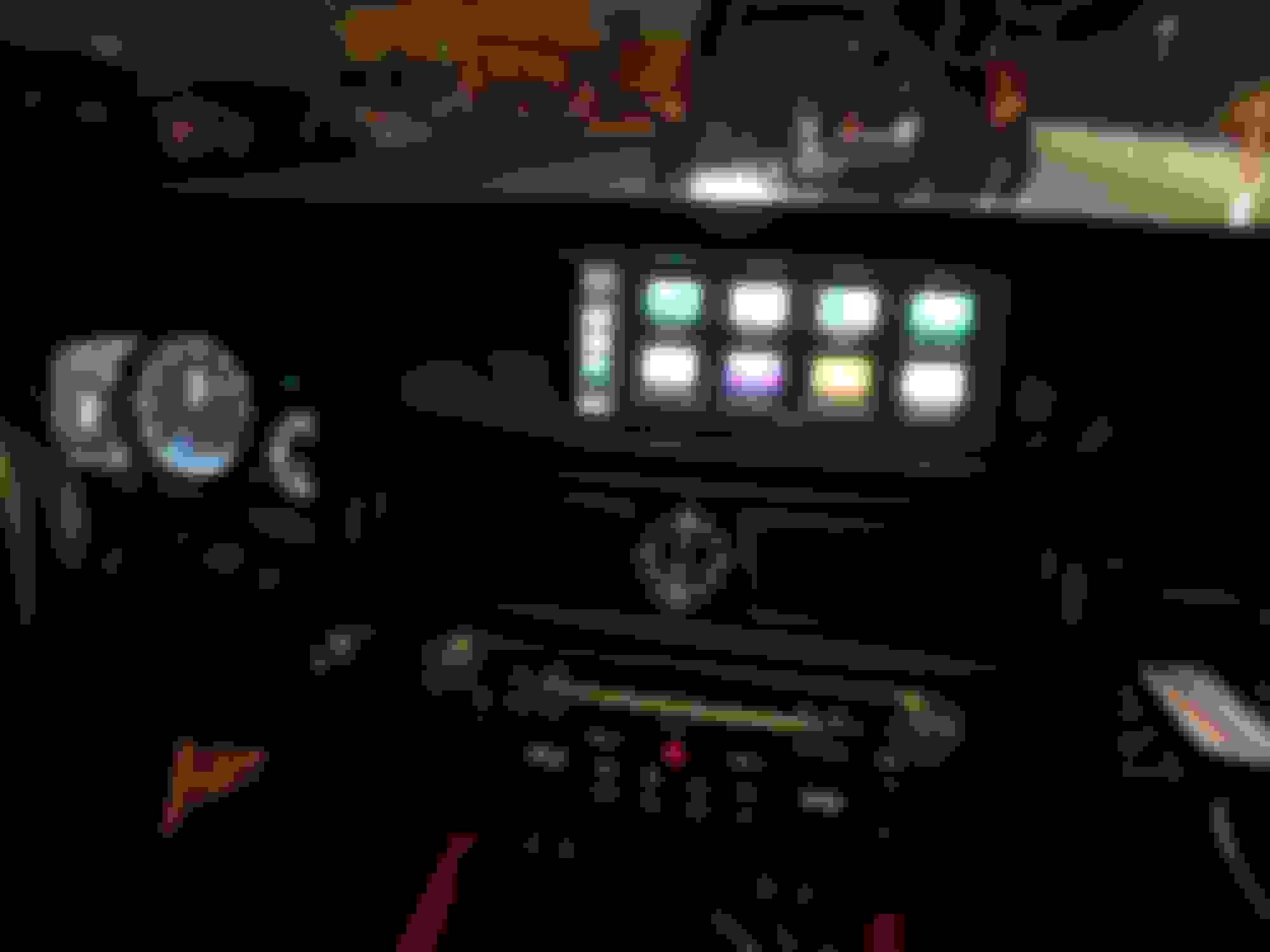
Below are pics and a link to a video demonstrating the Beat-Sonic Apple Carplay.
When you say plug in play, there's absolutely no wiring that needs to be cut/spliced???
I wanna get this but I hate modifying ANYTHING ha. For example, I bought sikky headers for my GSF and ended up not installing them because it required cutting the heat shield, I was like nope, and sold the sikky headers at a loss
When you say plug in play, there's absolutely no wiring that needs to be cut/spliced???
I wanna get this but I hate modifying ANYTHING ha. For example, I bought sikky headers for my GSF and ended up not installing them because it required cutting the heat shield, I was like nope, and sold the sikky headers at a loss
No wiring that needs to be cut/spliced whatsoever. It all plugs into or out from the current infotainment existing plugs. I had the same concern and went with Beat-Sonic, because I did not want to cut/spliced any wires, and their product is a true plug and play.
I think the part I am debating about is if I should get the Apple Carplay via Beat-Sonic. Here are the issue I have with the Apple Carplay version of Beat-Sonic (1) The navigation is horrible using the mouse stick since as you know with Android auto/Apple Carplay interface are made for touch interfaces rather than a joystick. (2) You can tell the interface is NOT compatible with our specific screen size (granted I'm sure the smartphone mirroring kit would have the same stretched out look), that's why the icons on the main screen are stretched out. I feel like if the the screen was integrated into the left size of our dual pane mode (like for instance when I run map navigation on the left and music on the right hand side), the screen proportion would probably look more like stock and NOT stretched out). https://www.beatsonicusa.com/lexusca...droidauto.html
Or their Smartphone Mirroring Kit. Navigation would be MUCH easier since you can using your fingers to navigate the screen rather using the mouse joystick at the expense of looking down at your device briefly. Lets say our navigation screen was touch screen, you would still have to look away from the road to touch the screen anyway so it wouldn't bother me too much. Even with the joystick we would have this issue. https://www.beatsonicusa.com/if04ep.html/
Thank you 1wacko for kindly posting the video so we know what it looks like. I never got a response from the company in regards to showing me a video on our specific screen size. I've already watched all their other videos on their website. This gives me a much better idea of what we would be paying for!
In the end, we would be dropping 5 benjamins for a poorly integrated however amazing in theory navigation interface. Still thinking...what do you guys think?
Thanks. It connects the apple carplay via an apple lighting cable, but you can still use the bluetooth to connect to the original Lexus infotainment as before, but not apple carplay. You can use the car phone either through carplay or bluetooth, and similarly the music app. For navigation and direction you can use the apple maps, google maps, waze or any other navigation software. You also can use Pandora and other music apps such as Amazon Music too. Siri works also perfectly and you can use your voice for commands to Siri read text messages while driving.
It is a really excellent product and the system works very well, and so far I have been enjoying it and alternating between it and Lexus's original infotainment system according to my need.
Thanks for that.
If you using an app like Waze on the apple car play, does the factory radio still function? Or do you need to use a radio app on apple car play.
The screen looks a bit stretched.....is it annoying or still looks ok?.
also where did you run your lightening cable for connection to your iPhone
Thanks for that.
If you using an app like Waze on the apple car play, does the factory radio still function? Or do you need to use a radio app on apple car play.
The screen looks a bit stretched.....is it annoying or still looks ok?.
also where did you run your lightening cable for connection to your iPhone
I did not try waze with factory radio, but I would assume that you will need to use a radio app on apple carplay rather than factory. I will try it and let you know.
The screen is a little bit stretched, but it does not bother me, because I wanted the carplay functions or at least have this option available when I need it; in addition, if you upgraded to IOS13, then you can have the screen accommodate the new IOS13 split that is already part of the new apple carplay, where you have the main icons on the left side as usual, the map is centered and the music part on the right side.
The usb cable that the lighting cable connects to, I placed in the glove compartment (similar to their video), because also I did not want to do any modifications to the car, just in case I needed to go back to factory. It works perfectly well, and I just extend the lighting cable from the glove box to my phone and when I'm done, I hide the cable in the glove box. You do ratian the usb hub that comes with the car.
I think the part I am debating about is if I should get the Apple Carplay via Beat-Sonic. Here are the issue I have with the Apple Carplay version of Beat-Sonic (1) The navigation is horrible using the mouse stick since as you know with Android auto/Apple Carplay interface are made for touch interfaces rather than a joystick. (2) You can tell the interface is NOT compatible with our specific screen size (granted I'm sure the smartphone mirroring kit would have the same stretched out look), that's why the icons on the main screen are stretched out. I feel like if the the screen was integrated into the left size of our dual pane mode (like for instance when I run map navigation on the left and music on the right hand side), the screen proportion would probably look more like stock and NOT stretched out). https://www.beatsonicusa.com/lexusca...droidauto.html
Or their Smartphone Mirroring Kit. Navigation would be MUCH easier since you can using your fingers to navigate the screen rather using the mouse joystick at the expense of looking down at your device briefly. Lets say our navigation screen was touch screen, you would still have to look away from the road to touch the screen anyway so it wouldn't bother me too much. Even with the joystick we would have this issue. https://www.beatsonicusa.com/if04ep.html/
Thank you 1wacko for kindly posting the video so we know what it looks like. I never got a response from the company in regards to showing me a video on our specific screen size. I've already watched all their other videos on their website. This gives me a much better idea of what we would be paying for!
In the end, we would be dropping 5 benjamins for a poorly integrated however amazing in theory navigation interface. Still thinking...what do you guys think?
Definitely, you are welcome. For the interface it is not bad when I used google maps and using the joystick is easy. Anyways, that's me and it is all personal preferences. Unfortunately, our infotainment systems do not have touch screen, and we have to use the joystick with them. For what I wanted, it is a very good product, specially it seems that Lexus are not going to accommodate our cars on this particular option and this product was the closest to this option after I searched around for such product and option. Maybe in the future, they can fix the stretch part as a software update.
I did not try waze with factory radio, but I would assume that you will need to use a radio app on apple carplay rather than factory. I will try it and let you know.
The screen is a little bit stretched, but it does not bother me, because I wanted the carplay functions or at least have this option available when I need it; in addition, if you upgraded to IOS13, then you can have the screen accommodate the new IOS13 split that is already part of the new apple carplay, where you have the main icons on the left side as usual, the map is centered and the music part on the right side.
The usb cable that the lighting cable connects to, I placed in the glove compartment (similar to their video), because also I did not want to do any modifications to the car, just in case I needed to go back to factory. It works perfectly well, and I just extend the lighting cable from the glove box to my phone and when I'm done, I hide the cable in the glove box. You do ratian the usb hub that comes with the car.
Thanks for that, I’m definitely thinking of getting it.....
I use waze a lot and listen to the radio so if you could try waze and the factory radio to see if it works that would be great. Otherwise not a big deal to use a radio app but a radio app does use data so would be good if I could listen to the digital factory radio while using waze.
Good idea about lightning cable...I may do that if I pull the trigger on the apple car play.
Thanks for that, I’m definitely thinking of getting it.....
I use waze a lot and listen to the radio so if you could try waze and the factory radio to see if it works that would be great. Otherwise not a big deal to use a radio app but a radio app does use data so would be good if I could listen to the digital factory radio while using waze.
Good idea about lightning cable...I may do that if I pull the trigger on the apple car play.
For waze and radio, I will try it today and post my findings, no worries, but I do not think it will work, because it utilizes the Aux options in our infotainment systems, thus eliminating the use of radio.
By the way, I forgot to add that you have an option to use dip switches on the product to display non-stretched and center the apple carplay, which is something that will address the stretch for those who do not want it stretched. I chose to go with the stretch option to utilize all of the display.
Thanks for that, I’m definitely thinking of getting it.....
I use waze a lot and listen to the radio so if you could try waze and the factory radio to see if it works that would be great. Otherwise not a big deal to use a radio app but a radio app does use data so would be good if I could listen to the digital factory radio while using waze.
Good idea about lightning cable...I may do that if I pull the trigger on the apple car play.
Good news; it works with Radio on and Waze. Video below.
By the way, I forgot to add that you have an option to use dip switches on the product to display non-stretched and center the apple carplay, which is something that will address the stretch for those who do not want it stretched. I chose to go with the stretch option to utilize all of the display.
Is that an option that you have to configure yourself or the installation team (meaning is that part of the product itself or something after market)? It sounds like something you can change after the fact in some type of menu option. This is really good to know. I wonder if this is available for the mirroring product. Thanks for the reply!