Notices
ES - 7th Gen (2019-2025) Discussion topics related to 2019-2025 ES models

Calibrate Rear Camera Settings

Thread Tools
 
Search this Thread
 
Old Apr 7, 2023 | 02:24 PM
  #1  
EmeraldLexuSC3's Avatar
EmeraldLexuSC3
Thread Starter
Pole Position
 
Joined: Feb 2002
Posts: 3,124
Likes: 40
From: California
Question Calibrate Rear Camera Settings

Anyone here knows how to re-calibrate the rear camera?

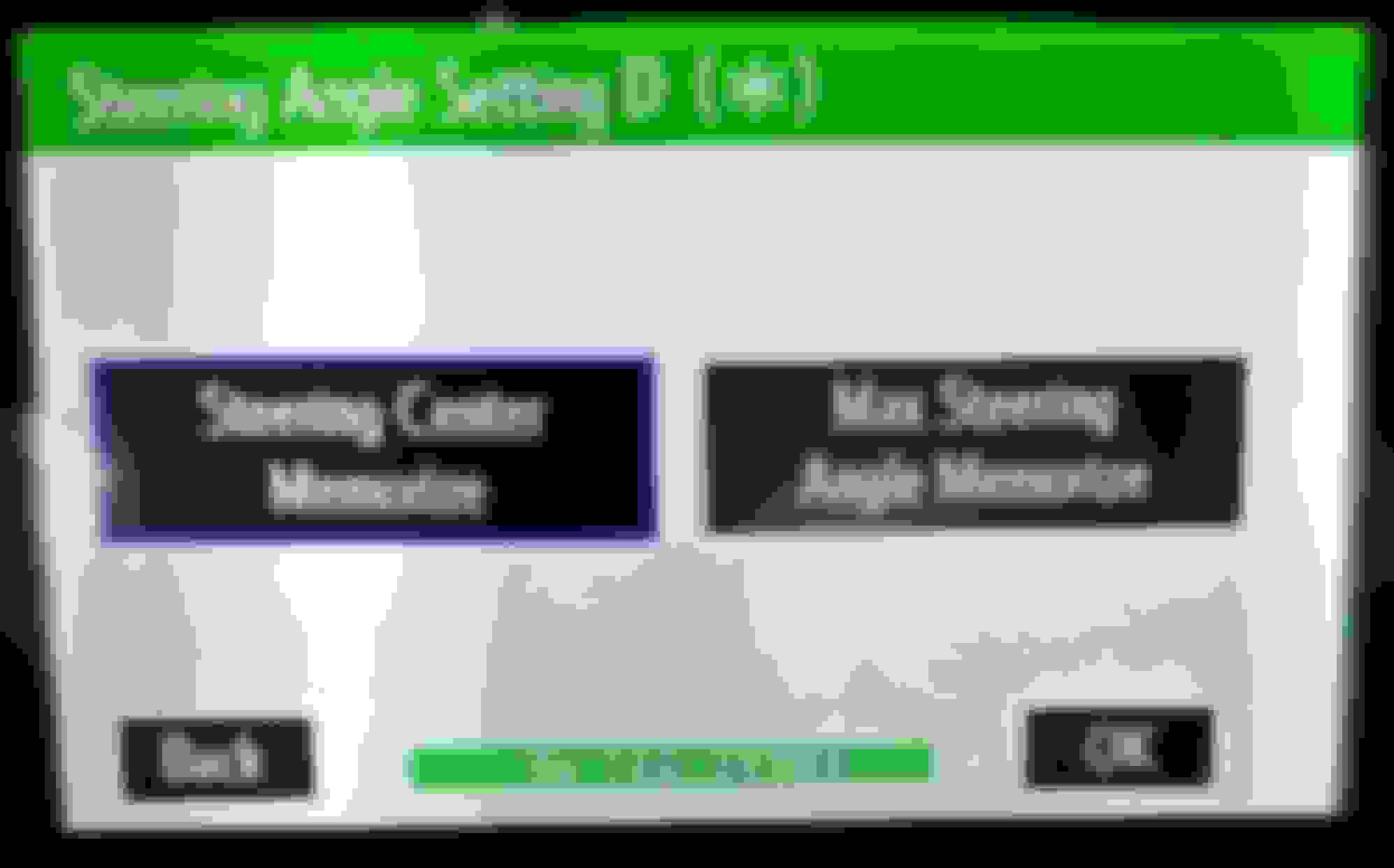
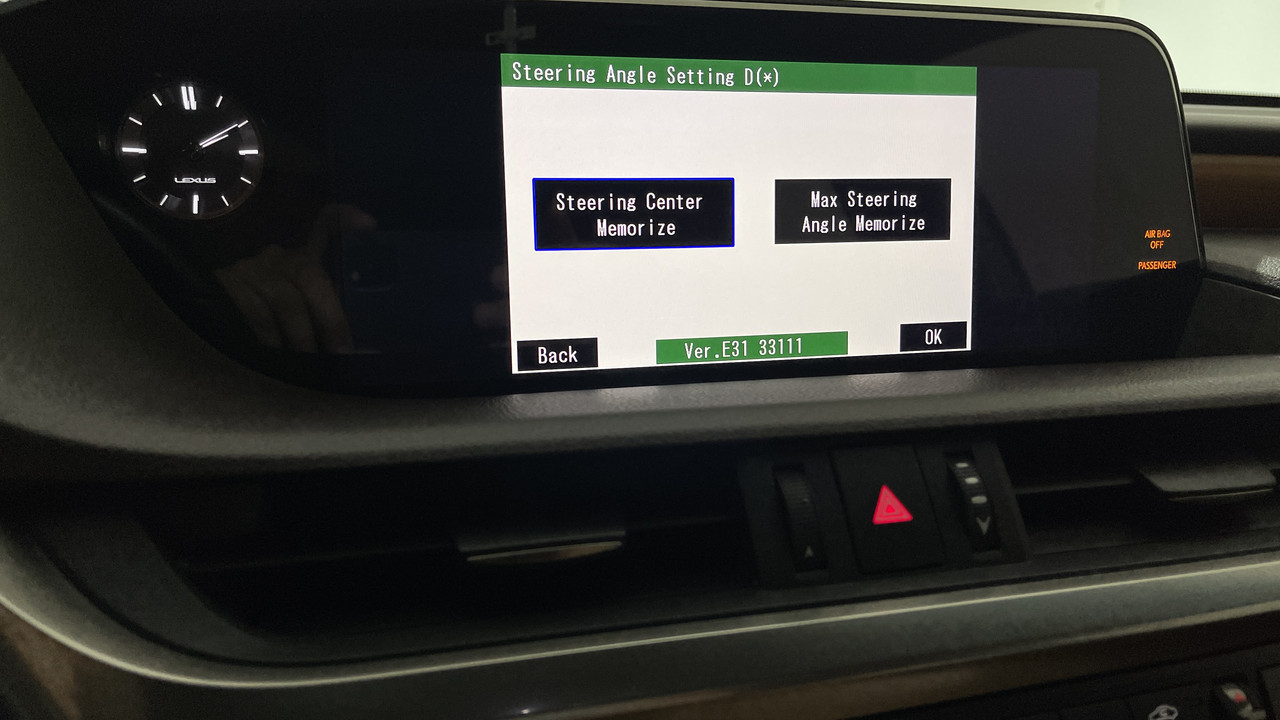
I can get to the 'Service Menu' however, it will not let me further set/save the 'Steering Center Memorize' or 'Max Steering Angle Memorize' options.


Your helpful knowledge is much appreciated.
Reply
Old Apr 7, 2023 | 04:31 PM
  #2  
ESh's Avatar
ESh
Lead Lap
10 Year Member
Photoriffic
Liked
Loved
 
Joined: Jun 2014
Posts: 4,966
Likes: 1,620
From: MI
Default

Turn the car on;
Turn the lights off;
Press on and hold te MENU button;
While holding the MENU button cycle the light ON/OFF switch 3 times (OFF PARKING LIGHTS ON - OFF PARKING LIGHTS ON - OFF PARKING LIGHTS ON;
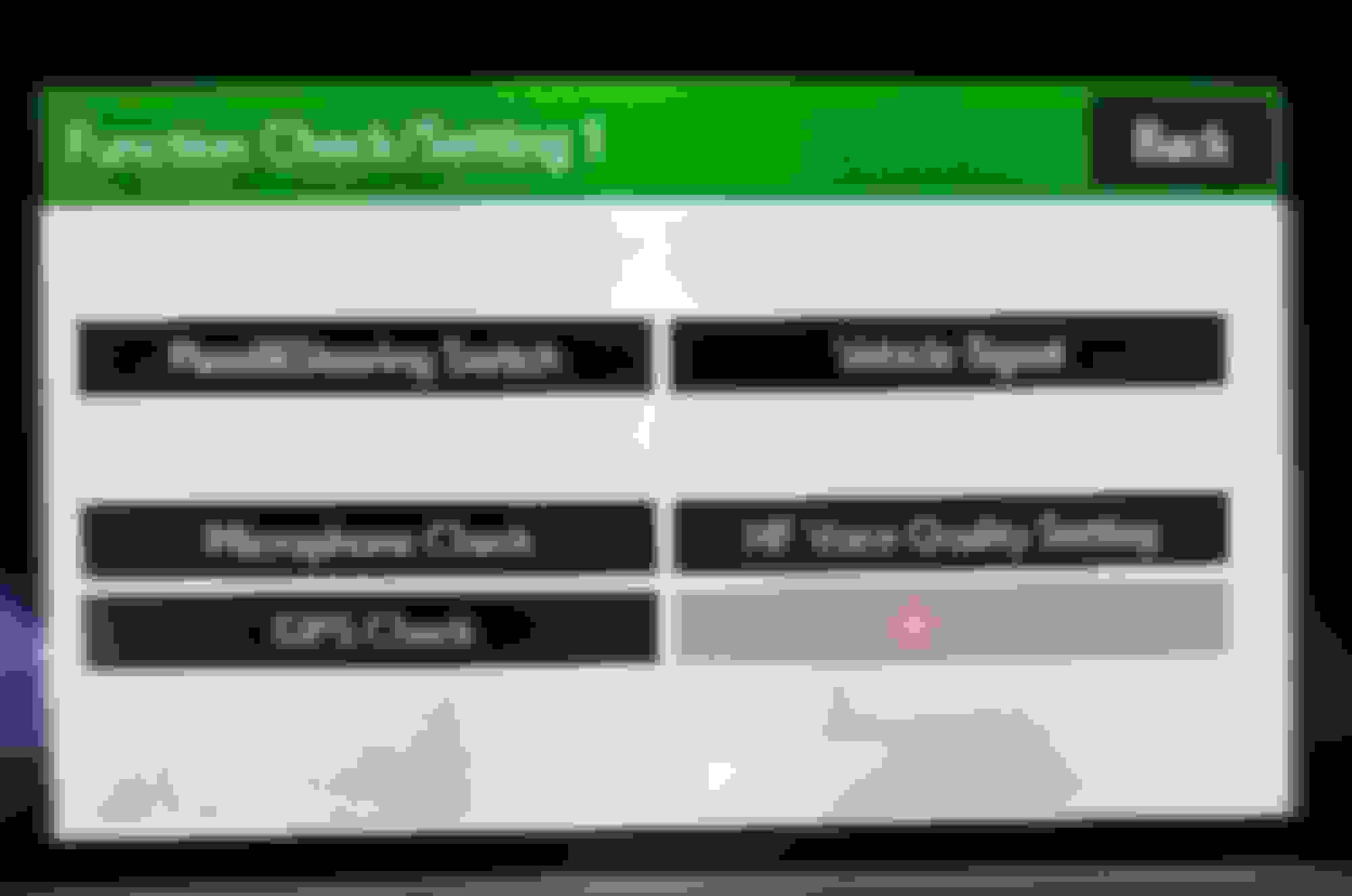
Click on Function check settings;
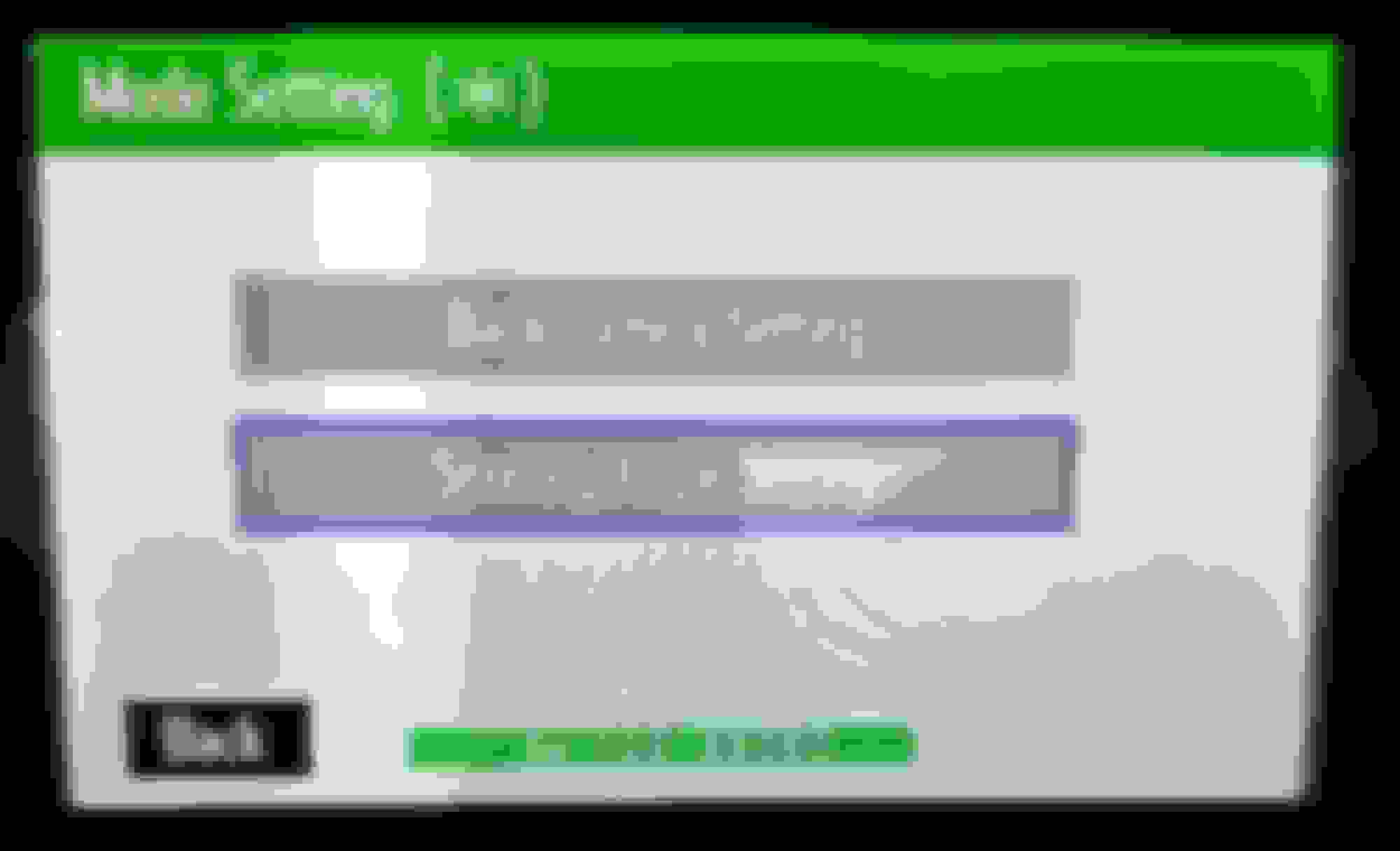
Click on Camera settings;
Click on Steering angle settings;
Hold the MENU button until you see PAN OK, click on OK;
Then hold MENU button on MAX steering angle…

Reply
Old Apr 7, 2023 | 04:46 PM
  #3  
EmeraldLexuSC3's Avatar
EmeraldLexuSC3
Thread Starter
Pole Position
 
Joined: Feb 2002
Posts: 3,124
Likes: 40
From: California
Default

Originally Posted by ESh
Turn the car on;
Turn the lights off;
Press on and hold te MENU button;
While holding the MENU button cycle the light ON/OFF switch 3 times (OFF PARKING LIGHTS ON - OFF PARKING LIGHTS ON - OFF PARKING LIGHTS ON;
Click on Function check settings;
Click on Camera settings;
Click on Steering angle settings;
Hold the MENU button until you see PAN OK, click on OK;
Then hold MENU button on MAX steering angle…
Done all of that, can’t get it to go beyond holding the MAX steering angle….. Nothing!

And I’m not paying Lexus for something that the Owner should be able to do. At least be part of the manual.
Reply
Old Apr 7, 2023 | 04:58 PM
  #4  
ESh's Avatar
ESh
Lead Lap
10 Year Member
Photoriffic
Liked
Loved
 
Joined: Jun 2014
Posts: 4,966
Likes: 1,620
From: MI
Default

Try to hold the CLICK intead of MENU when MAX steering angle.


Also, keep in mind that you cannot reprogram it if your steering is not at zero angle/full max angle.
Maybe it’s better to straighten up the steering wheel and then to do zero point calibration.

Last edited by ESh; Apr 7, 2023 at 05:02 PM.
Reply
Old Apr 7, 2023 | 05:15 PM
  #5  
ESh's Avatar
ESh
Lead Lap
10 Year Member
Photoriffic
Liked
Loved
 
Joined: Jun 2014
Posts: 4,966
Likes: 1,620
From: MI
Default

Is this the step you can’t go further?

Reply
Old Apr 7, 2023 | 09:10 PM
  #6  
EmeraldLexuSC3's Avatar
EmeraldLexuSC3
Thread Starter
Pole Position
 
Joined: Feb 2002
Posts: 3,124
Likes: 40
From: California
Default

Yes! That is as far it will let me go, I can not get into either one of those options.
Reply
Old Apr 8, 2023 | 02:05 AM
  #7  
ESh's Avatar
ESh
Lead Lap
10 Year Member
Photoriffic
Liked
Loved
 
Joined: Jun 2014
Posts: 4,966
Likes: 1,620
From: MI
Default

OK, so when you get to that step;

Select Steering center memorize;
Straighten the steering wheel and click Steering center memorize;
Select Max steering steering angle memorize;
Turn left to the lock and click Max steering angle memorize;
Turn right to the lock and click Max steering angle memorize;
Straighten the steering wheel, click OK.

You will gear a beep and that means the new values are stored.
Reply
Old Apr 14, 2023 | 07:36 AM
  #8  
EmeraldLexuSC3's Avatar
EmeraldLexuSC3
Thread Starter
Pole Position
 
Joined: Feb 2002
Posts: 3,124
Likes: 40
From: California
Default

I finally got it to calibrate...not quite sure what steps I did to get it to work.
Reply
Old Oct 9, 2023 | 08:52 AM
  #9  
mikemu30's Avatar
mikemu30
Lexus Test Driver
5 Year Member
Community Builder
Community Influencer
Liked
 
Joined: Jul 2017
Posts: 9,556
Likes: 3,397
From: NJ
Default

Originally Posted by EmeraldLexuSC3
Anyone here knows how to re-calibrate the rear camera?

I can get to the 'Service Menu' however, it will not let me further set/save the 'Steering Center Memorize' or 'Max Steering Angle Memorize' options.


Your helpful knowledge is much appreciated.
I have a similar problem trying to do this. Once I get to the BACK CAMERA or STEERING ANGLE screen, I cannot select the STEERING ANGLE box - the mouse pointer seems to go away at that point and then I'm at a dead end. Any help would be appreciated.
Reply
Old Oct 9, 2023 | 05:41 PM
  #10  
july1988's Avatar
july1988
Advanced
5 Year Member
Liked
Loved
Community Favorite
 
Joined: Mar 2019
Posts: 629
Likes: 232
From: USA
Default

Record a video Mike and upload here for free: https://streamable.com, maybe someone can duplicate and see if can go further...
Reply
Old Oct 9, 2023 | 06:04 PM
  #11  
mikemu30's Avatar
mikemu30
Lexus Test Driver
5 Year Member
Community Builder
Community Influencer
Liked
 
Joined: Jul 2017
Posts: 9,556
Likes: 3,397
From: NJ
Default

Originally Posted by july1988
Record a video Mike and upload here for free: https://streamable.com, maybe someone can duplicate and see if can go further...
Great idea - many thanks.
Reply
Old May 8, 2024 | 09:35 AM
  #12  
imzy82's Avatar
imzy82
3rd Gear
 
Joined: May 2024
Posts: 3
Likes: 0
Default

Hello,

How would I go about doing this on my Lexus UX250h 2023 (not the trackpad version).

How to get the service menu?
Reply
Old May 8, 2024 | 09:37 AM
  #13  
mikemu30's Avatar
mikemu30
Lexus Test Driver
5 Year Member
Community Builder
Community Influencer
Liked
 
Joined: Jul 2017
Posts: 9,556
Likes: 3,397
From: NJ
Default

Originally Posted by imzy82
Hello,

How would I go about doing this on my Lexus UX250h 2023 (not the trackpad version).

How to get the service menu?
Did you check in the UX forum? Not sure how many ES owners will know the answer.
Reply
Old May 8, 2024 | 09:47 AM
  #14  
imzy82's Avatar
imzy82
3rd Gear
 
Joined: May 2024
Posts: 3
Likes: 0
Default

Originally Posted by mikemu30
Did you check in the UX forum? Not sure how many ES owners will know the answer.
Thank you, just created a post there.
Reply
Old Feb 17, 2026 | 01:03 PM
  #15  
lexusgs00's Avatar
lexusgs00
4th Gear
 
Joined: Feb 2026
Posts: 4
Likes: 0
Default

Originally Posted by EmeraldLexuSC3
I finally got it to calibrate...not quite sure what steps I did to get it to work.

hey I’m in the exact same situation as you do you have any idea what worked for you because I cannot click on either of the options for max steering angle memorize or steering centre memorize

Reply


All times are GMT -7. The time now is 11:59 PM.