When you click on links to various merchants on this site and make a purchase, this can result in this site earning a commission. Affiliate programs and affiliations include, but are not limited to, the eBay Partner Network.
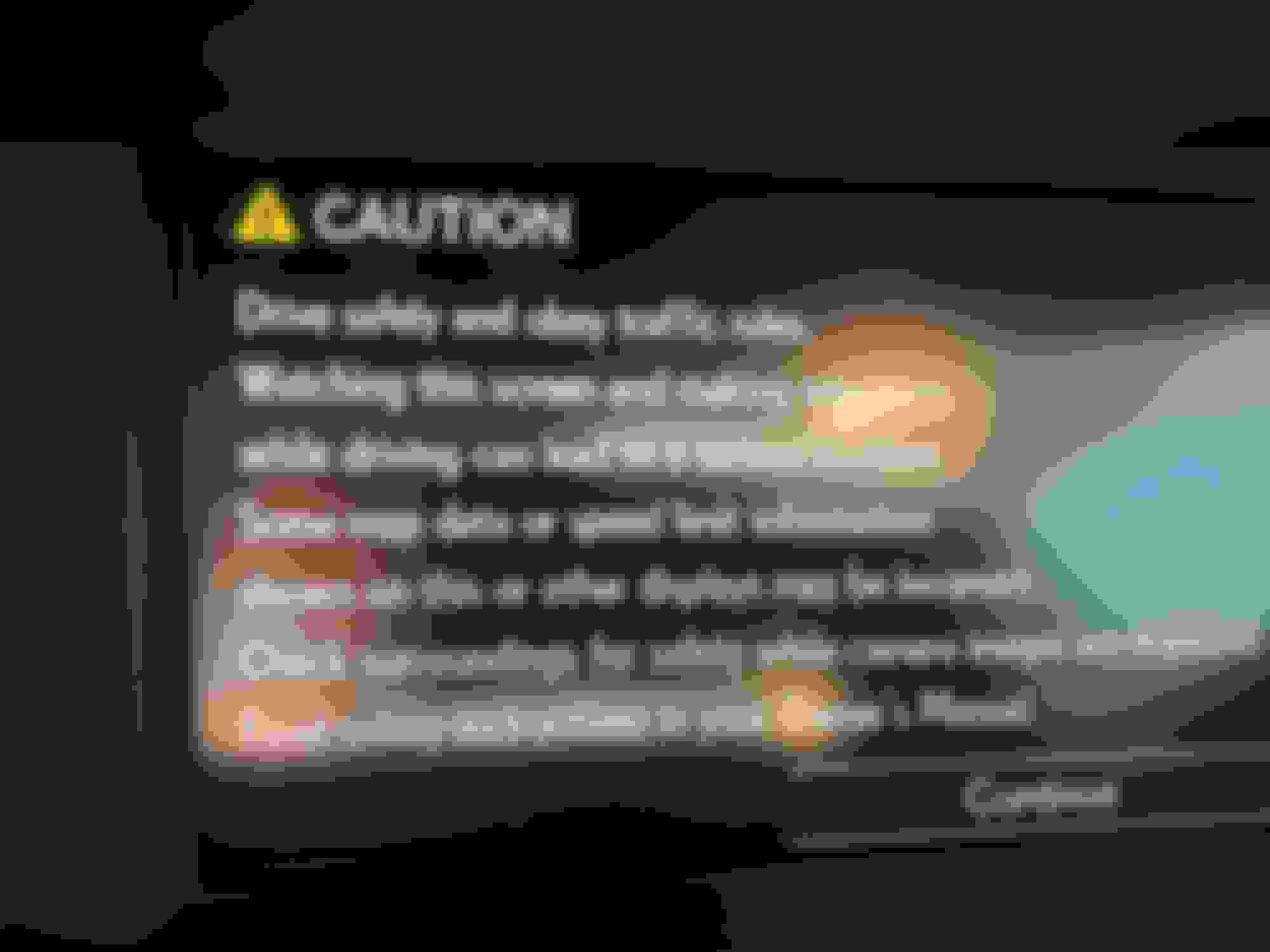
I picked up the latest SD card for the GPS Navi Maps. In my hast, I stupidly inserted the new SD card thinking I could follow the menu to update but instead the screen keeps rebooting to the startup "Caution" disclosure screen. I have been able to get the cursors focus to "Continue" but clicking it does nothing. Is there a way to reset or clear this endless lockout loop?
Yes it did. However, since posting, I decided to pull the battery terminal off for a "soft reset". Somewhat good news, It prompted me to insert the sd card so I installed the older card. It now says "checking data..."
It's been about 20 min but hopefully, it will go back to norm and I can try again. If it fails, I will try to install the new SD card unless someone has a better idea. At least now the menu screen works for everything except Navi.
All is good now. It finally said "SD card not readable" with the original card so I shut it down and inserted the new SD card. It automatically detected the newer card and started updating the maps. Just kinda weird that it froze to begin with.
That's good news that you didn't have to have Lexus hook up the digital technician software to assist with the update.
Sure is!! I paid $220 for the map SD card so I was afraid they were going to charge me a "stupid client" repair fee. LOL. I live in a developing community so it was good to see the maps are very recent.



 Locked Navi Screen